
Answered
Text panel Missing (Adobe XD)
I am using the text tool on adobe xd, but I am not able to align, font size, font family, etc.
I think I am missing some tabs/panels.
Please refer to the attached screenshot.
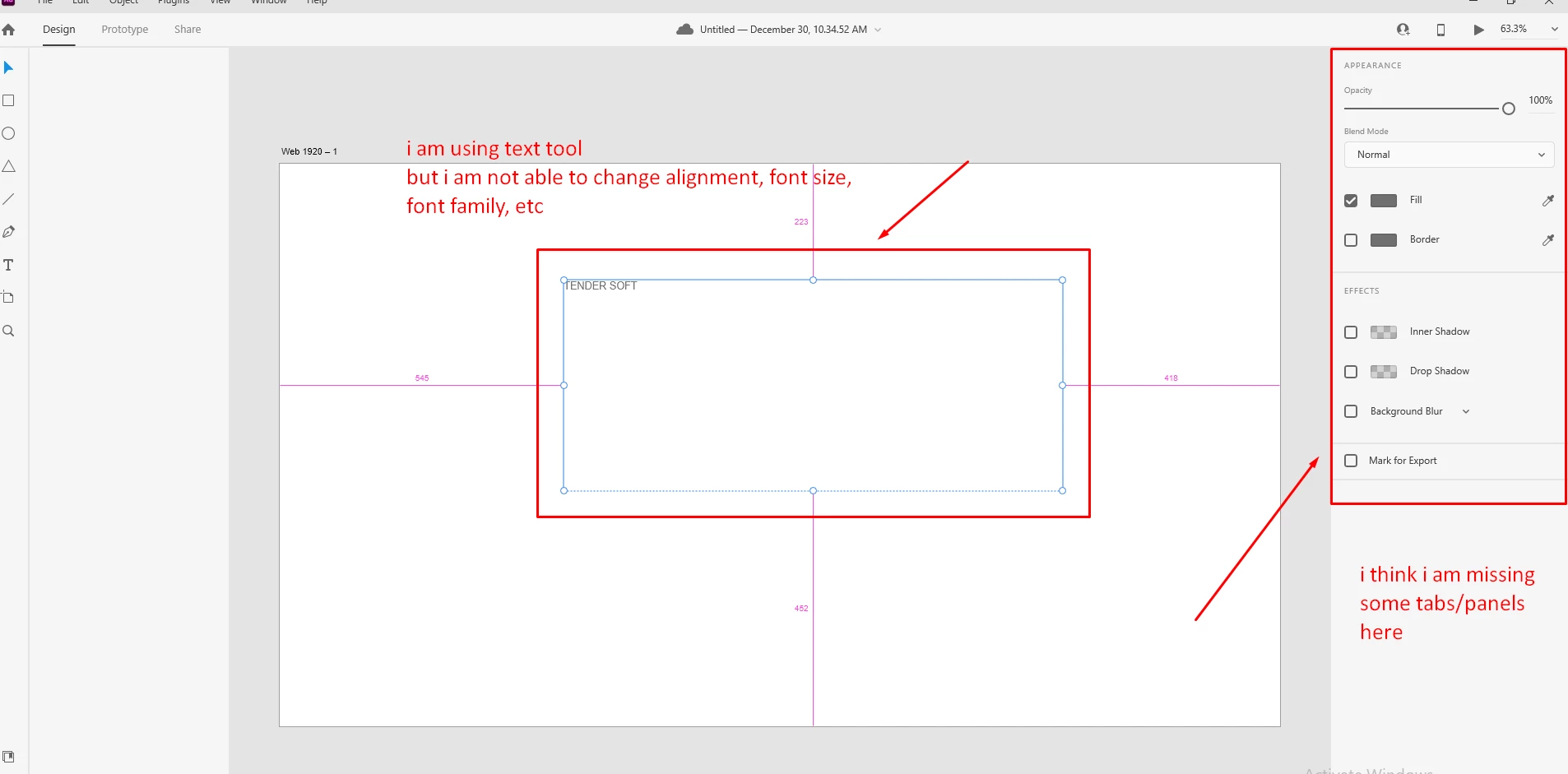

I am using the text tool on adobe xd, but I am not able to align, font size, font family, etc.
I think I am missing some tabs/panels.
Please refer to the attached screenshot.
Sorry for the delay in response. Please try the suggestions shared by @AkinGn In addition to that, could you please confirm the version of XD & OS? Also, could you please check if it allows you to scroll the right menu bar? I am sure you would have already tested many things before posting here but still, I want to double-check everything so that we can isolate this issue and help you as soon as possible.
Regards
Rishabh
I had some issues with my OS,
After Reinstalling windows everything got fixed.
Thanks for your support.
Already have an account? Login
No account yet? Create an account
Enter your E-mail address. We'll send you an e-mail with instructions to reset your password.


 AdChoices