
ulagan52512284
Participant
July 29, 2020
Answered

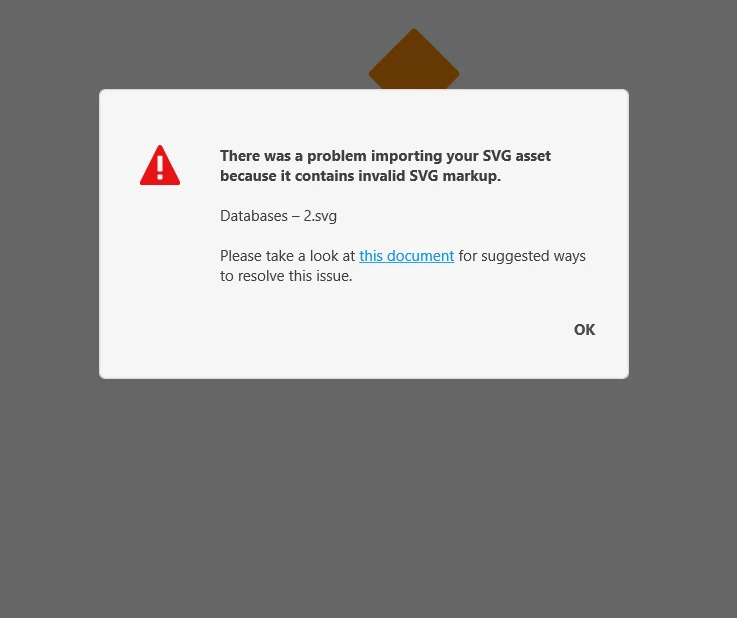
There was a problem import svg to XD file

  • July 29, 2020
  • 2 replies
  • 687 views

There was a problem, not able to import any SVG file to XD. I am using window 10 - It becomes very hard to work with XD - In our organization, we have more than 10 people using XD adobe - our work-life become tough to create simple SVG - usually we will use flaticon or client svg files. Please help us to fix this issue
 

    This topic has been closed for replies.
    Correct answer Kerstin5C92

    Hi @ulagan52512284 . We just had the same problem in our office. Windows 10, Adobe XD, importing SVG files from fontawesome did not work. After rebooting/trying other SVGs/doing all that was recommended in the linked document (w3c svg check, etc) we found the following solution:


    Copy the svg file to a local windows folder.


    The problem, here was, the svg file was on a network drive.


    The problem and solution and underlying reason evade us.


    kind regards

    Kerstin and Leo

    2 replies

    Kerstin5C92Correct answer
    Participant
    August 10, 2022

    Hi @ulagan52512284 . We just had the same problem in our office. Windows 10, Adobe XD, importing SVG files from fontawesome did not work. After rebooting/trying other SVGs/doing all that was recommended in the linked document (w3c svg check, etc) we found the following solution:


    Copy the svg file to a local windows folder.


    The problem, here was, the svg file was on a network drive.


    The problem and solution and underlying reason evade us.


    kind regards

    Kerstin and Leo

    Jeswin
    Participant
    July 29, 2020

    I had similar problem while downloading icons without logging in and importing it to svg. Once i logged in to that webpage, everything went fine. I refer either font awesome or nounproject to pick the icons. So, i advice you to try that way out.