hegap84520146
Participant
April 20, 2017
Question

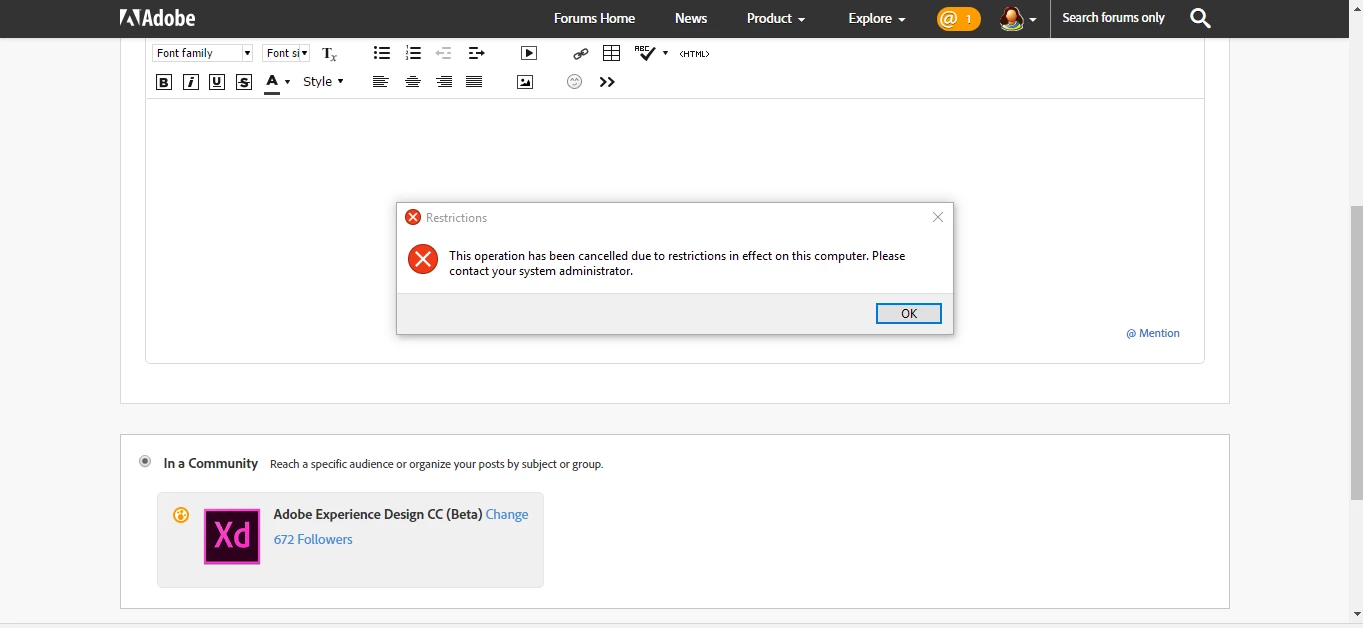
This operation has been cancelled due to restrictions in effect on this computer

  • April 20, 2017
  • 3 replies
  • 2762 views

This topic has been closed for replies.

3 replies

Participant
September 1, 2017

This worked on me!
1.
Press Windows Key + R and put regedit in Run dialog box to open Registry Editor (if you’re not familiar with Registry Editor, then click here). Click OK.

2. Navigate here:

HKEY_CURRENT_USER\Software\Microsoft\Windows\CurrentVersion\Policies\Explorer

3. In the right pane of this registry location, look for the sub-key to Explorer key named as DisallowRun with a value 1, just double click to change the value to 0.

Preran
Legend
April 21, 2017

This looks like an issue with your Operating System. Can you try the solution in this discussion?

This operation has been canceled due to restrictions in effect on this - Microsoft Community

Thanks,

Preran

elainecc
Participating Frequently
April 21, 2017

It's hard for us to tell what's happening here. Did this happen when you were in the forums, when you were trying to install, or when when you were trying to launch?

-Elaine
