rosieway
Known Participant
Dec 1, 2020 7:40 PM UTC
Answered

Unable to change grid setting on Adobe XD

Dear Adobe XD Community,


I got a question on changing the grid setting on XD.

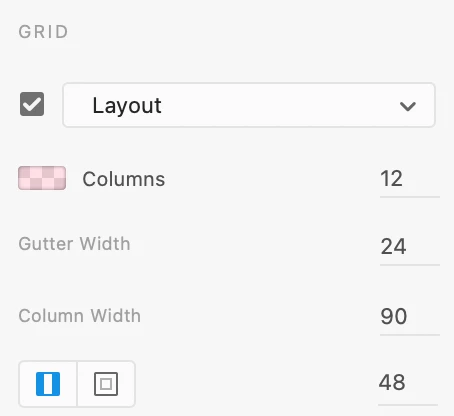
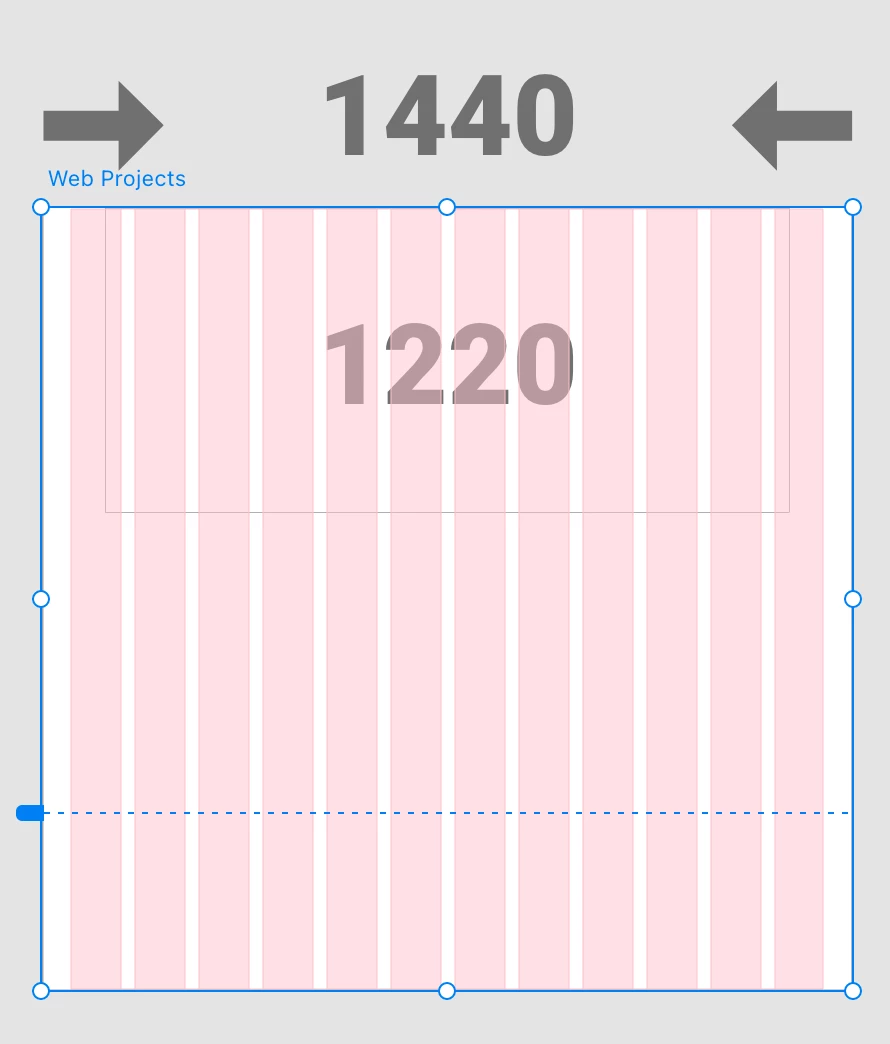
The artboard size that I used is a web size of 1440, and I want to have a width of 1220, No. of Columns: 12, Column width: 80 and Gutter width:24. However, I cannot set my column width to 80. It will automatically change to 90.


Thanks!
 

This topic is closed to new replies. Start a new post to keep the conversation going.
Shwetha Diwanji
Shwetha DiwanjiCorrect answer
Community Manager
Dec 2, 2020 9:03 AM UTC

Hi rosiew71818877,


Thank you for using Adobe XD. Layout grid parameters are calculated based on artboard width and number of columns so that we keep the grid within the bounds of artboard. As a reason you seeing it being auto-calculated.


Thanks,

SD

2 replies

Shwetha Diwanji
Community Manager
Shwetha DiwanjiCommunity ManagerCorrect answer
Community Manager
Dec 2, 2020 9:03 AM UTC

Hi rosiew71818877,


Thank you for using Adobe XD. Layout grid parameters are calculated based on artboard width and number of columns so that we keep the grid within the bounds of artboard. As a reason you seeing it being auto-calculated.


Thanks,

SD

Translate
rosieway
rosiewayAuthor
Known Participant
Dec 4, 2020 4:54 AM UTC

Thanks SD for the prompt response! It made sense now 🙂 

Translate