
September 11, 2021
Question

Unable to change the size and other fields in prototype mode in XD 43 windows

  • September 11, 2021
  • 2 replies
  • 832 views

Hi everyone,

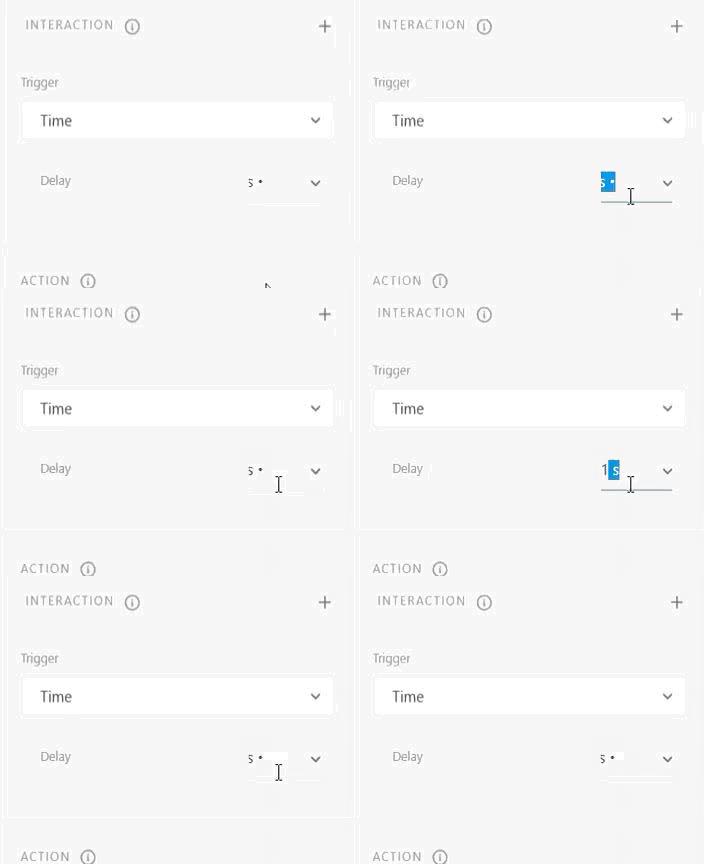
I can't change the size and other fields, it turn back to default state Whether i type numbers or choose them from the dropdown lists


I have uninstalled and reinstalled the program again and the issue still in there, How can I solve it?
I attached a gif


<Title renamed by moderator>

This topic has been closed for replies.

2 replies

Ares Hovhannesyan
Community Expert
Community Expert
September 12, 2021

What is selected on canvas?

September 12, 2021

Text, wires in prototype mode

HARSHIKA_VERMA
Community Manager
Community Manager
September 13, 2021

Hi Abeer,


We are sorry to see you're facing UI issue in the property panel. As suggesed above, have you tried Cleaner tool and see if the problem solves?


If no, please ensure your drivers are updated.


Let us know if that helps. We are here to help.


Thanks,

Harshika

Spas K.
Community Expert
Community Expert
September 12, 2021

Hi there. When did this start happening? Can you post your Xd and OS version? You can also try logging out and restarting Creative Cloud, if you haven't already.

September 12, 2021

thank you for your reply,

I’m not sure but i think it started since four days, I signed out and signed in again but it didn't work.

my xd version is 43.0.12 and OS version is windows 10 home version 21H1

Spas K.
Community Expert
Community Expert
September 13, 2021

I believe there was an update going out to Xd and a few other apps 3-4 days ago, one thing you can try is rolling back the update and installing the older 42.1.22 version, to see if the issue persists. You can do that by going to the CC app and on the apps tab, click the 3 small dots for Adobe Xd, and then other versions.


As a last resort, you can reinstall the whole CC App and Xd, using the Creative Cloud Cleaner tool. Make sure you read and follow the instructions on that page.