
Participant
June 22, 2022
Answered

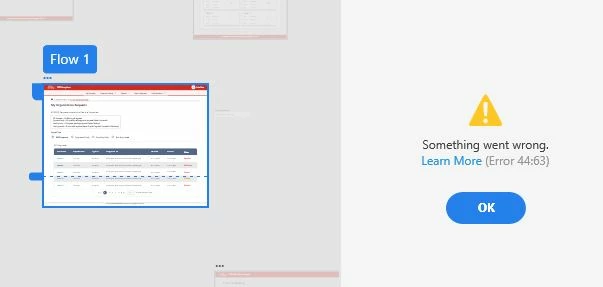
Unable to create prototype link in XD getting error 44:63.
  • June 22, 2022
  • 1 reply
  • 836 views


I try create a link, it starts directly from 50% and the next minute it shows this error. But after repeted uninstalling, reinstalling Adobe Xd and signing off and on Adobe Cloud, the result is still same. The internet is working fine. I have also tried copy pasting the artboards in a new file and creating link, so still same error. I am also finding that I am unable to access links I made in different projects.
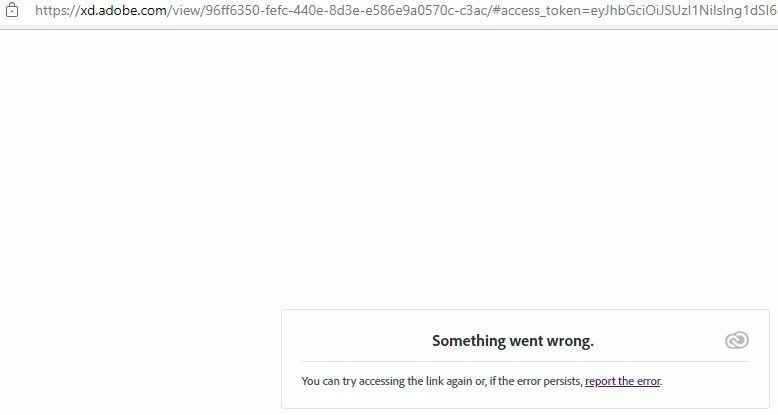
I believe it is somewhat an account corruption or something else. Please help!


<Title renamed by moderator>

This topic has been closed for replies.
Correct answer Rishabh_Tiwari

Hi @poojita2496733402cl ,


We're so sorry to hear about the trouble. In addition to what @Spas K.  suggested, please try switching to a different network and let us know if that solves the issue or if you need any further assistance. 


Regards

Rishabh

1 reply

HARSHIKA_VERMA
Community Manager
Community Manager
June 22, 2022

Hi @poojita2496733402cl,


We are sorry to hear you're having trouble creating the link in XD. Would you mind confirming if this is happening with this specific file or all the files? Could you please try changing the internet connection and then let us know if that helps? 

If that doesn't help, please also try the solutions in the order in which they are listed. 

  • Reduce the number of assets in your files and retry 
  • Split your artboards into two separate files and retry. 


I will try my best to help.


Thanks,

Harshika

Participant
June 23, 2022

Hi Harshika, yes this is happening with all the other files as well.
I am unable to create new links in existing projects which have links. I have also tried copy-pasting the artboard to a new file considering that particular file may be corrupted. Currently I unable to create a new link in any file, not view existing links in other files.

Spas K.
Community Expert
Community Expert
June 23, 2022

Hey, when did this start happening? Was it after some update or a change in your hardware / software configuration? Are you using a VPN? Are you using some anti-virus software that might be interfering?