
Participant
Apr 19, 2022 2:15 PM UTC
Question

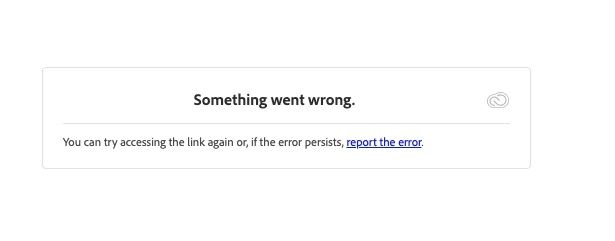
Unable to load prototype in web - error

From monday Apr 18th I was unable to access all my current prototype links, It showed me this error message. 

"Something went wrong. You can try accessing the link again"

I already updated my browser, unnistall and installed again Adobe XD and it retrieves the same issue.

I can access my cloud library but my protoype links are not working.
 

    This topic is closed to new replies. Start a new post to keep the conversation going.

    6 replies

    Harshika Verma
    Community Manager
    Community Manager
    Apr 19, 2022 3:21 PM UTC

    Hi Cesar24090037cz56,


    We are sorry to hear you are unable to access any of your prototype links. Could you please share any prototype links with us so that we can check them at my end? 

    Please also confirm if you've tried opening the link in different browsers and let us know if that helps.


    We will try our best to help.


    Thanks,

    Harshika

    Translate
    Participant
    Apr 19, 2022 3:28 PM UTC

    Thanks, 

    here is a couple of links:


    https://xd.adobe.com/view/f98b4f57-6f2c-439a-9453-a90d04a30d9b-acd8/


    https://xd.adobe.com/view/c1a05649-00b3-4986-9a35-64b4e17566be-94f3/


    I already tried in Chrome, Safari and Firefox with the same error screen.


    Thanks in advance

    Translate
    Kenneth Kawamoto
    Community Expert
    Community Expert
    Apr 19, 2022 3:53 PM UTC

    Your prototypes all look good from here

    Translate