


WorldTicket
Participant
February 17, 2021
Answered

Unable to open a cloud file and it keeps on syncing

  • February 17, 2021
  • 1 reply
  • 493 views

I try to open my project but there's one file that I have been trying to but never succeed it's stuck while opening and saying " Syncing..."
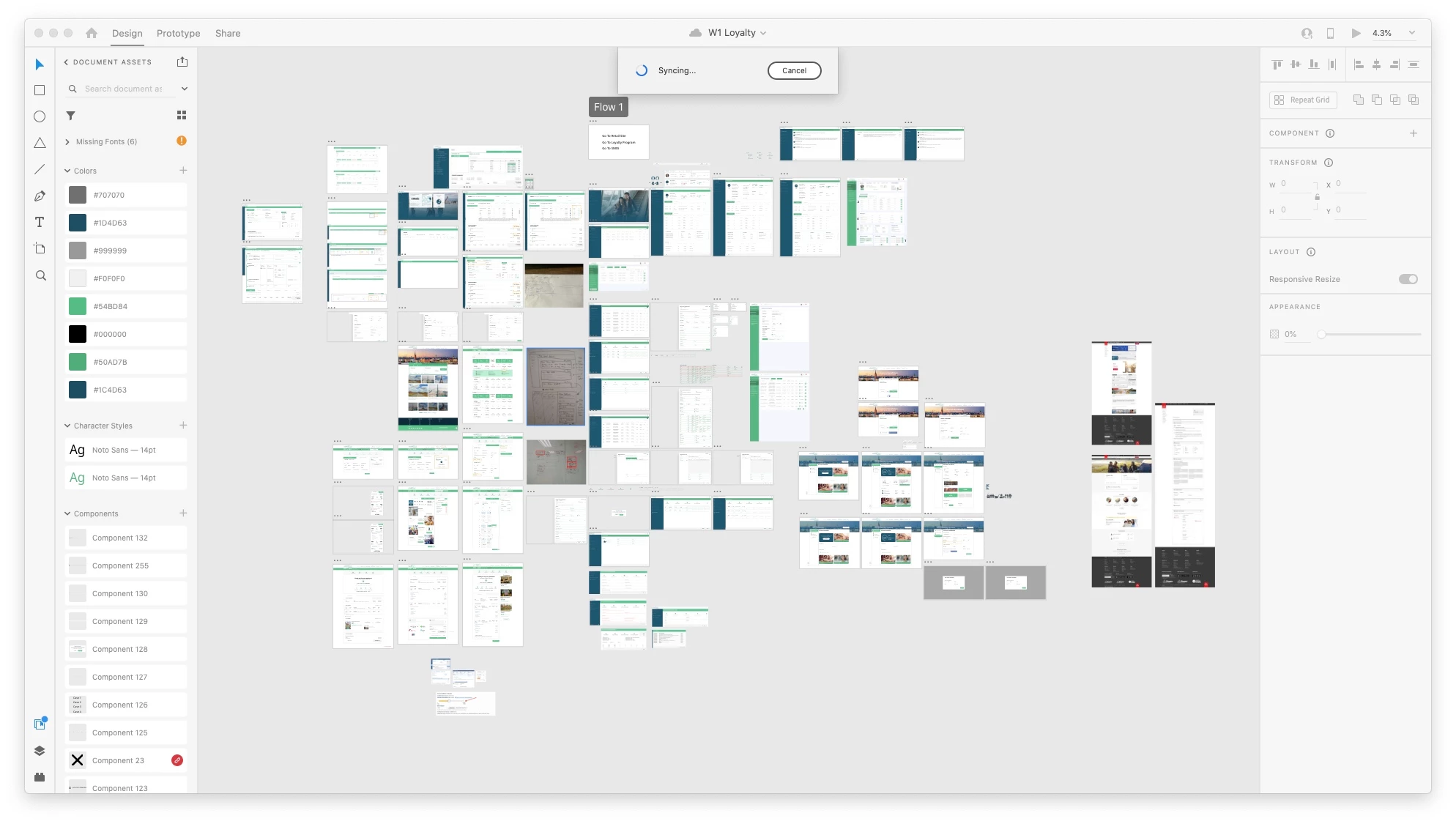
any suggestion?


{Renamed By MOD}

This topic has been closed for replies.
Correct answer WorldTicket

Hi
I contact directly to Adobe Help and the agent told me to go to the cloud https://assets.adobe.com/cloud-documents
then I download the file and open it manually it works for me this way and I just save to the cloud again I know isn't the correct way but at least in case someone has the same issue as mine can know how to fix it.

1 reply

Rishabh_Tiwari
Legend
February 17, 2021

Hi there,


Sorry to hear about the trouble. Please try the steps shared below:


  1. Sign out of XD and CC desktop app.
  2. Close CoreSync and all Adobe-related processes from the Task Manager/Activity Monitor.
  3. Sign back in on the Adobe CC Desktop app and launch XD from there and check if it works or not.


If it still doesn't work, please try the suggestions shared in this article: https://helpx.adobe.com/xd/kb/fix-issues-with-xd-cloud-documents.ug.html#unable-to-create-open-cloud-docs


Let us know if this helps or if you need any further assistance.


Regards

Rishabh

WorldTicket
WorldTicketAuthorCorrect answer
Participant
February 18, 2021

Hi
I contact directly to Adobe Help and the agent told me to go to the cloud https://assets.adobe.com/cloud-documents
then I download the file and open it manually it works for me this way and I just save to the cloud again I know isn't the correct way but at least in case someone has the same issue as mine can know how to fix it.