Participant
Dec 1, 2019 5:19 PM UTC
Answered

Unable to open Adobe XD file

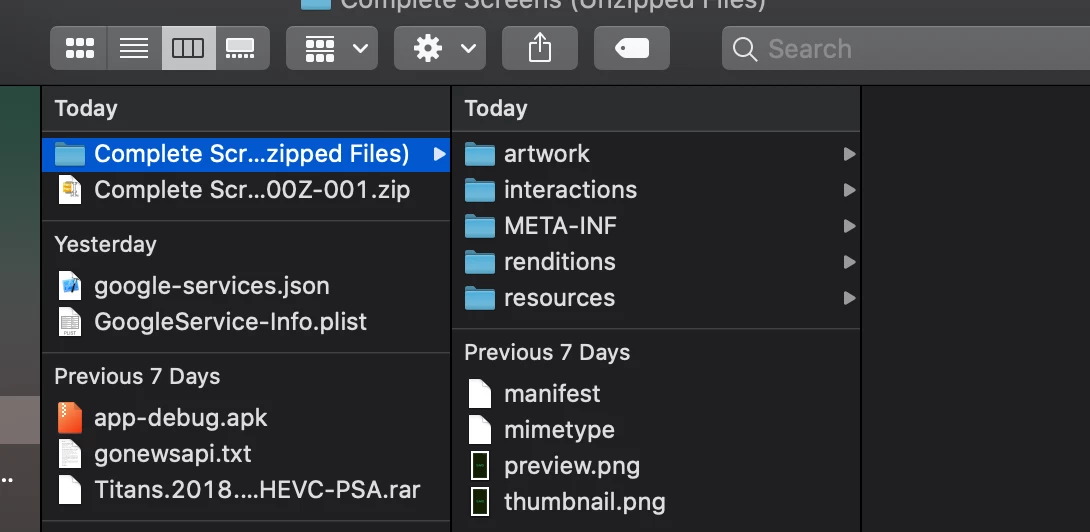
Unable to view the Adobe XD file, when I download. How do I open the following file in Adobe XD with artwork, interactions, META-INF etc??
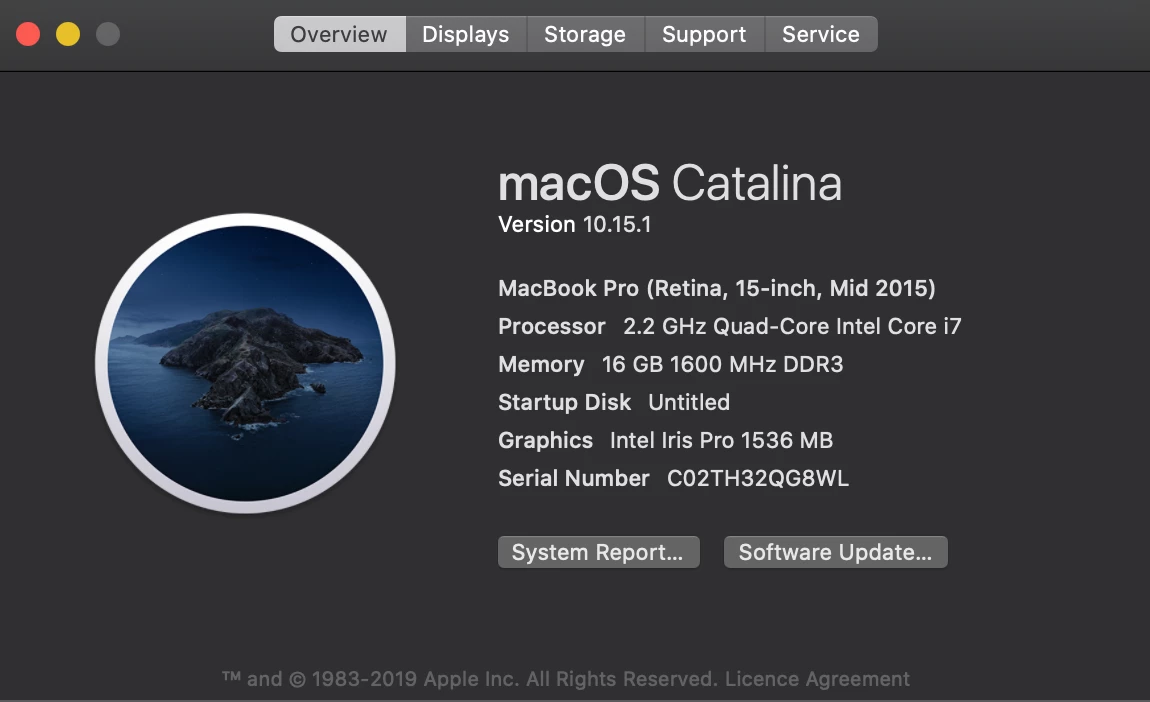
About device - 
This topic is closed to new replies. Start a new post to keep the conversation going.
user1732278Correct answer
Adobe Employee
Dec 2, 2019 4:17 AM UTC

Hello AlphaGamer,


We are sorry to hear you're facing trouble. I think some problem with the unzipping. Please rename the file with the .xd eg: complete_scr.xd.

If this does not solve your problem please forward me the file so we can investigate.


Regards,

Arpitha,

Adobe XD

3 replies

user1732278Correct answer
Adobe Employee
Dec 2, 2019 4:17 AM UTC

Hello AlphaGamer,


We are sorry to hear you're facing trouble. I think some problem with the unzipping. Please rename the file with the .xd eg: complete_scr.xd.

If this does not solve your problem please forward me the file so we can investigate.


Regards,

Arpitha,

Adobe XD

Translate
Inspiring
Jul 12, 2022 10:07 AM UTC

Solution Ensure that you have installed the latest versions of the Creative Cloud desktop app and the XD app. Restart your computer. Wait until the Creative Cloud icon appears in the Windows taskbar or the macOS menu bar.


Regards,

Rachel Gomez

Translate
Participant
Jul 12, 2022 10:11 AM UTC
Thanks for replying so quickly! --
Athif Shaffy
<>
<>
Translate
