


Participant
May 4, 2020
Question

Unable to open cloud documents in Adobe XD

  • May 4, 2020
  • 1 reply
  • 478 views

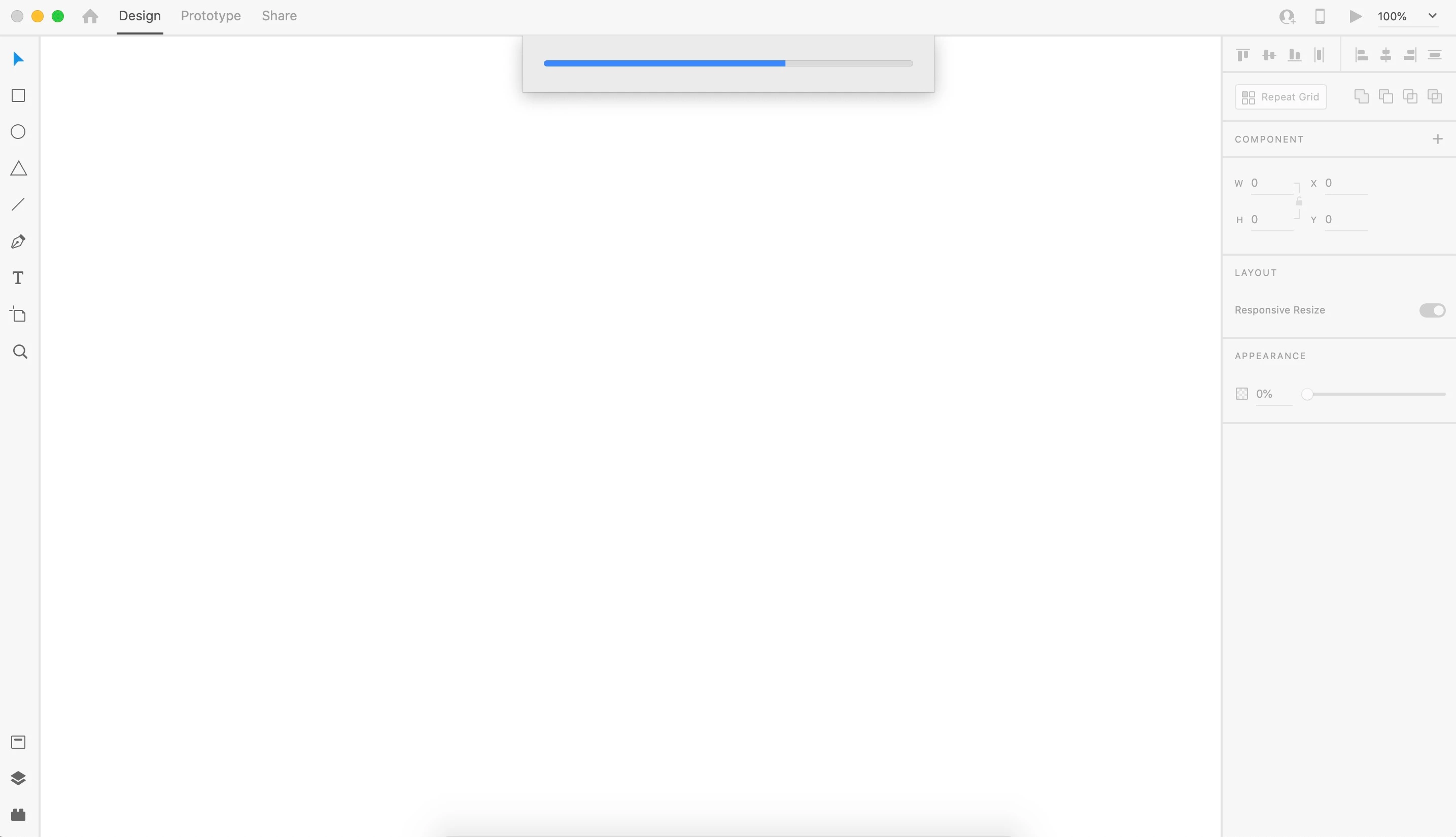
When I try to open any Adobe xd file, the progress bar gets stuck forever and the file never opens. Please help, I need to get work done. (I'm on a mac computer & have Adobe XD version 28.7.12.4)
{Renamed By MOD}

This topic has been closed for replies.

1 reply

Rishabh_Tiwari
Legend
May 4, 2020

Hi there,


Sorry to hear about the trouble. I'd request if you can share a few more details like:


  1. The version of Adobe Cloud Sync, for that you can share a screenshot of the About XD info page.
  2. Please try signing out of Adobe XD, please quit the application, sign out from Adobe Creative Cloud Desktop Application and close all Adobe related processes in Activity manager and then check again after signing back in Adobe Creative Cloud Desktop App and launching Adobe XD from there.


Regards

Rishabh