Participant
January 20, 2022
Answered

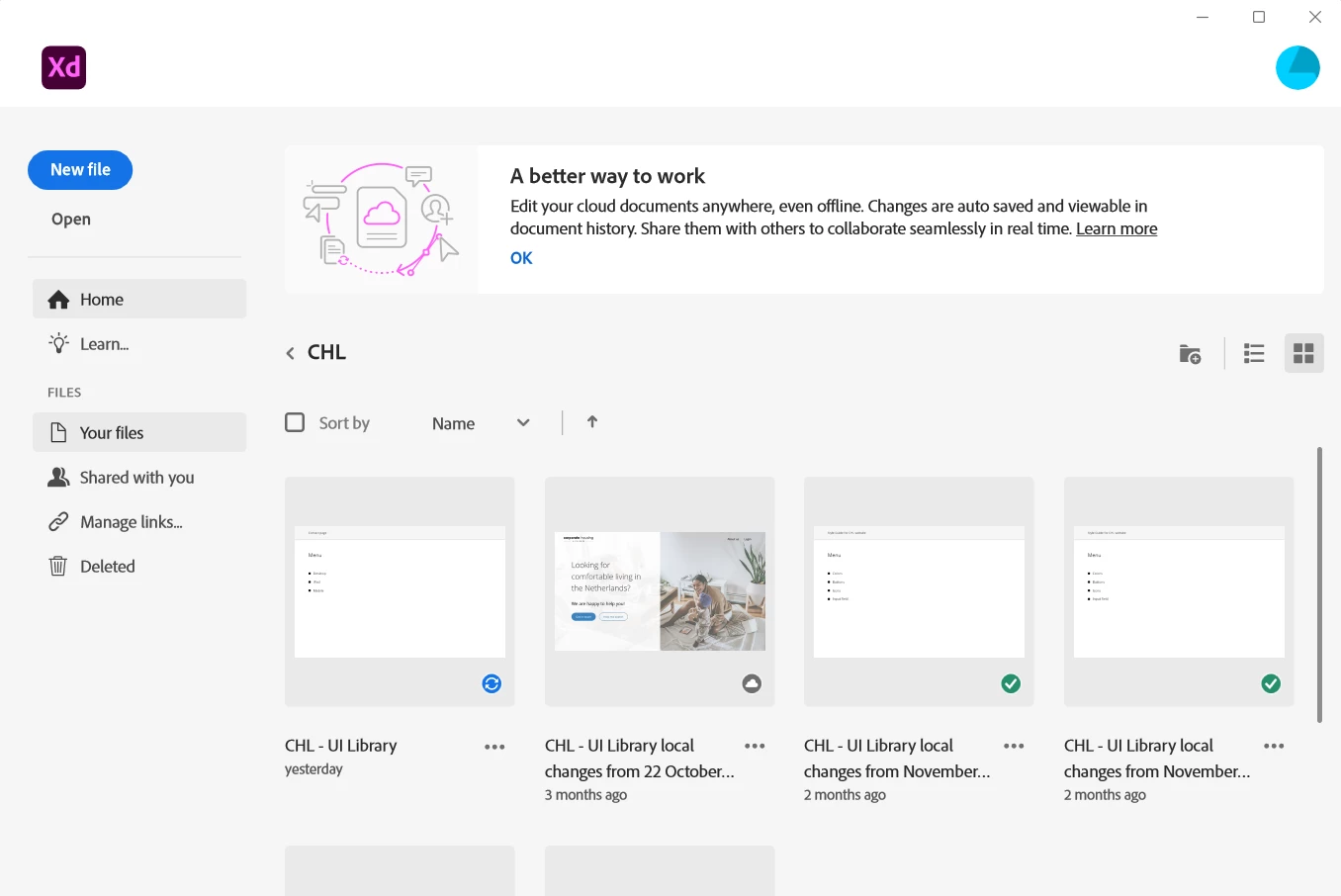
Unable to open XD file stuck on syncing.

  • January 20, 2022
  • 1 reply
  • 441 views

Hello, 


I am facing an issue with Adobe XD syncing cloud file. I am not able to enter the file. 
I already tried:

  • Re-open Adobe XD
  • Logout and login from Creative cloud
  • I have newest version (47.0.22)


Can anyone from Adobe Support help me out? 
Thank You, 


<Title renamed by moderator>

This topic has been closed for replies.
Correct answer M. Werst

I appreciate for your help Rishabh! 

What worked for me:

  • I downloaded the file from Creative Cloud website to my computer and from there I created new cloud file. 

Thank You, 

Justas

1 reply

Rishabh_Tiwari
Community Manager
Community Manager
January 20, 2022

Hi there,


Sorry to hear about the trouble. Please try the suggestions shared here and let us know if this helps or if you need any further assistance.


Regards

Rishabh

M. WerstAuthorCorrect answer
Participant
January 21, 2022

I appreciate for your help Rishabh! 

What worked for me:

  • I downloaded the file from Creative Cloud website to my computer and from there I created new cloud file. 

Thank You, 

Justas