Infoaxon
Participating Frequently
May 6, 2020
Answered

Unable to rename some components

  • May 6, 2020
  • 2 replies
  • 2659 views

Hi Adobe and others, 

Device - Macbook Pro 15 inch 2019 
Model - 2.3 GHz i9 version with Radeon Pro 560X
OS -  macOS Catalina 10.15


Adobe XD version -  28.8.12.1
Creative Cloud Sync -
4.3.42.4

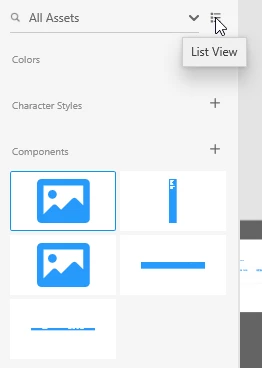
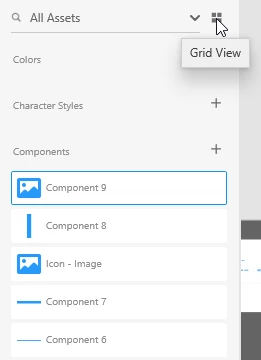
I'm attaching a video to show what's happening. When I'm trying to rename any component I double click it and the screen flashes. However, it doesn't happen with all the components. Moreover, I tried renaming it using the right click > rename but no success. It enters in the rename mode flashes and gets back.


{Renamed By MOD}
This topic has been closed for replies.
Correct answer Rishabh_Tiwari

Found


Hi Paul,


Thanks for reaching out. Yes, you can rename the components by double-clicking on the components in the Asset panel. Feel free to reach out to us if you have any other questions or issues in the future.


Regards

Rishabh

2 replies

Participant
January 3, 2021

ploneerdjserato8

Rishabh_Tiwari
Legend
May 6, 2020

Hi there,


Sorry to hear about the trouble. Could you please confirm if this happens with a specific file or multiple files? Will it be possible for you to share the file with us so that we can test this on our end? If yes, please add the file in cloud storage and you can share the link either here or if you want to send privately you can click on my name and then send a message.


Regards

Rishabh

Infoaxon
InfoaxonAuthor
Participating Frequently
May 7, 2020

I am not sure what's happening. I restarted my computer everything is working now. I'll still share the file for you all to check. I've removed my client's information for NDA reasons. Design Assets.xd 

Rishabh_Tiwari
Legend
May 7, 2020

Glad to hear it has been resolved! Feel free to reach out if you have any other questions or issues in the future.