

Derpsider
Participant
May 13, 2020
Answered

Unable to see cloud files, getting error 401 Unauthorized.

  • May 13, 2020
  • 1 reply
  • 5042 views

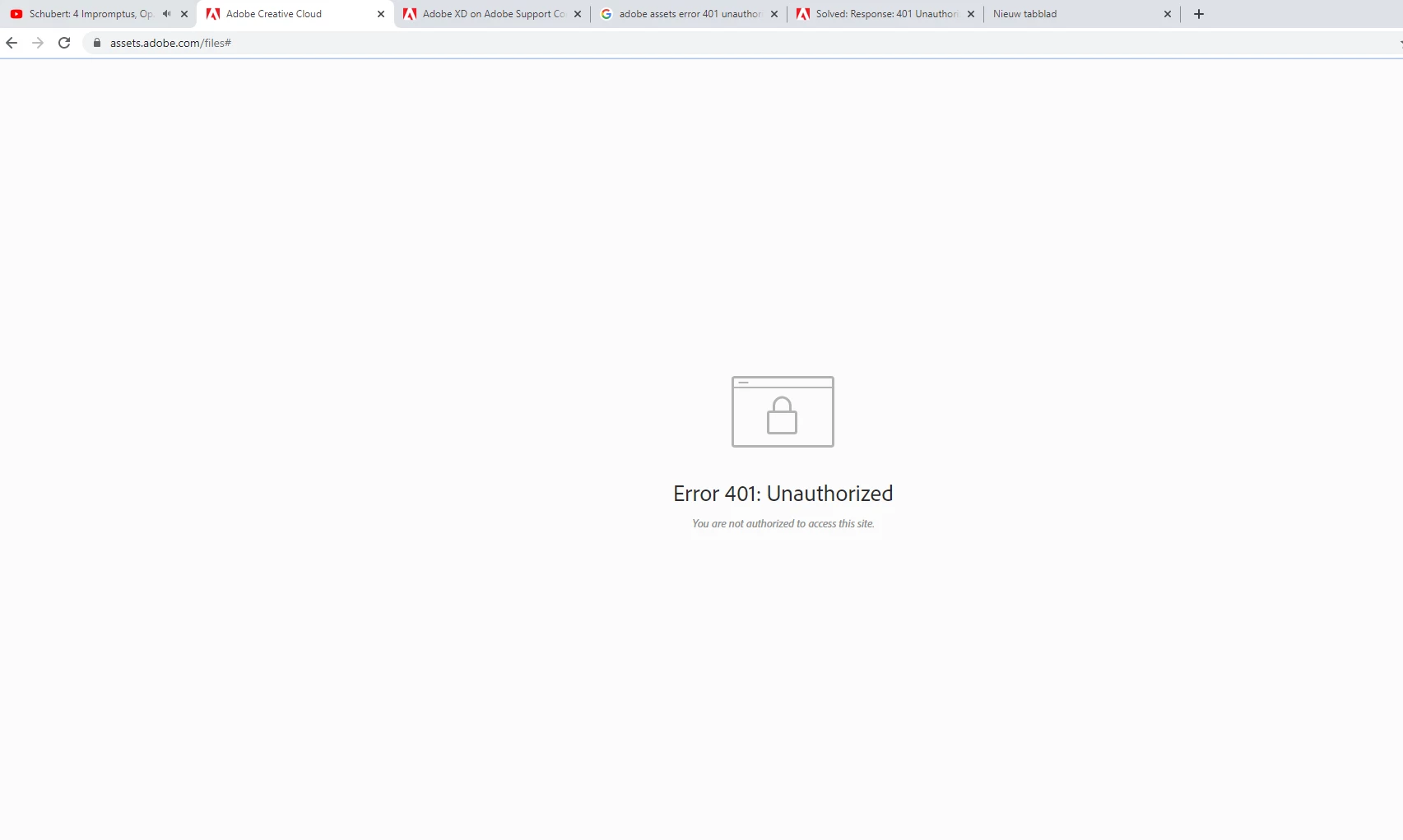
Got no clue how this suddenly happened. The only way for me to explain the situation, is by showing the pictures that you can see below.

Just.. *woop* says unauthorized. Not only for the website, but also for my cloud projects.

(might be my stupidity by not realizing the adobe assets is required to have a premium account to access.. But if I'm not mistaken, I thought you could freely enter this site before)
 

I've reinstalled Adobe xd (had hope but nope..) can't access my cloud files and can only look at the text 'something went wrong'. Maybe if you told me what went wrong, I'd feel a lot better 😕😕
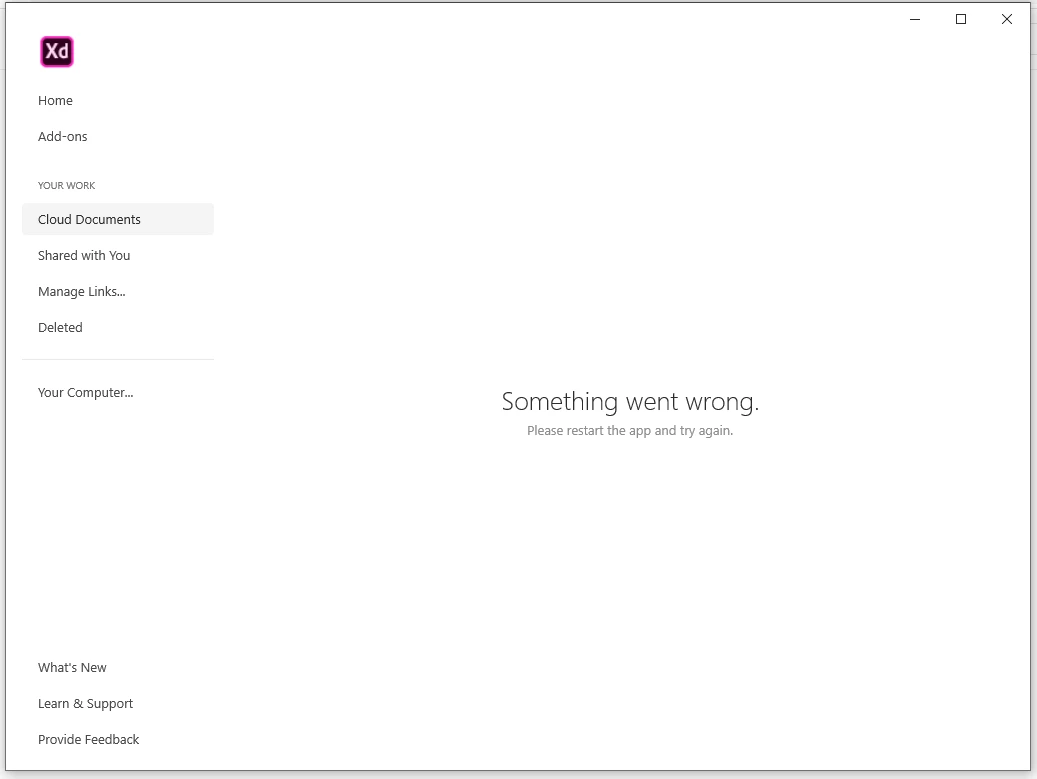
Anyways, it's too vague of a question to ask for an answer with the lack of information that is provided. But if you would know how to fix this problem, I would greatly appreciate the answer. 


edit 1:

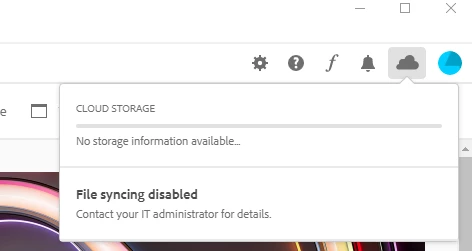
Apparently I've need to contact an IT administrator.. huh? For the advice I could find online was that I need to reinstall my programs or delete \coresync\option.tix (that it couldn't find). But ye, still not allowed to be enabled for 'some' reason
 

{Renamed by MOD}

This topic has been closed for replies.
Correct answer Derpsider

Just found the solution. Still thanks for responding Rishabh. 

I checked the steps I needed to take with my enterprise account. 

  • Closed Adobe and afterwards reinstalled it
  • Inserted an assetslink in my extensions
  • deleted the database in my configuration  

Yet saw nothing worked. But to my suprise, saw I was authorized to access my cloud files on my laptop (was on my computer at the time). 


And after all that, the problem was...

That I was on the wrong account ಠ_ಠ


Apparently switched accounts without noticing during the day (Forgot I even had a 2nd account).

1 reply

Rishabh_Tiwari
Community Manager
Community Manager
May 13, 2020

Hi there,


Sorry to hear about the trouble. Could you please share a few more details like:


  1. The version of Adobe XD.
  2. Do you have a personal account or an Enterprise account?
  3. If you have a personal account, please sign out of Adobe XD and Creative Cloud desktop app, close all Adobe related processes from Activity monitor or task manager, sign back in and check again.
  4. If you have an Enterprise account, you can refer to this article: https://helpx.adobe.com/enterprise/kb/asset-link-troubleshooting.html or you can also contact your administrator.


Regards

Rishabh

Derpsider
DerpsiderAuthorCorrect answer
Participant
May 13, 2020

Just found the solution. Still thanks for responding Rishabh. 

I checked the steps I needed to take with my enterprise account. 

  • Closed Adobe and afterwards reinstalled it
  • Inserted an assetslink in my extensions
  • deleted the database in my configuration  

Yet saw nothing worked. But to my suprise, saw I was authorized to access my cloud files on my laptop (was on my computer at the time). 


And after all that, the problem was...

That I was on the wrong account ಠ_ಠ


Apparently switched accounts without noticing during the day (Forgot I even had a 2nd account).

Rishabh_Tiwari
Community Manager
Community Manager
May 13, 2020

Glad to hear it has been resolved! Feel free to reach out if you have any other questions or issues in the future.