


Participant
January 6, 2022
Question

Unable to see shared library in Adobe XD

  • January 6, 2022
  • 3 replies
  • 2108 views

Hi,
We have a number of shared XD libraries in our design team which I have been added to. When I accept the invitation to join a shared libraries, it becomes visible on the Web but not in the Creative Cloud app or within XD.
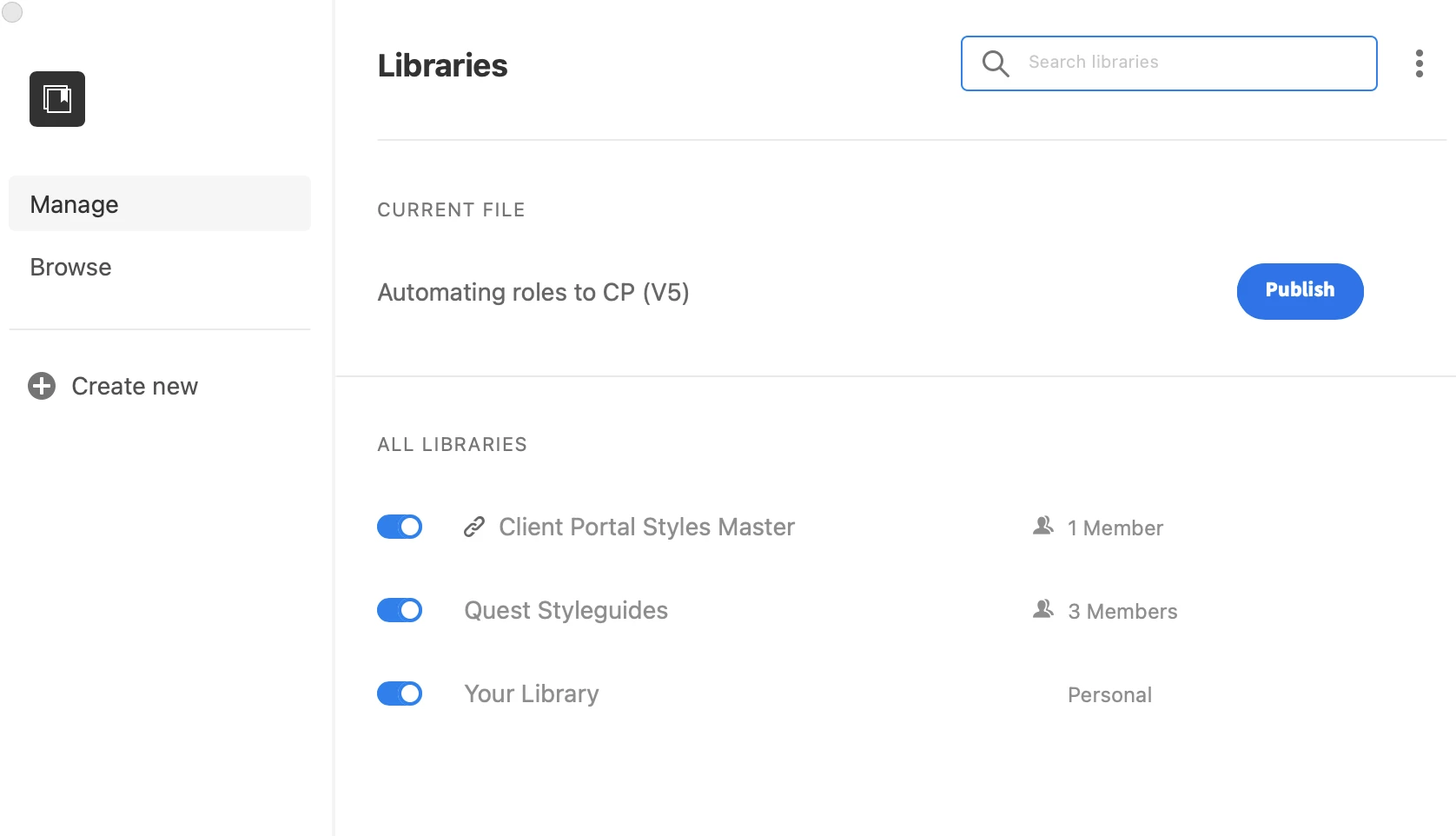
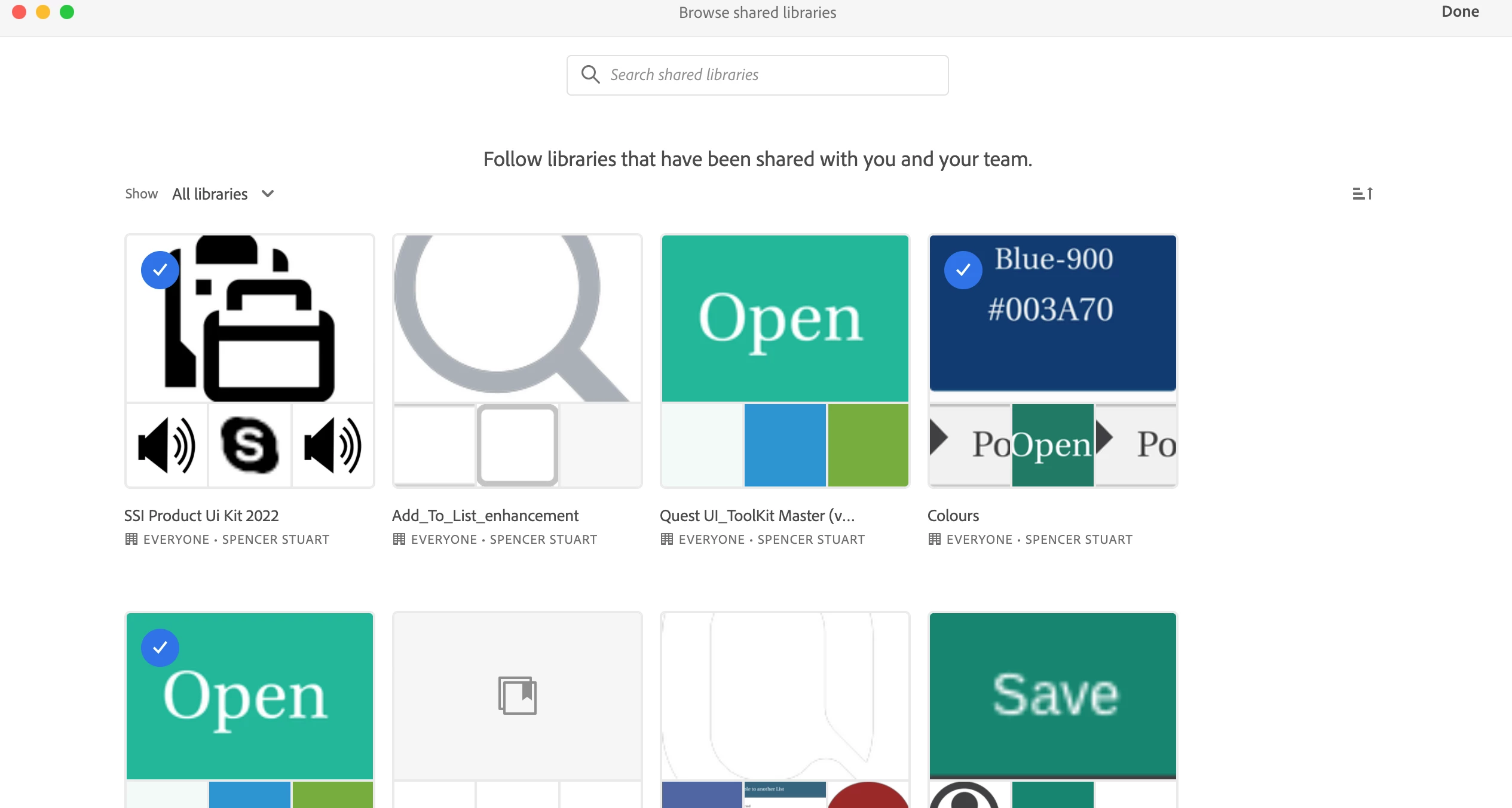
I have reinstalled XD several times and also reinstalled Creative Cloud app but I keep getting the same issue with libraries not syncing and even if they eventually do the libraries are still not accessible in XD.
I’m using a MacBook pro and the OS is macOS Monterey 12.1


Thanks for your help


{Renamed By MOD}

    This topic has been closed for replies.

    3 replies

    Participant
    June 27, 2023

    I am having the same issue over and over. At the moment I cannot see the libraries I am added to. 

    Please help

    Inspiring
    October 31, 2023

    I am also having the same issue. Is XD even a priority for Adobe any more?

    Chris W. Griffith
    Community Expert
    Community Expert
    October 31, 2023

    XD hasn't been a priority for quite a while. Plan your migration to Figma or other supported tool.

    HARSHIKA_VERMA
    Community Manager
    Community Manager
    January 6, 2022

    Hi defaultlhqertop8uvy,


    Thank you for reaching out. As suggested by Anita to ensure you're logged in with the same Adobe ID on both web and Creative Cloud desktop app.


    If yes, then please share your Adobe ID with us over a private message so that we can check your account details.


    Please also go through this page: https://www.adobe.com/products/xd/pricing/individual.html to check for the plans.


    We'll try our best to help.


    Thanks,

    Harshika

    Participant
    January 7, 2022

    Hi Harshika,


    I have sent you a private message giving more details about this problem. 

    Can you please take a look at this as I'm not able to work effectively on XD at the moment because of this issue.


    Thanks

    HARSHIKA_VERMA
    Community Manager
    Community Manager
    January 7, 2022

    Thanks for sharing the information. I have replied to your private message. Please let me know if you need further assistance.


    I will be happy to help.


    Thanks,

    Harshika

    Community Manager
    January 6, 2022

    Hello,


    Thank you for reporting the issue.  

    However, I don't able to reproduce the issue. Its working fine in my case.

    Does your Id has access to more than one entitlement.  Could you please check the login id in web is same as Creative cloud. 

    Regards,

    Anita Subedi