



mallenkb
Participant
May 25, 2020
Answered

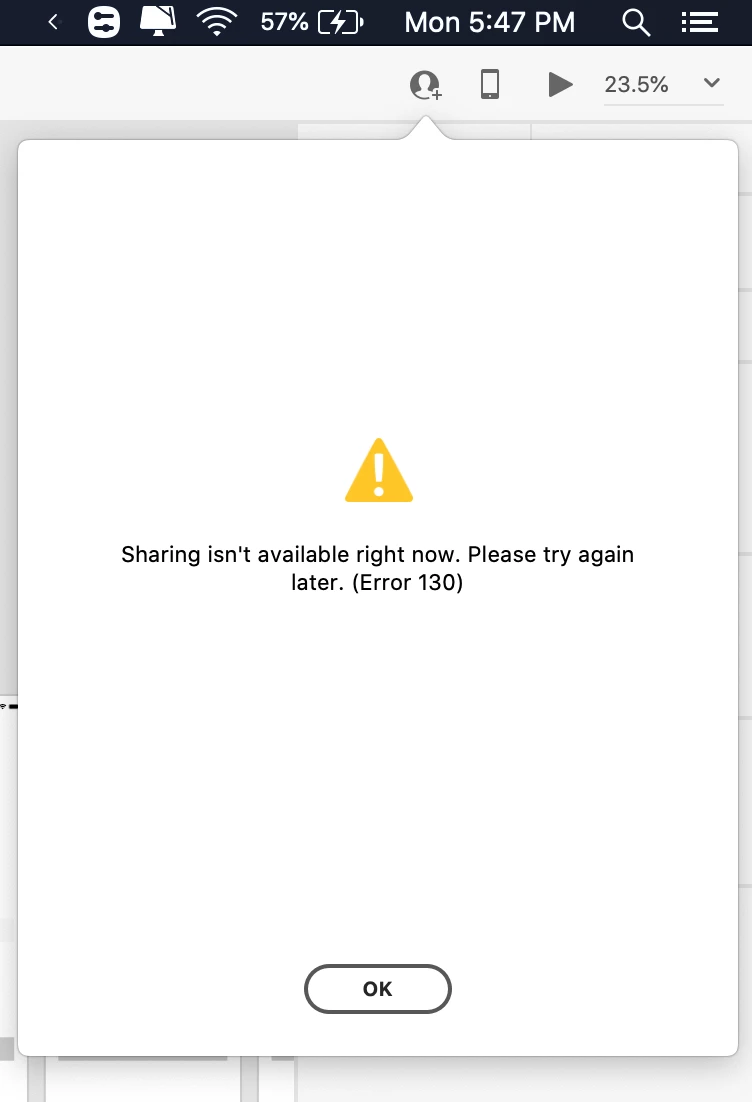
Unable to share file and enabled co-editing, getting error Please try again later. (Error 130).

  • May 25, 2020
  • 4 replies
  • 1059 views

I cant enable coediting, but it works in windows very well, but i have no idea why this issue persist in Mac, and it just keeps loading for a long time, after, then the error message. Please help me. working on a project. Thank you!
 

{Renamed By MOD}

This topic has been closed for replies.
Correct answer mallenkb

i have fixed the issue, thanks for your help

4 replies

Rishabh_Tiwari
Legend
May 25, 2020

Hi there,


Sorry to hear about the trouble. I would request if you can share a few more details like:


  1. A screenshot of the About XD info page under the XD menu.
  2. Is it happening with a specific file or all files?
  3. You can also try signing out from Adobe XD and Adobe CC Desktop app and then close CoreSync Process and all Adobe related processes from the Activity Monitor and check again after singing back in on Adobe CC Desktop app and launching Adobe XD from there.


Regards

Rishabh

mallenkb
mallenkbAuthor
Participant
May 26, 2020

1.


2.  No all my files i cant upload to clould and cant view all file that has enabled coediting in the last week.
        both by me or coworker
3.     I did that and reinstalled it at we adobe cc app as well. but cooediting works fine on my windows or even cloud                    upload same.