


Undo stops working and unable to save files to cloud in Adobe XD
I have a problem where Adobe XD sometimes (multiple times every day) becomes unable to undo actions. When I realize the ctrl+z doesn't work I can still save the document once. All changes after that, however, I won't be able to save unless I save my work to a new file. If I try overwriting my old file I get this message:
Something went wrong
"Sorry, we can't save as a cloud document right now...".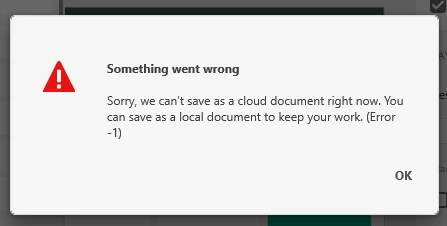
I have also gotten different messages before where it complains about something with the "clear history" or similar. This has been a major issue for me and has lasted close to a year now. When it happens I just close the program and re-open it and it works again (but it gets quite annoying when you have to do it 4-5 times every day and continuously saving it in new files, while also risking losing a lot of work if you didn't realize it). I have tried reinstalling the software.
{Renamed By MOD}
 AdChoices