
Mungiguerra
Inspiring
May 5, 2018
Answered

Vectors imported from illustrator are distorted

  • May 5, 2018
  • 1 reply
  • 1468 views

I have tried copy and paste, CC, and saving the vector as SVG and importing it. I get the same results every time. It is supposed to look like this:

but it ends up looking like this
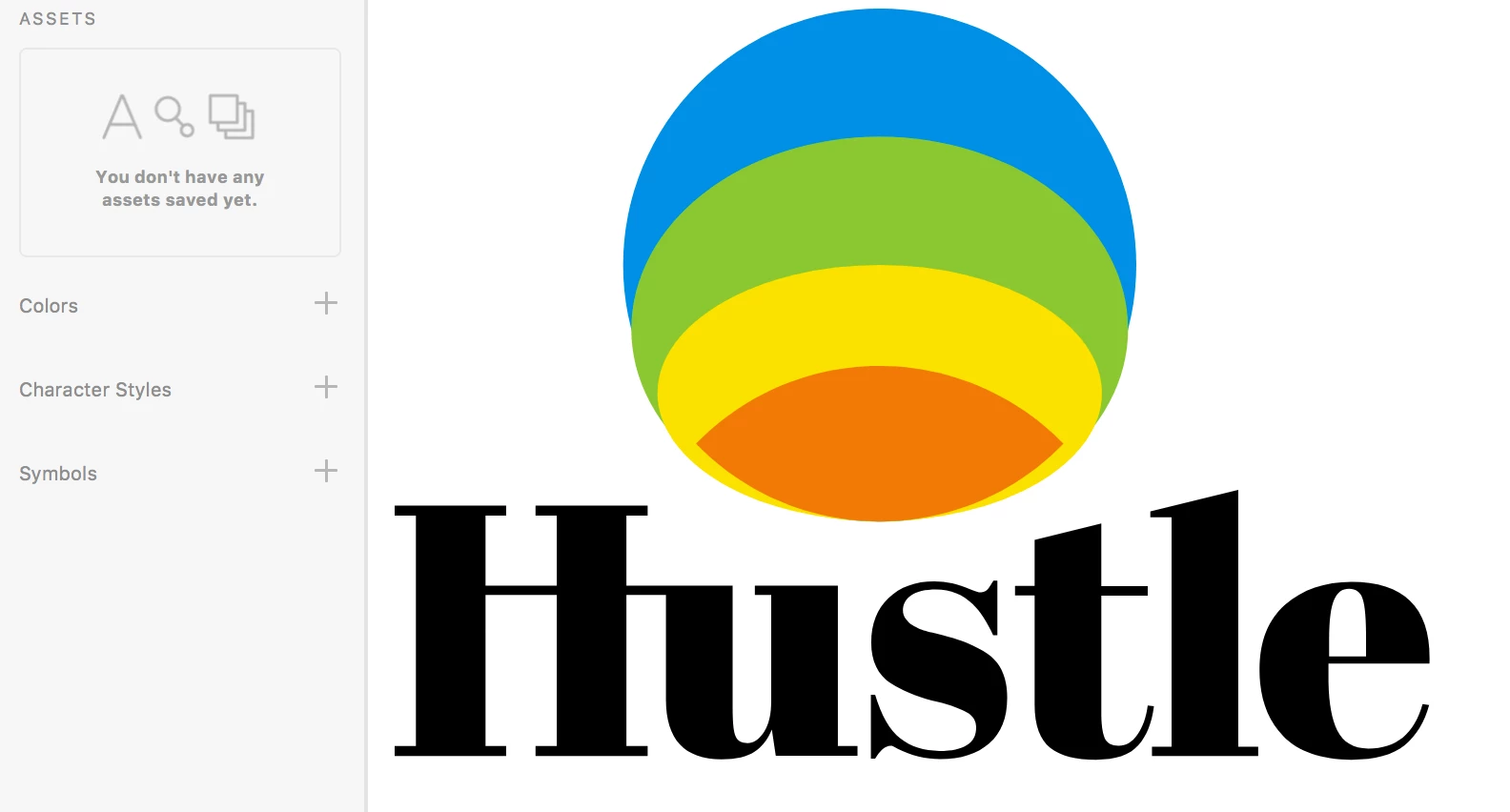
Can anyone tell me what is happening?

    This topic has been closed for replies.
    Correct answer Mungiguerra

    No matter how I changed the SVG settings I got the same result. One thing I can say, the exported SVG is distorted, rather than the distortion happening upon import into XD. Maybe I should move this over to the Illustrator community instead.

    1 reply

    Participating Frequently
    May 7, 2018

    Could you try to increase the SVG precision from Illustrator and use export?

    Click File, Export [Selection] then select SVG and from the SVG export options dialog, increase precision (decimals) to 5.

    Mungiguerra
    Inspiring
    May 7, 2018

    I tried this, but it got me the same results. I will try to adjust more fo the SVG settings and see what I get.