December 1, 2023
Answered

Vertical video is played stretched

  • December 1, 2023
  • 2 replies
  • 1619 views

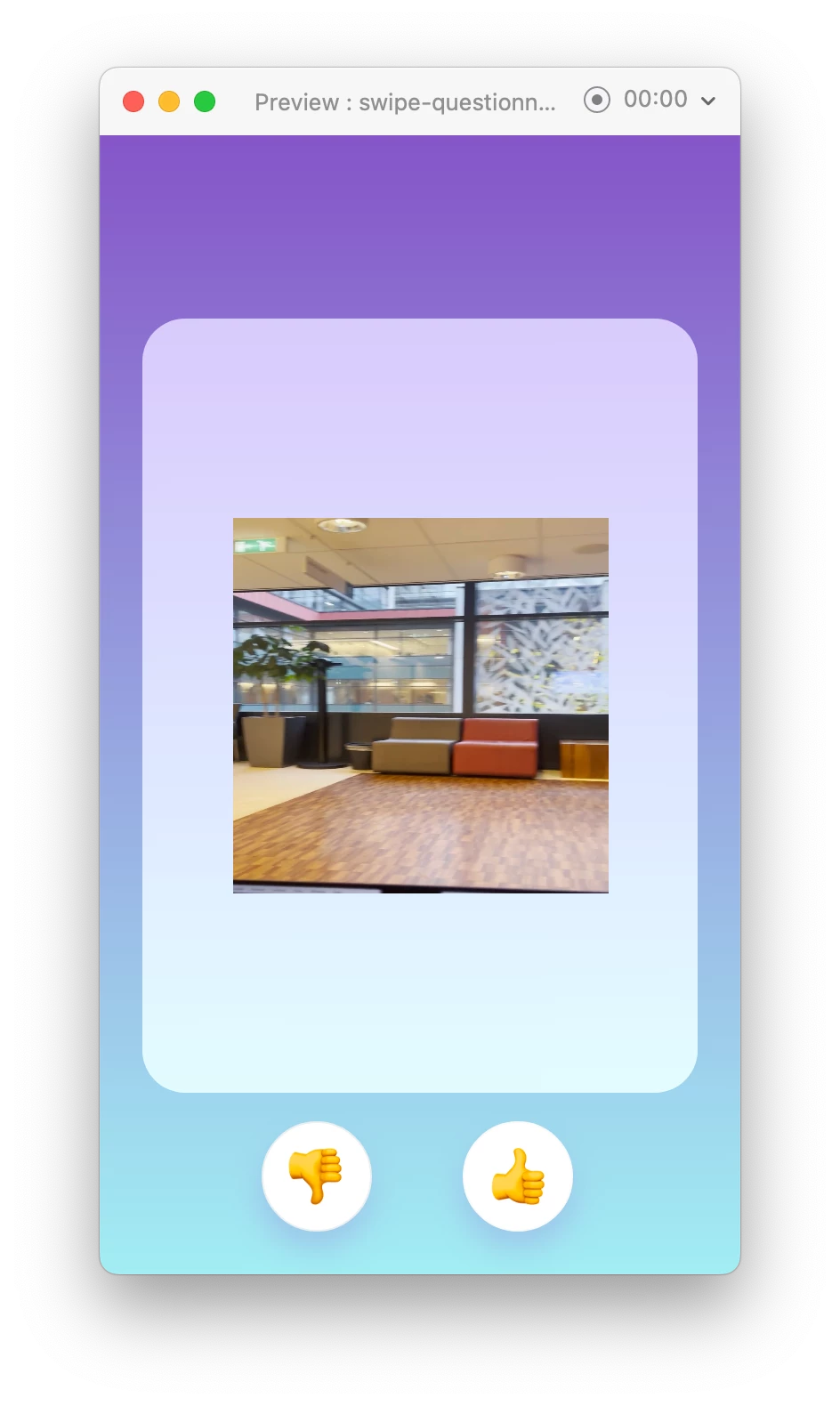
When I upload a vertically oriented video (like YouTube's shorts) on one of my XD boards, the video is stretched horizontally when played. I don't see any options in XD to change this. It's the same for videos I recorded on my iPhone held vertically as for recordings of a vertical-shaped part of my Macbook screen.


Here's before and during play:
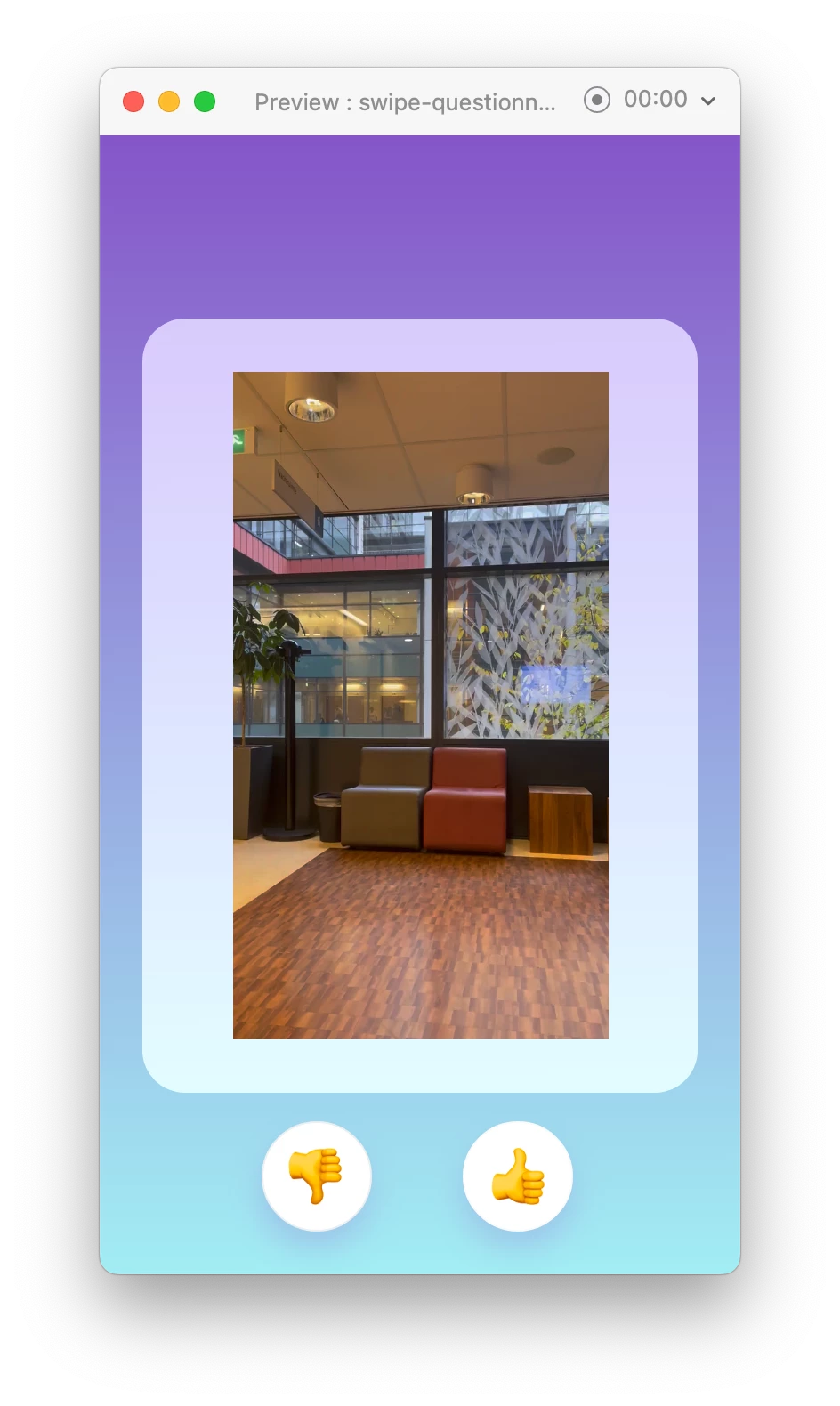
How can I have these videos play normally (as they were recorded)? Thanks!!

This topic has been closed for replies.
Correct answer Kenneth Kawamoto

I tried a vertical video from iPhone and it plays normal in my XD. May be you can try opening your video in QuickTime (or Media Encoder) and re-export?

2 replies

Participant
May 15, 2024

I am having the same trouble they are all MP4 vertical videos and uplaod stretched in the social media scheduler. Also why cant we contact customer support for paid plans - considering using another scheduler tool.

Community Expert
May 15, 2024

I think you posted this in a wrong forum. Are you having an issue with Adobe Express? If so post it here: https://community.adobe.com/t5/adobe-express/ct-p/ct-adobe-express

Kenneth KawamotoCommunity ExpertCorrect answer
Community Expert
December 1, 2023

I tried a vertical video from iPhone and it plays normal in my XD. May be you can try opening your video in QuickTime (or Media Encoder) and re-export?

December 1, 2023

Thanks for the tip! I tried this with my iPhone recording. Since QuickTime only lets me export to .mov I changed the file extension to .mp4, and then it worked! My other videos were too large in size for XD, so I had to use Handbrake and I guess XD doesn't like the default Anamorphic setting. With that set to off, the vertical videos play fine in XD 🙂

Participant
January 8, 2024

The fact that you mentioned turning off the Anamorphic setting on Handbrake literally saved my life