

Answered
Viewing Published Specs all scrunch up on the right side
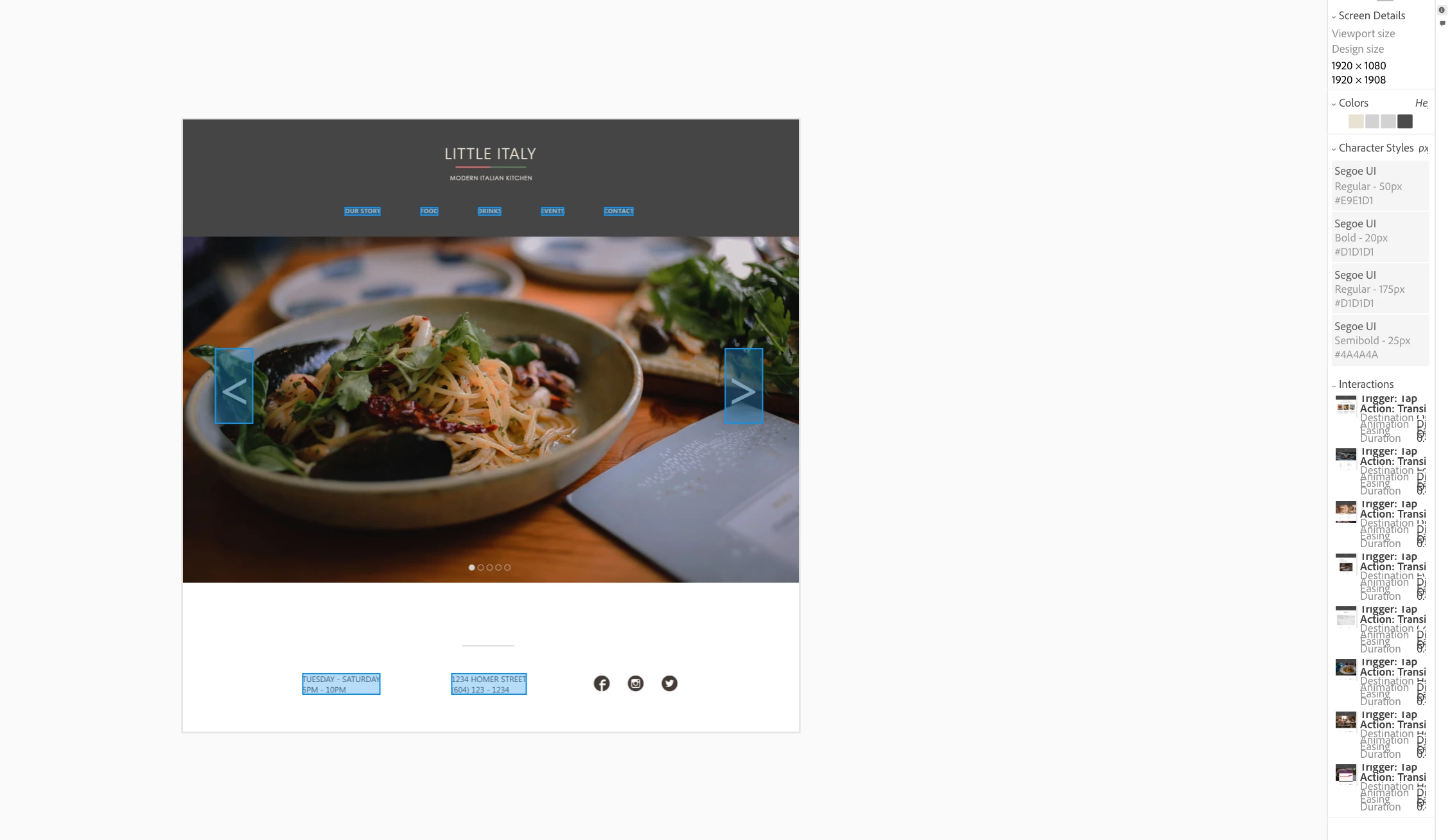
How do I get this undone? I can't stretch the right side. I have tried UnInstalling XD and reinstalling XD. Tried to expand to no avail. Help. I can't fix this? Any suggestions?

How do I get this undone? I can't stretch the right side. I have tried UnInstalling XD and reinstalling XD. Tried to expand to no avail. Help. I can't fix this? Any suggestions?
Oh my gawd! I just figured it out.
In Chrome, in you use the keyboard shortcuts using Adobe XD Published Design Specs, it will control the viewing of the prototype (left side only) to either zoom in or out.
If you use Chrome Menu >View > Zoom In and Out that affects both sides, the viewing of the prototype and the design specs!
So, if you get a scrunch side of design specs, in Chrome, just change the setting to Actual Size
Already have an account? Login
Enter your E-mail address. We'll send you an e-mail with instructions to reset your password.


 AdChoices