
Question
Weekly Challenge : View and Copy CSS Snippets in XD
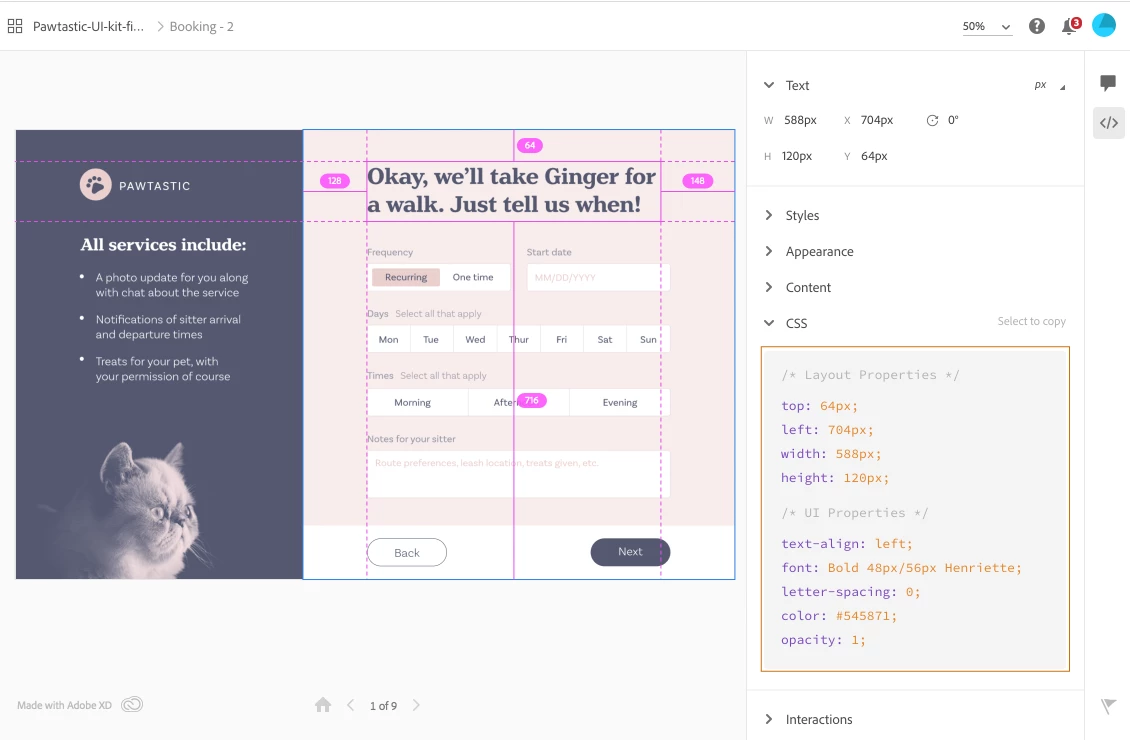
In versions of XD 22.0 and later, you can view and copy CSS snippets by selecting elements on the page shared for development.
 |
|
 Video Tutorial (First 8 minutes), Auth
The Challenge
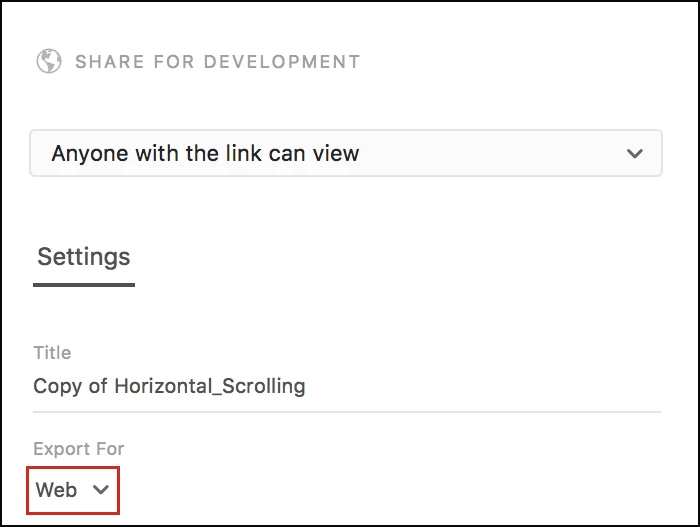
- Select Share > Share for Development, and ensure that you choose the option "Web" in the Export for menu.
- Open the shared link in a browser and select areas from which you want to copy the CSS code.
- To copy and paste the code snippet into your CSS files, press and drag the CSS snippets, switch to your code editor, and paste it.
- Describe your experience with using this feature, and provide suggestions around improving it.
More Info
 AdChoices