
Answered
Where is mask with shape?
Where is this option?? GGghhhrrrr!
How is it possible to work without connections between frames and without masks?

Where is this option?? GGghhhrrrr!
How is it possible to work without connections between frames and without masks?
Hi Aleksandra,
Thank you for reaching out. The option is visible when you select the image and mask together and right click on it. You will see the mask with shape. For more info. please check out this article: Combine objects using Boolean operations and mask objects with shapes in Adobe XD.
I'd request to please submit your feedback to see the wired connection in prototype here: ANNOYING BUG: Prototype wires not showing when selecting artboards – Adobe XD Feedback : Feature Requests & Bugs
As a workaround, I'd suggest trying to drag and selecting the object or artboard to see the wired connection, please see the gif file below:
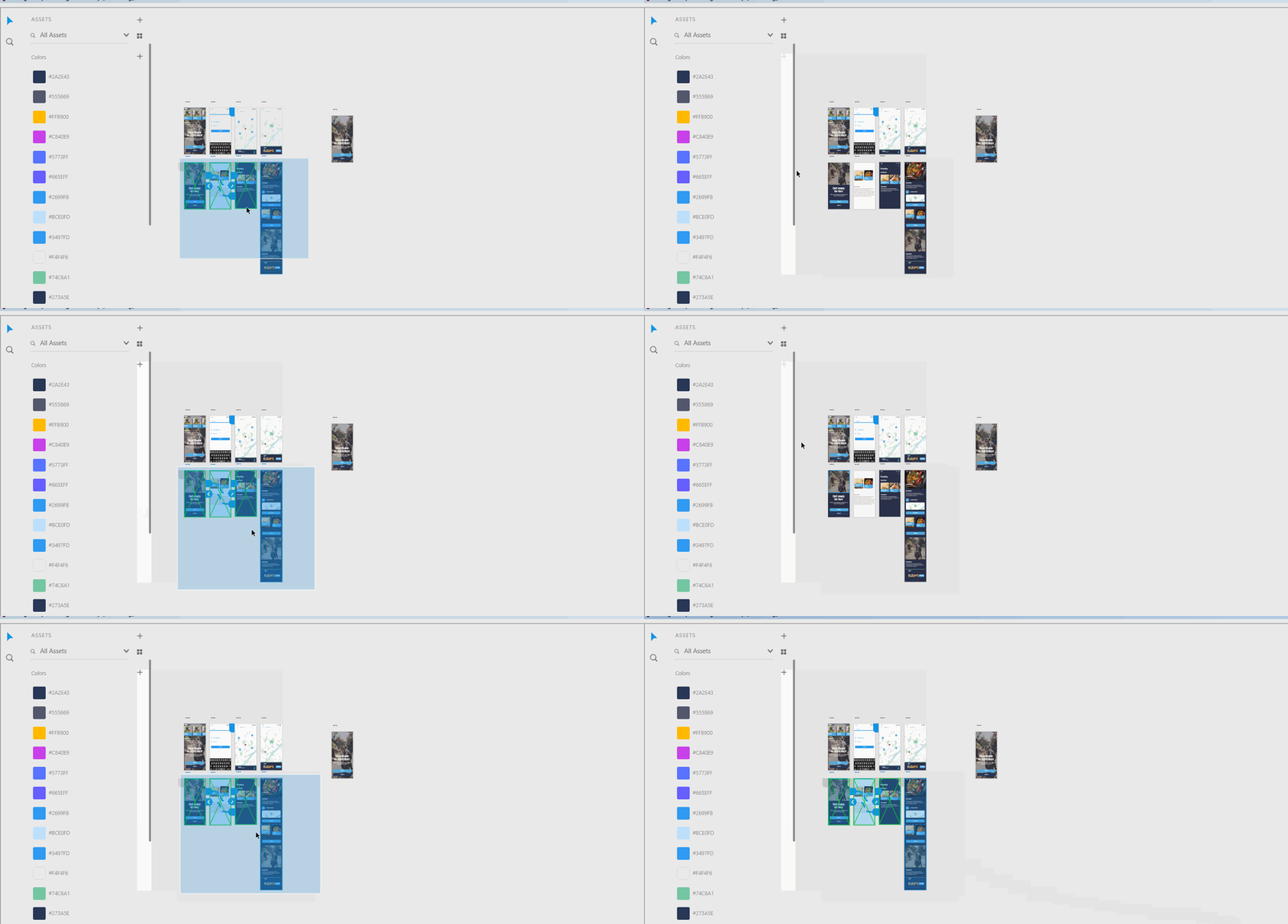
Please let us know if that helps.
Thanks,
Harshika
Already have an account? Login
Enter your E-mail address. We'll send you an e-mail with instructions to reset your password.
 AdChoices