Answered
Why am I unable to flip components?
I am able to flip regular objects or groups, but when it becomes a component, the flip option is disabled. Why is this?
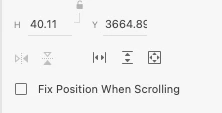

I am able to flip regular objects or groups, but when it becomes a component, the flip option is disabled. Why is this?
In addition to what Myra said - components in Xd are pretty fragile and don't like being transformed too much. This is probably to try and prevent some bugs that tend to happen with component transformation.
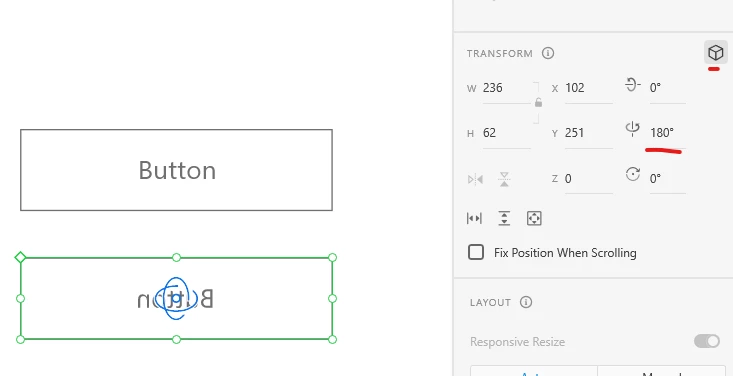
If for some reason you really want to flip the component and not the contents as Myra suggested, you can activate the 3D transform and rotate 180 degrees on the Y or Z axis:
Already have an account? Login
Enter your E-mail address. We'll send you an e-mail with instructions to reset your password.


 AdChoices