
Answered
Why there is overlay?
I have a box 13px high and a box 40 px high.
WHY am I getting an overlap when they're whole numbers?
This is driving me nuts.
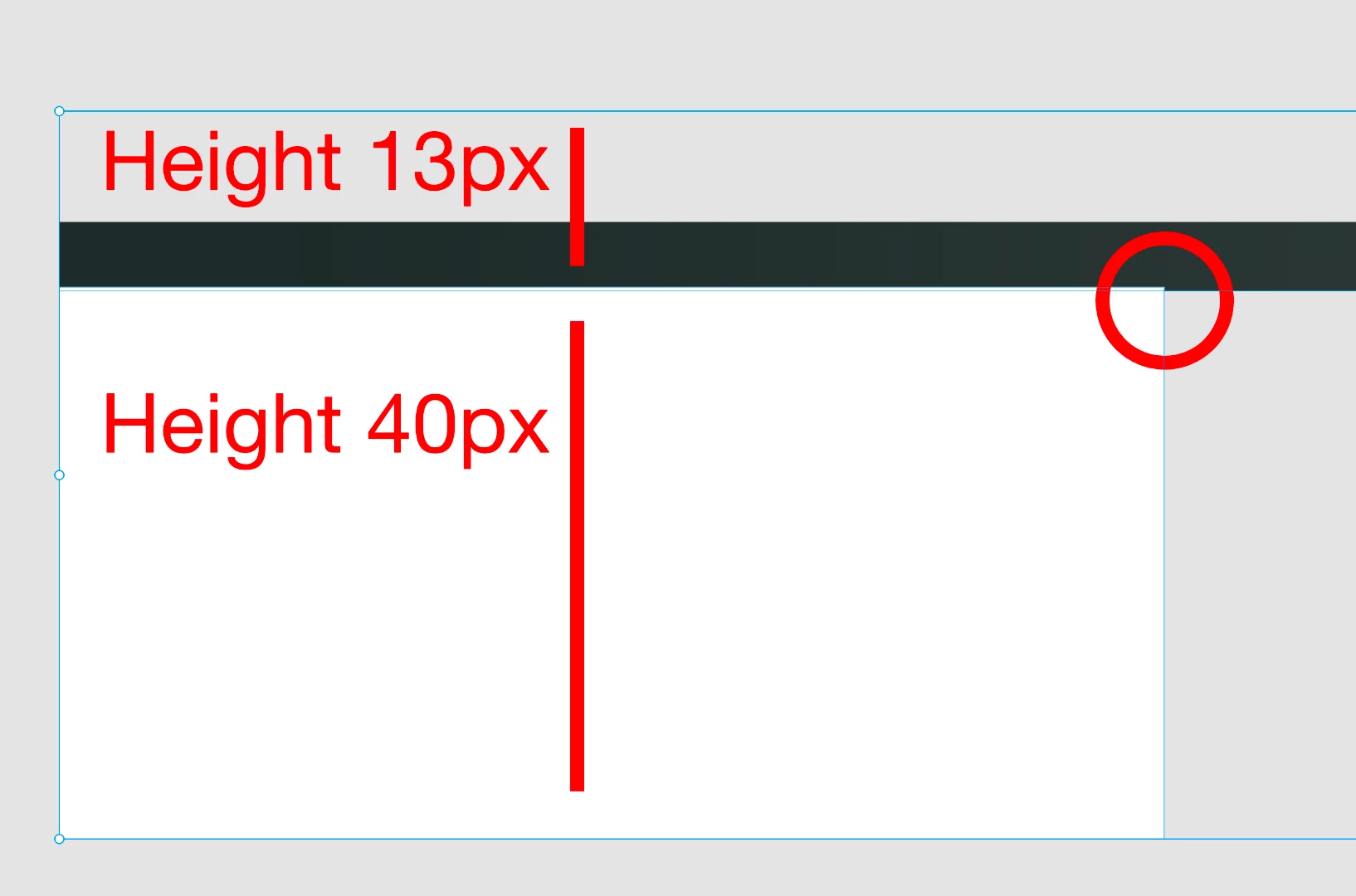

I have a box 13px high and a box 40 px high.
WHY am I getting an overlap when they're whole numbers?
This is driving me nuts.
Hi
I went to set it up again, and it snapped into place as it should have done the first time.
It must have been a gremlin, just curious as to why.
Was it a new file which worked for you or the new one? If you are still experiencing this issue with the old one you can share the file so that we can test it.
When I tested this at my end, there were issues with the stroke styles. However, I am glad that it is now working for you. Please feel free to update this discussion in case you need further assistance.
Thanks,
Atul_Saini
Already have an account? Login
Enter your E-mail address. We'll send you an e-mail with instructions to reset your password.
 AdChoices