

With XD 41, use outline stroke to create powerful headlines
Hi everyone,
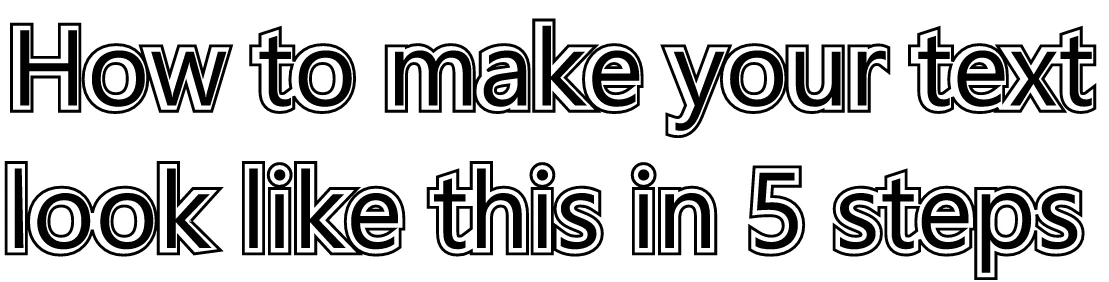
Let's try out some simple text effects that you can create using outline stroke.
==================================================
Step 1: Enter text then, apply border size (7 to 9) and increase the size of the text to make it readable

Step 2: Select the text and "Convert to path" and then
apply "Outline stroke"
- Object > Path > Convert to path
- Object > Path > Outline stroke
Step 3: Deselect fill and reduce border to 1 or 2
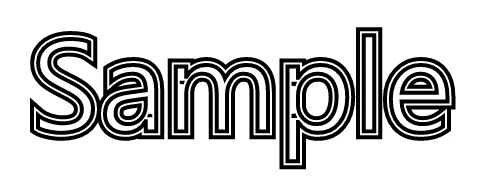
Step 4: Group both path and outline to scale
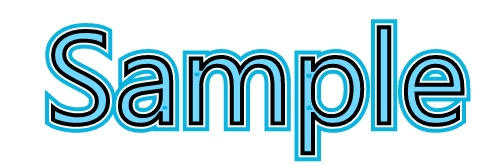
Step 5:Change the colors to get variations in design
===============================================
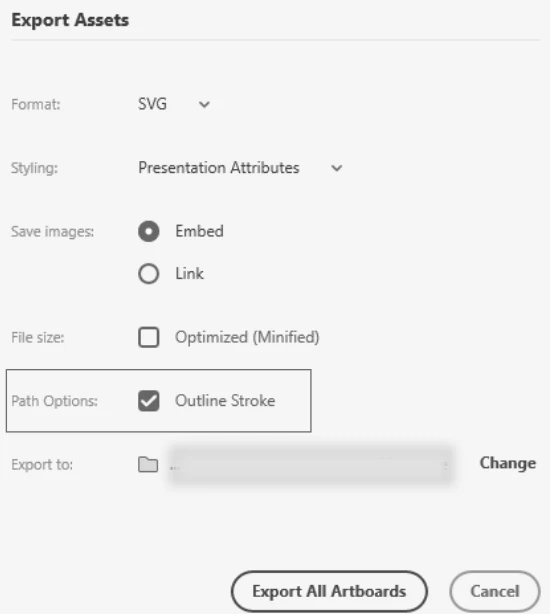
Some interesting facts: When you export these elements to SVG you get an option to select outline stroke at the time of export.
For more information on the outline strokes, please check this link.
Imagining this being a basic idea, we'd love to see what you can create using this feature.
Post away!
Atul_Saini


 AdChoices