



Question
Working with multiple time triggers for artboards, Lottie files, and video in Adobe XD 47
Hi Everyone,
You can now add multiple time triggers for artboard, Lottie files, and video. Multiple time triggers enable you to play lottie files/videos simultaneously or in sequence.

Things to remember:
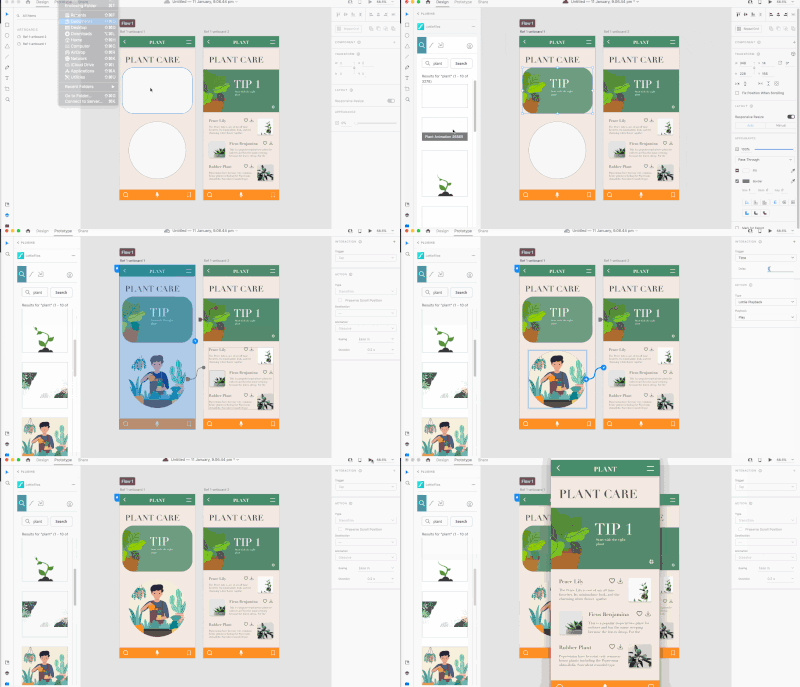 Interactions play in sequence based on their time delay.
 - You can set a video and multiple Lottie animations to play together automatically.
- If you set Time triggers with the same time delay on an artboard, video, and Lottie, the priority is: Artboard > Video > Lottie.
We would love to hear from you about how you found this feature and what you created. Reply to this post to share your observations with us.
Regards,
Rishabh
 AdChoices