
Participant
September 4, 2021
Answered

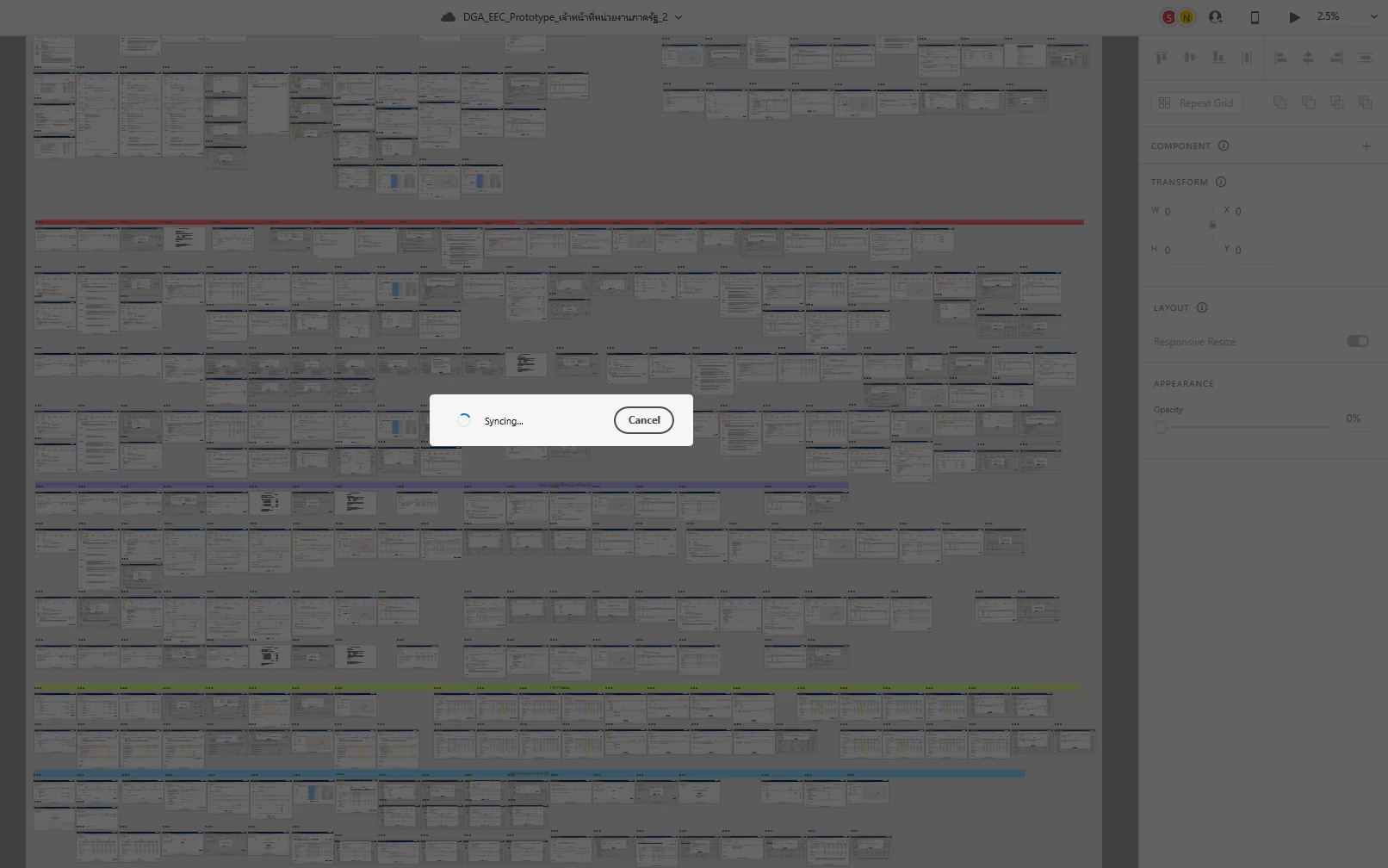
XD 43 stuck on syncing on a file.

  • September 4, 2021
  • 2 replies
  • 752 views

Hi,


I waiting syncing in XD more than 30 minute. My team have a problem same and only one problem with this file.

Anyone that have a solution to my problem?


Thank you.


XD version  43.0.12.14

Creative Cloud Sync. 4.19.0.12
 

<Title renamed by moderator>


This topic has been closed for replies.
Correct answer Chethan Girish

Hi There,


Sorry to hear about the trouble. If you have other collaborators in your team working on the same file, please ensure that they have the latest version of XD. If it still doesn't work, please try the steps shared below:


  1. Sign out of XD and CC Desktop app.
  2. Close CoreSync and All Adobe-related processes from the Task Manager.
  3. Reboot your computer.
  4. Sign back in on the CC Desktop app and launch XD from there.


Let us know if this helps or if you need any further assistance.


Regards,

Chethan

2 replies

HARSHIKA_VERMA
Community Manager
Community Manager
September 10, 2021

Hi Ratchanun5C1F,


Hope you're doing well.


It's been a while we haven't heard back from you. We would like to follow up on your issue, are you able to resolve the issue by following the steps suggested.


Please feel free to reach out to us in the future for any query related to XD.


We would be happy to help.


Thanks,

Harshika

Chethan GirishCommunity ManagerCorrect answer
Community Manager
September 6, 2021

Hi There,


Sorry to hear about the trouble. If you have other collaborators in your team working on the same file, please ensure that they have the latest version of XD. If it still doesn't work, please try the steps shared below:


  1. Sign out of XD and CC Desktop app.
  2. Close CoreSync and All Adobe-related processes from the Task Manager.
  3. Reboot your computer.
  4. Sign back in on the CC Desktop app and launch XD from there.


Let us know if this helps or if you need any further assistance.


Regards,

Chethan