I've figured it out, thanks for the HELP ADOBE!
WHAT A BUGGY SHIIT SHOW OF A NIGHTMARE XD is becomming!
here is the 'logic" of what was happening - for some reason Creative cloud had once again turned on file sync without my permission, so that the first time I opened the above mentioned file Adobe XD was quietly saving it to the cloud in the background, I didnt know this and when I started to work on the document, it froze up XD forcing me to force quit it.
I realized at this point that it was becuase XD was trying to save a cloud version of the document whie I was working on it. So I went into Creative cloud, found it in synced files and proceeded to delete it.
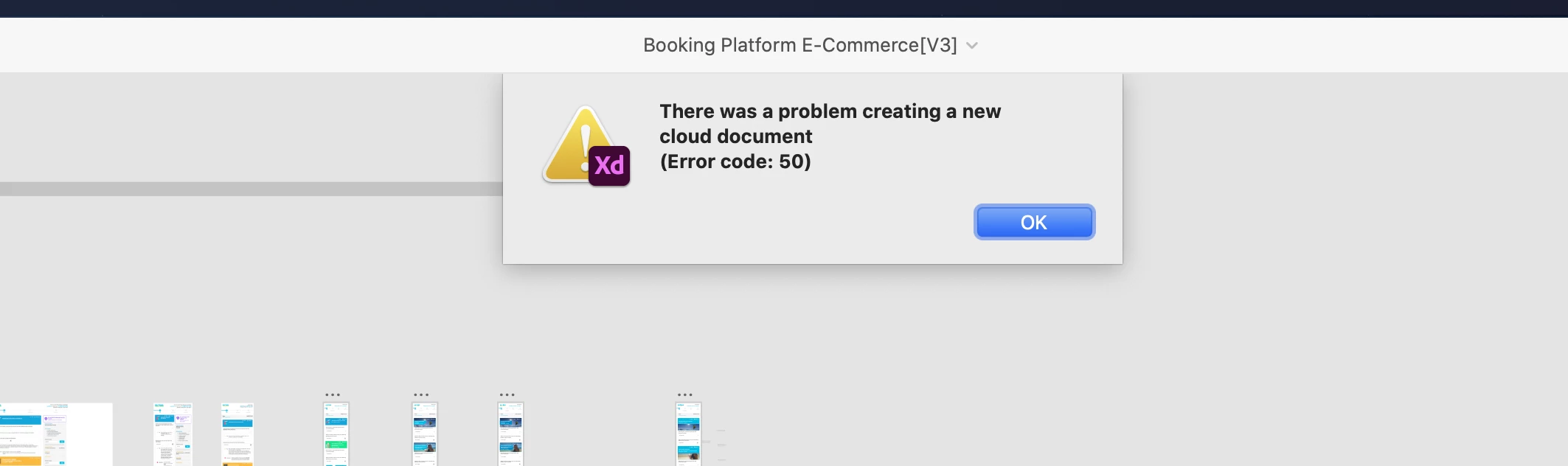
Back to XD to try and open the orignal local sketch file again, this is when the above error messages started. I tried restoring the file from the bin on creative cloud and it just essentially froze up creative cloud, I tried doing the same through the creative cloud website and it appeared to have moved the file from the bin but when I tried to open it again it just failed.
I tried several times to open the original Sketch file from my local storage and everyitme I got the above message, whether i turned cloud sync on or off, it kept failing. Realizing at this point the file name was conflicting with the cloud file Xd was still trying to save / restore I duplicated the local sketch file and changed its name AND VOLA! it opened in XD but automatiicaly tried to save itself to the cloud again, I managed to do a save as local file and can finally work on this file!
This is not logical and does NOTHING except destroy workflows, I shouldnt have to spend an hour trying to open and file and trying to figure out why XD / cloud sync is not allowing me to do so. This is truly pathetic - TURN OFF CLOUD SAVE SHIIT BY DEFAULT FFS, YOU ARE ONLY LOSING CUSTOEMRS



 AdChoices