Participant
December 28, 2022
Question

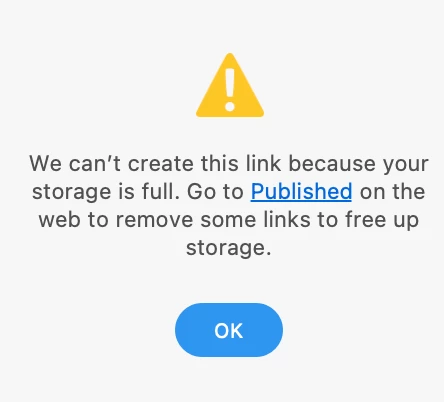
XD cannot create share link because storage is full. Go to published link to clear space.

  • December 28, 2022
  • 2 replies
  • 475 views

Hi , I am unable to create Links as it is showing storage is full.

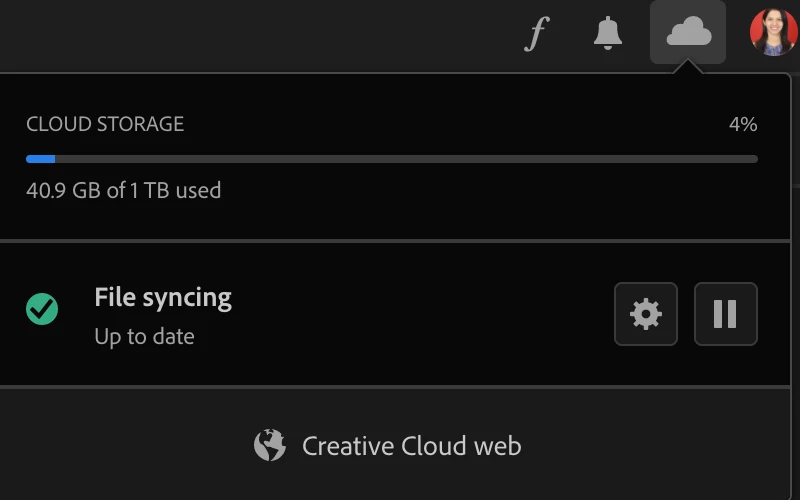
I am using Macbook Pro and Adobe XD latest Version. I have ample space in my Cloud PFB screenshots.

Please help in resolving the issue asap as development is stuck because of this.


    This topic has been closed for replies.

    2 replies

    Inspiring
    December 29, 2022

    Sorry to hear about the trouble. I'd request if you can share a few more details like:


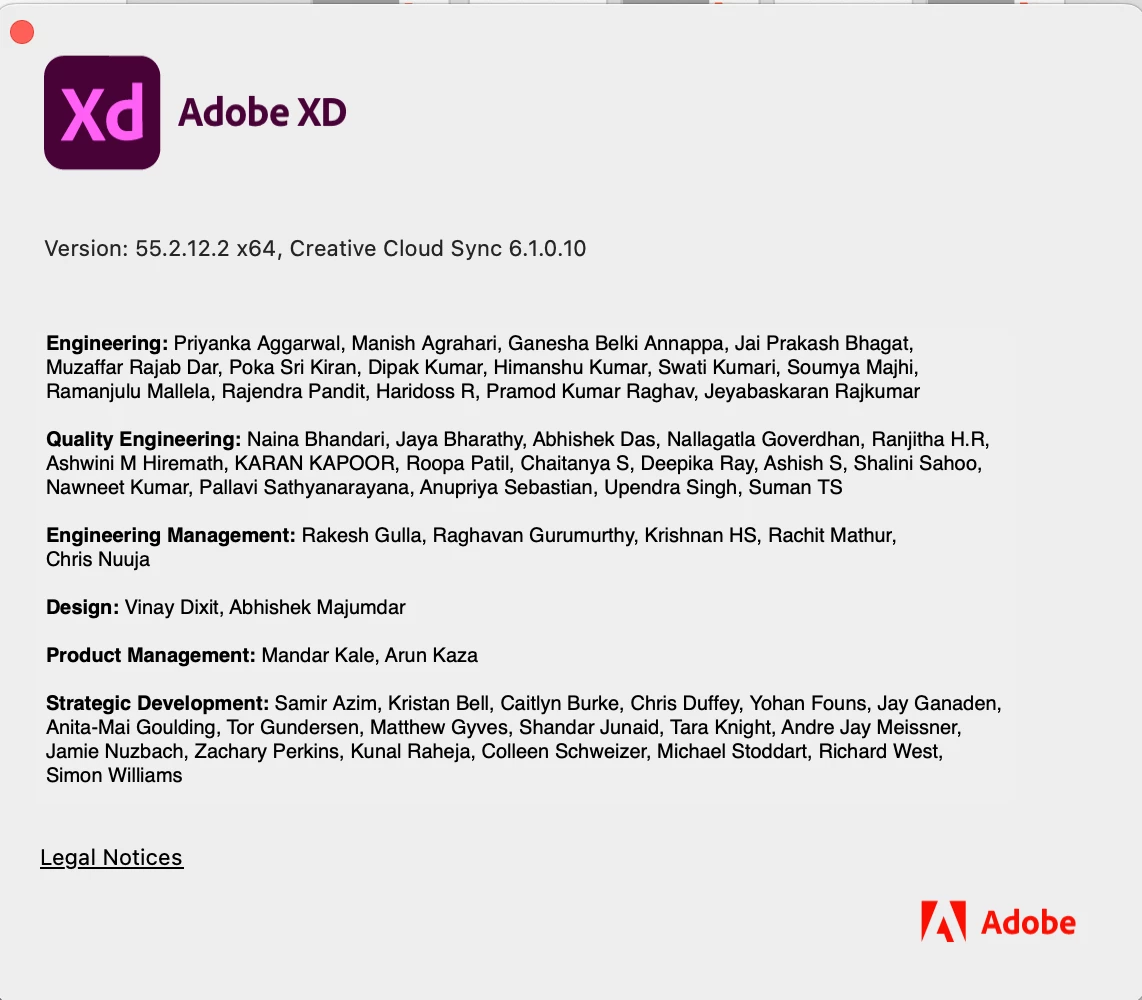
    A screenshot of the About XD info page.
    Is it happening with a specific file or multiple files?
    Please sign out of Adobe XD and the Adobe Creative Cloud app and then close all Adobe related processes in the Task Manager or Activity monitor and then launch Adobe Creative Cloud Desktop app and then check again after sign in and launching XD from there.

    Regards

    Rachel Gomez

    Chitra Paradkar
    Participant
    February 9, 2023

    It is happening with Multiple files.

    This the latest screenshot of Adobe XD. Please help

    Myra Ferguson
    Community Expert
    Community Expert
    December 28, 2022

    There's a similar post where the following helped:

    1. Sign out of Adobe XD and the Adobe Creative Cloud app
    2. Close all Adobe related processes in the Task Manager or Activity monitor
    3. Launch Adobe Creative Cloud Desktop app
    4. Check again after sign in and launching XD from the Creative Cloud Desktop app


    Participant
    December 28, 2022

    Hi, I am using Mac OS on my Macbook Pro. Can you let me know where can I find the Task Manager or Activity monitor in Mac OS. Unable to find it.

    Myra Ferguson
    Community Expert
    Community Expert
    December 28, 2022