
Answered
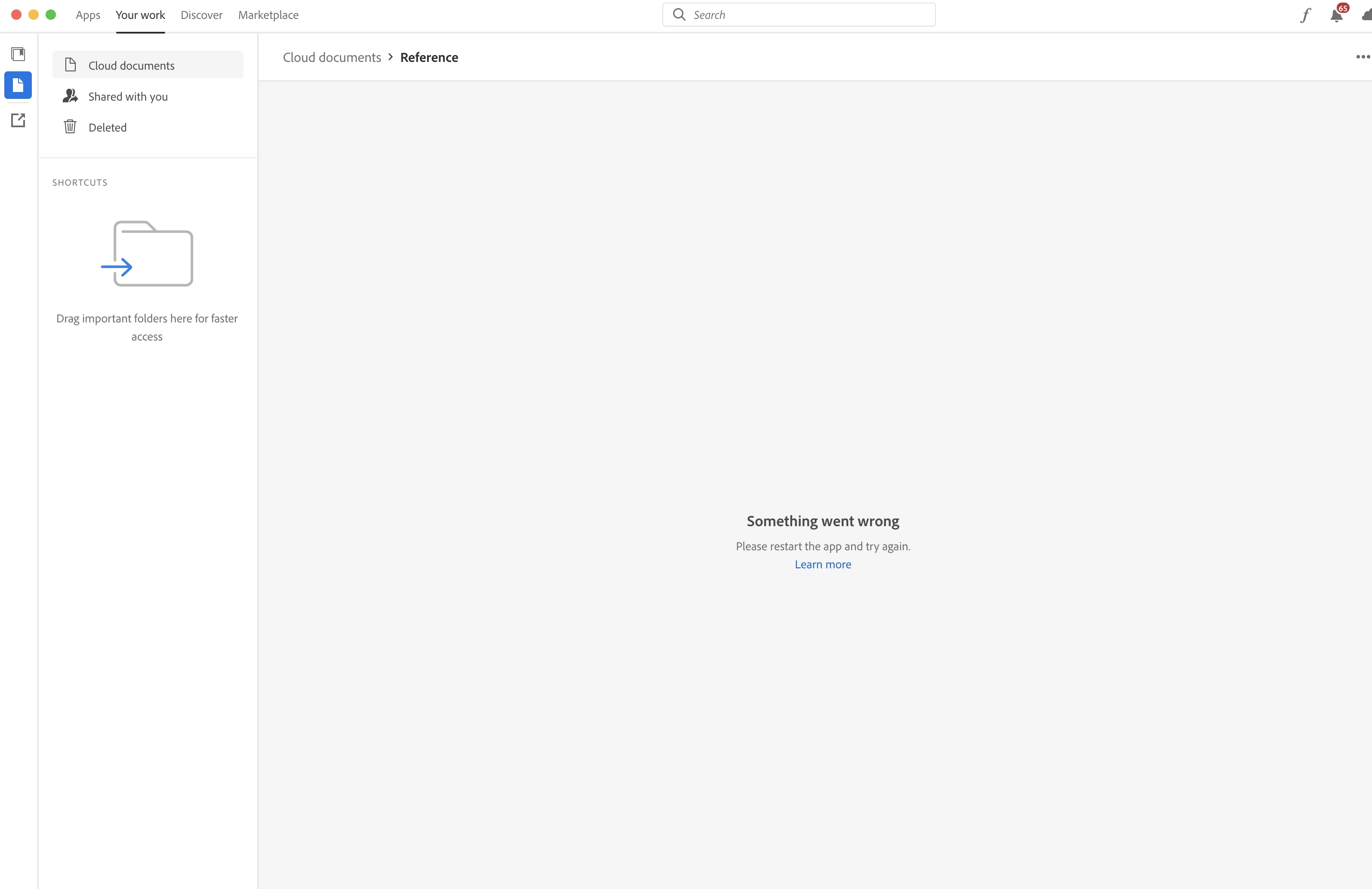
[XD] Cloud documents - Folder error / Missing files / empty folders in Cloud App
Missing files in the cloud app
Cloud app is not showing any of the files in some of my cloud doc folders (other folders are fine)
Get a 'something went wrong, please restart' error - Restarting doen't fix the problem.
Checking online (assets.adobe.com) the files are there. However the only option is to download the file, and re-save to the cloud - this is not really a suitable workaround as I dont want to lose the history of 'marked' changes.......
Please help / fix....


 AdChoices