Participant
March 25, 2022
Answered

XD cloud file keep showing disconnection and open (ctrl + O) will open local window instead of cloud

  • March 25, 2022
  • 2 replies
  • 309 views

Hi, currently I am facing 2 issues: 

1. My file constantly showing disconnected though my connection is active.

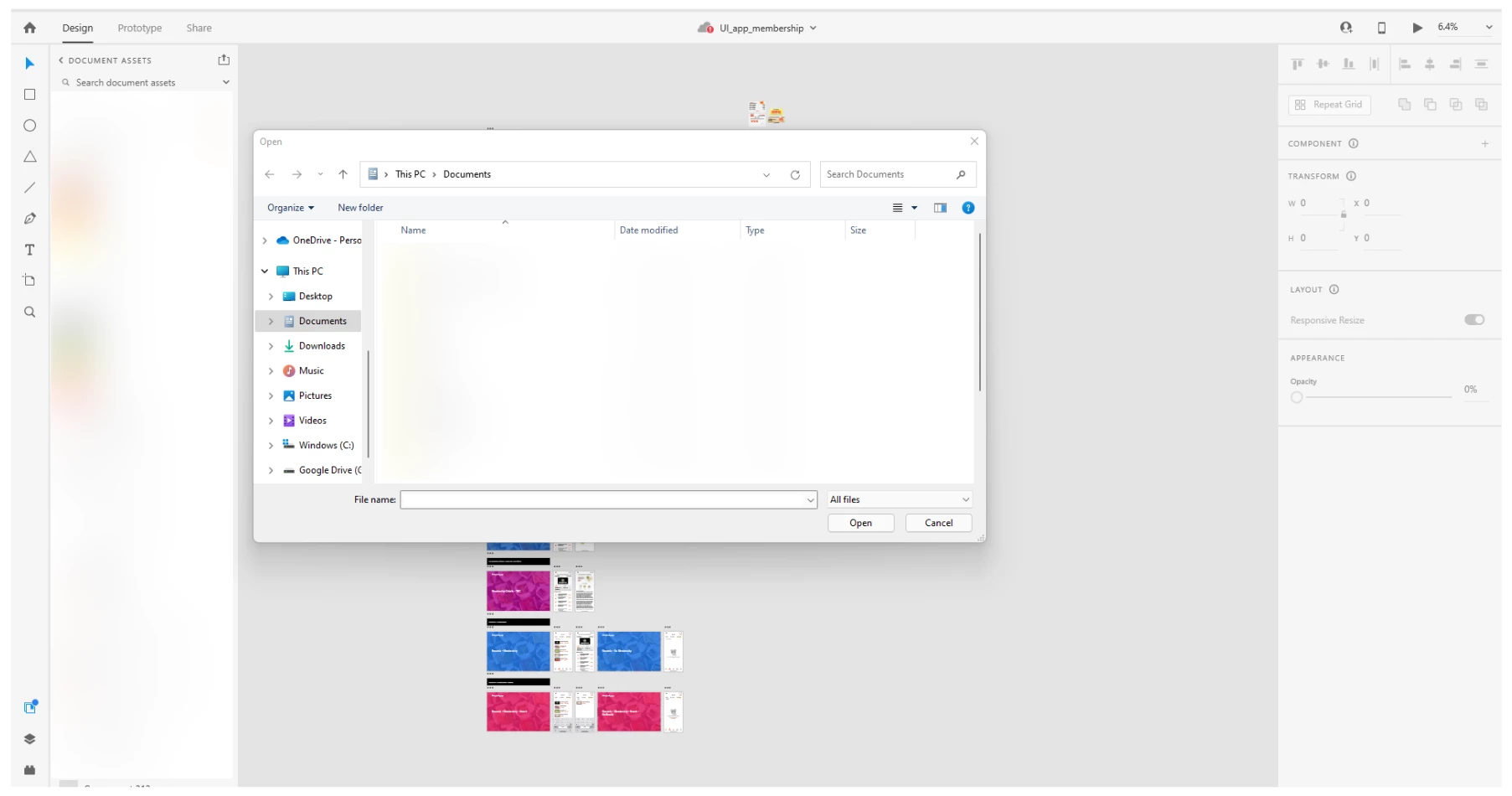
2. By clicking on open, it opens up my local document window and not XD cloud document. 


    This topic has been closed for replies.
    Correct answer HARSHIKA_VERMA

    Hi @CS5EFD,


    We are sorry to hear you're experiencing the disconnected issue. In addition to what our expert has suggested, could you please try the below steps and let us know if that helps?


    • Check if your system internet proxies are set right.
    • Quit Adobe XD and Sign-out of the Adobe Creative Cloud Desktop app (CC) completely. Log back into Adobe CC. (If you see some issues logging back in, then it's something to do with your internet proxies or your network. Try connecting to a no-proxy, no-VPN network).
    • Update your Adobe XD to the latest version from Adobe CC.

    If that doesn't help, then please share the logs and the OS, XD version. Does that happen with a specific file? Please share the XD file with me over a private message so that I can check at my end


    Note: Please upload the logs and the XD file to a shared location such as Creative Cloud or Dropbox and share the URL with me.


    I will try my best to help.


    Thanks,

    Harshika

    2 replies

    HARSHIKA_VERMA
    Community Manager
    HARSHIKA_VERMACommunity ManagerCorrect answer
    Community Manager
    July 5, 2022

    Hi @CS5EFD,


    We are sorry to hear you're experiencing the disconnected issue. In addition to what our expert has suggested, could you please try the below steps and let us know if that helps?


    • Check if your system internet proxies are set right.
    • Quit Adobe XD and Sign-out of the Adobe Creative Cloud Desktop app (CC) completely. Log back into Adobe CC. (If you see some issues logging back in, then it's something to do with your internet proxies or your network. Try connecting to a no-proxy, no-VPN network).
    • Update your Adobe XD to the latest version from Adobe CC.

    If that doesn't help, then please share the logs and the OS, XD version. Does that happen with a specific file? Please share the XD file with me over a private message so that I can check at my end


    Note: Please upload the logs and the XD file to a shared location such as Creative Cloud or Dropbox and share the URL with me.


    I will try my best to help.


    Thanks,

    Harshika
    AkinGn
    Community Expert
    Community Expert
    July 5, 2022

    Hi @CS5EFD, as suggested in this conversation: https://community.adobe.com/t5/adobe-xd-discussions/adobe-xd-shows-as-disconnected-even-when-connection-is-active/td-p/10914964 providing more information about your system and XD version details would be more helpful for some other experts that are able to help on the issue. I'd also suggest generating log files (as suggested in that thread) using the info in the document https://helpx.adobe.com/in/creative-cloud/kb/cc-log-collector.html  and contact support https://helpx.adobe.com/support/xd.html with a link to this conversatioın and a link to the uploaded log files in a shared location, like Creative Cloud (again as suggested there) Meanwhile maybe some other experts see this thread and offer a solution, hope this helps!