
Participant
Apr 6, 2021 2:48 PM UTC
Question

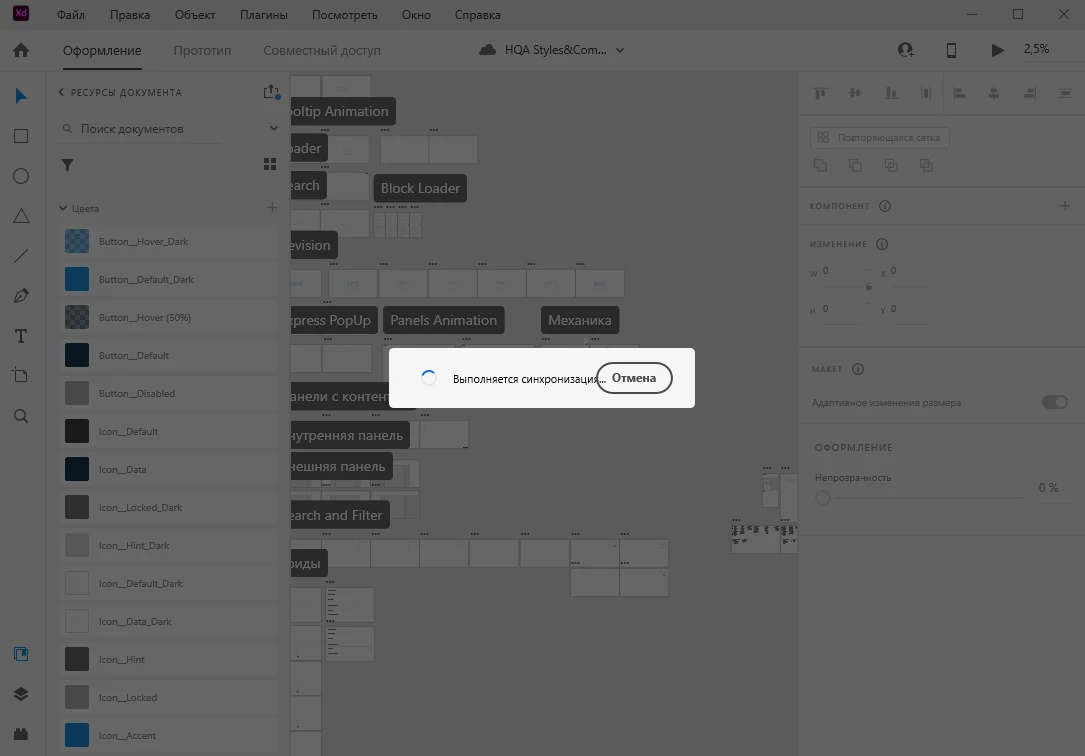
XD cloud file Stuck on syncing.

Problems with synchronization. I can't log in to the file.
Already reinstalled Adobe CC, deleted all applications, reinstalled Windows. Nothing helps. The team that works in the linked files also removed Adobe XD and CC.

A file of exceptional importance, cannot be lost or redone.


This topic is closed to new replies. Start a new post to keep the conversation going.

4 replies

Participant
Sep 12, 2021 9:13 AM UTC

Hi there,

were you able to fix this issue? I have the same problem.

Translate
tandora
Participating Frequently
Apr 6, 2021 9:19 PM UTC

This is one of MANY critical issues. I would try to login on Windows as Administrator and open the file from the admin account. The files which don't open otherwise will slowly open there. Just save yours with a different name and then login with your regular Windows user.

Translate
Participant
Apr 7, 2021 7:50 AM UTC

I did it, but the problem is still present

Translate
Harshika Verma
Community Manager
Community Manager
Apr 16, 2021 7:15 PM UTC

Hi there,


We apologize for the frustration. Would you mind telling us the version of XD and the OS you're using? Please make sure you are on the XD 39 version and let us know if you still face the issue.


We'll try our best to help.


Thanks,

Harshika

Translate