saravanant34459127
Participant
August 21, 2025
Question

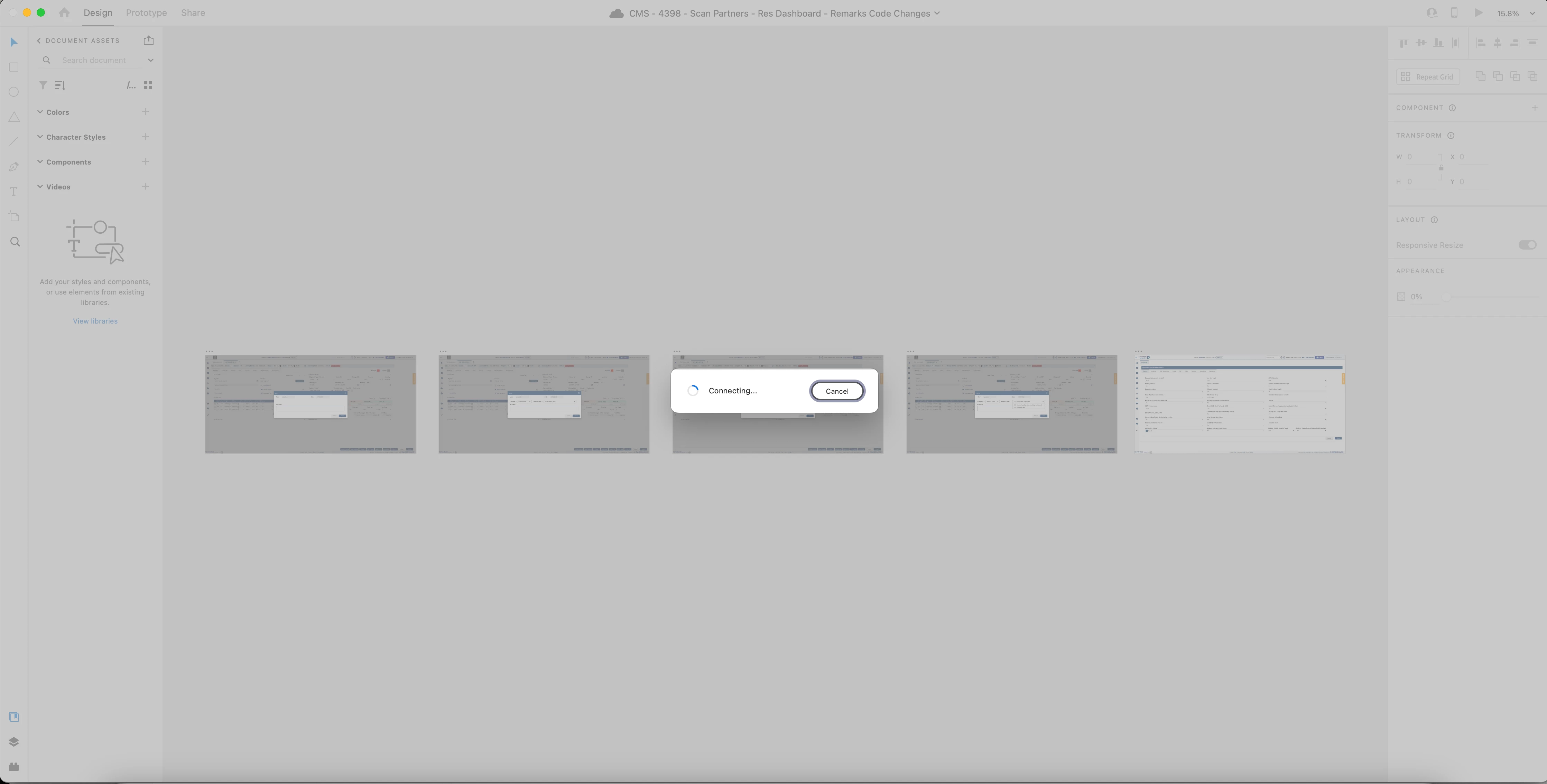
XD Clouds Documents. Whenever i open the XD Cloud Document, I am keep getting connecting issue

  • August 21, 2025
  • 1 reply
  • 136 views

    1 reply

    Participant
    August 21, 2025
    1. Check Internet Connection

      • Make sure you have a stable and fast internet.

      • If you’re using a VPN, try disabling it.

    2. Sign Out / Sign In

      • Sign out from XD.

      • Log back in with your Adobe ID.

    3. Check Adobe Server Status

    4. Clear Cache / Temp Files

      • Go to local dist C and clear the cache.

      • Or uninstall Adobe XD and reinstall it fresh.

    5. Update Creative Cloud App

      • Open the Adobe Creative Cloud desktop app.

      • Check if Adobe XD needs an update and install it.

    6. Firewall / Antivirus Check

      • Make sure your firewall or antivirus isn’t blocking Adobe XD.

      • Temporarily disable them and test again.

    7. Try the Web Version

    8.  More Information
      For further information visit my website: https://metakuwaithelps.com/