
Participant
October 29, 2021
Answered

XD doesn't load projects

  • October 29, 2021
  • 2 replies
  • 644 views

Hello,


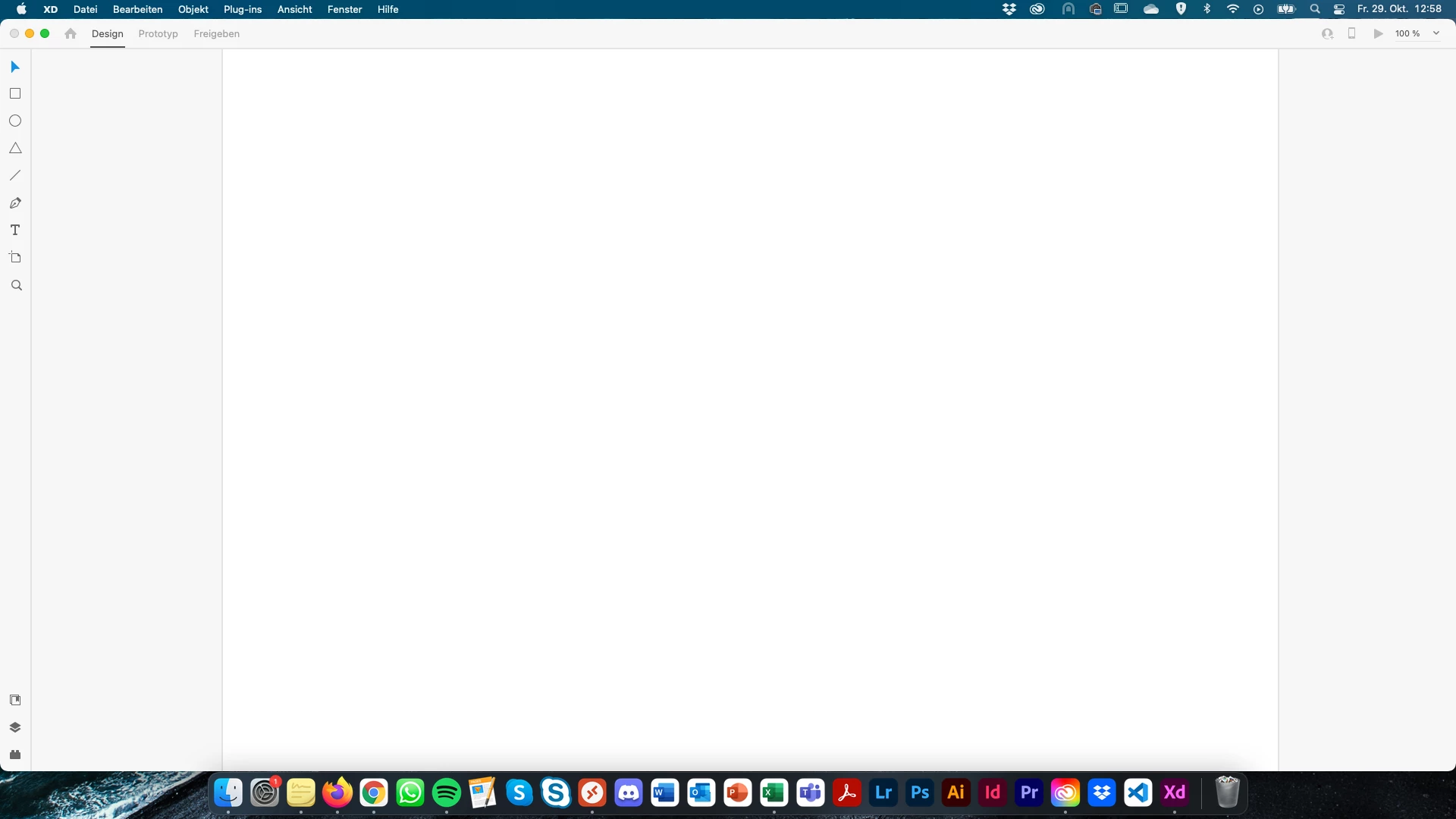
I have problems with opening XD-documents. I can open XD normally but once I select a project, i only see a loading sign and the alert that Adobe XD doesn't react anymore.


Does someone know how to solve this?

Thx in advance!
 

    This topic has been closed for replies.
    Correct answer Rishabh_Tiwari

    Hi Kathrin,


    We're so sorry to hear about the trouble. Please try the steps shared below:


    1. Sign out of XD and CC Desktop app.
    2. Close CoreSync and all Adobe related services.
    3. Reboot the computer.
    4. Sign back in on CC Desktop app and launch XD from there.


    Check if you are able to load documents after that and in case if it still doesn't work, please share a few more details like:


    • The version of XD & OS.
    • Is this happening with a specific file or multiple files?
    • Is this happening with local files or cloud files?


    Regards

    Rishabh

    2 replies

    Community Expert
    October 29, 2021

    Hi Katharina,

    can you tell us which version of Adobe XD you are using? Does this problem occur with all files or just with a specific file?

    Rishabh_Tiwari
    Community Manager
    Rishabh_TiwariCommunity ManagerCorrect answer
    Community Manager
    October 29, 2021

    Hi Kathrin,


    We're so sorry to hear about the trouble. Please try the steps shared below:


    1. Sign out of XD and CC Desktop app.
    2. Close CoreSync and all Adobe related services.
    3. Reboot the computer.
    4. Sign back in on CC Desktop app and launch XD from there.


    Check if you are able to load documents after that and in case if it still doesn't work, please share a few more details like:


    • The version of XD & OS.
    • Is this happening with a specific file or multiple files?
    • Is this happening with local files or cloud files?


    Regards

    Rishabh

    Participant
    October 29, 2021

    Hello, Signing out and rebooting worked, thank you!