
Participant
June 29, 2020
Answered

XD - Drag works on one screen but not in entire flow

  • June 29, 2020
  • 1 reply
  • 381 views

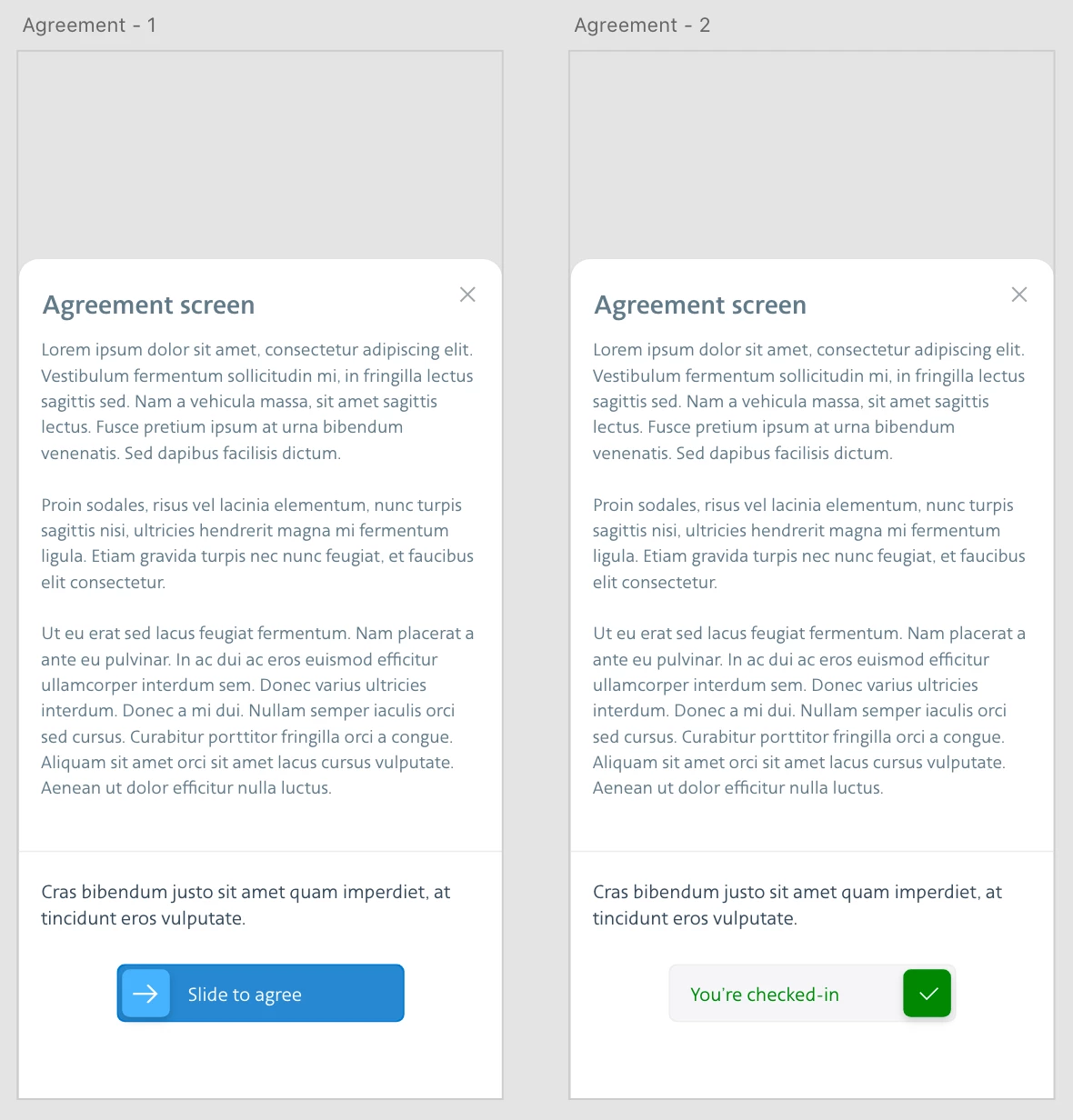
I have a slider for the user to agree ("Slide to agree") using drag and auto-animate. When I preview only that screen it works as expected but when I back up and start a few pages before the agreement screen it doesn't. Is there any reason why a drag animation wouldn't work in the flow of an entire app but would work when previewing just that screen? The screen in question is an overlay that slides up from the bottom.
 

    This topic has been closed for replies.
    Correct answer Spas K.

    When you preview that screen, it shows it as a normal screen and not an overlay.

    When you open it from another one via interaction, as you mentioned, it opens as an overlay. Problem is, you cannot use auto-animate between 2 overlays. The way to do it in this situation is with component states, and a drag interaction to switch between the blue (default) and the checked-in state.


    Edit: I just realized you cannot switch between states using a drag trigger, which sucks... so only option is to use tap to change to the "Checked in" state.

    1 reply

    Spas K.
    Community Expert
    Spas K.Community ExpertCorrect answer
    Community Expert
    June 29, 2020

    When you preview that screen, it shows it as a normal screen and not an overlay.

    When you open it from another one via interaction, as you mentioned, it opens as an overlay. Problem is, you cannot use auto-animate between 2 overlays. The way to do it in this situation is with component states, and a drag interaction to switch between the blue (default) and the checked-in state.


    Edit: I just realized you cannot switch between states using a drag trigger, which sucks... so only option is to use tap to change to the "Checked in" state.