



XD Frozen on startup
Trying to use XD for the first time.
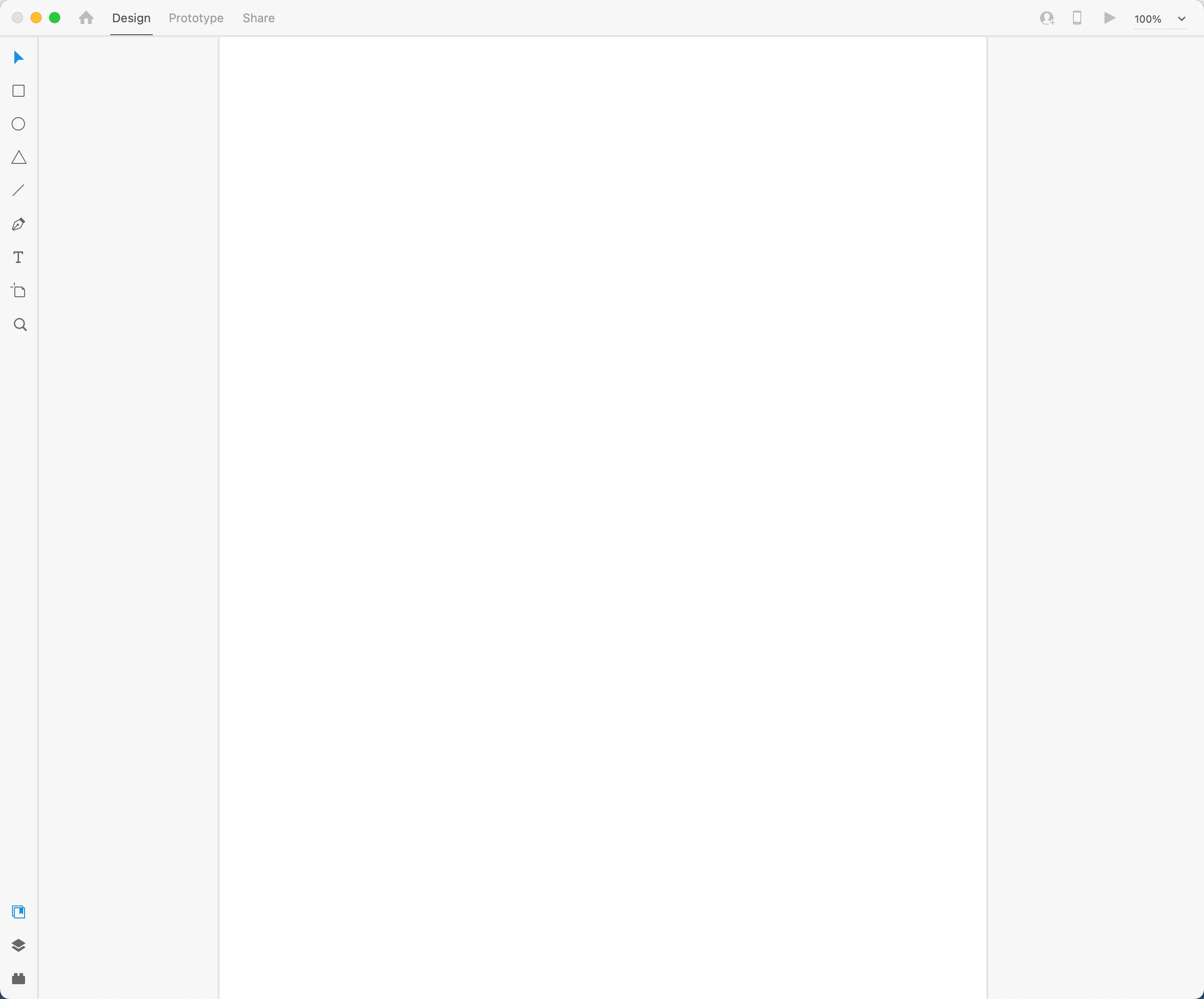
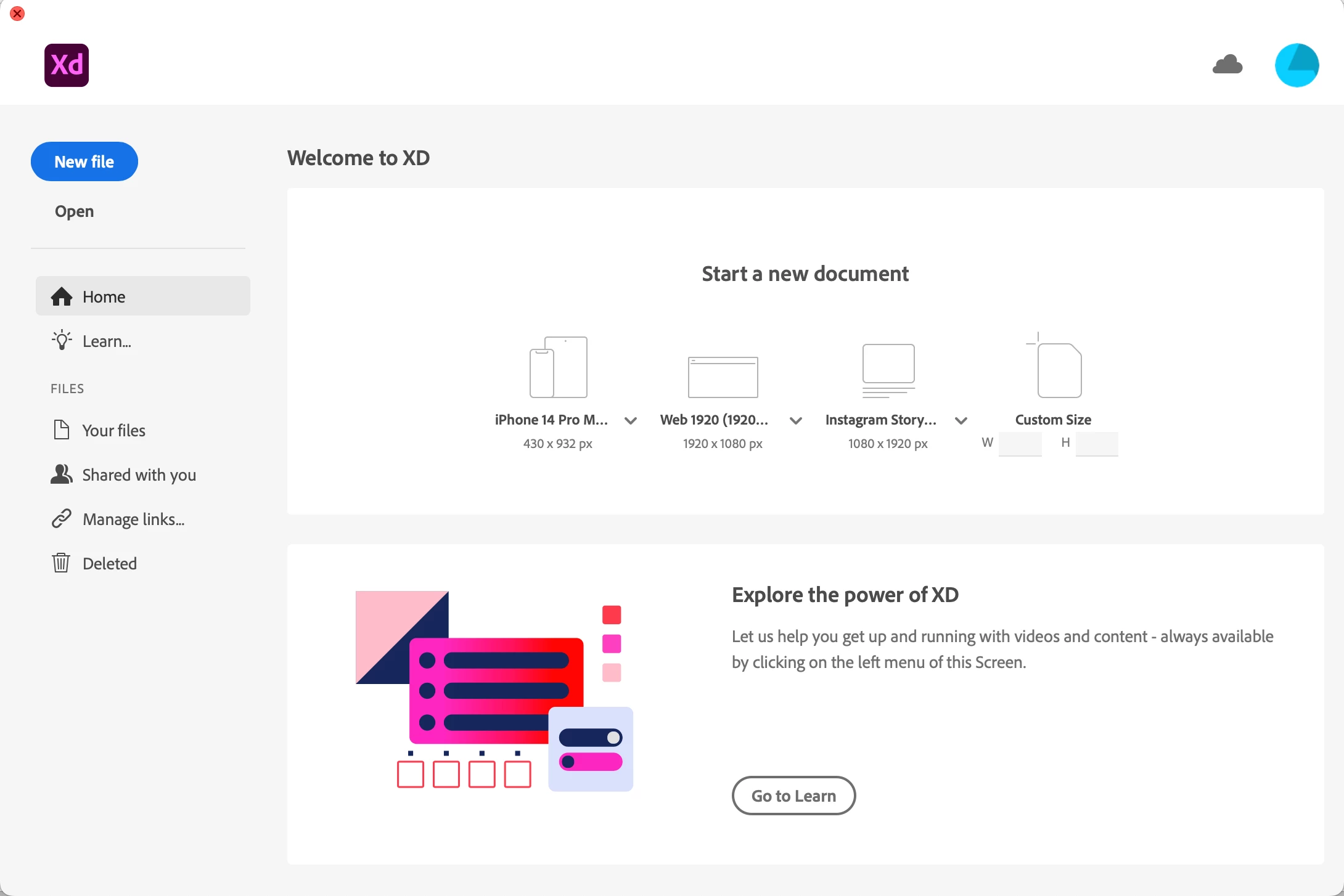
I can download the app and open it to the 'Welcome to XD' window. I can select all the options (if I select learn it takes me to a webpage etc). But when I open a new file the artboard appears, but then it's like nothing else works. I can't select any tools or menu items (can't import, save, quit etc).
I can only close the application by force quitting. It's almost like there is a pop-up window/dialogue box somewhere that I can't see.
I'm on a macbook pro m1, running ventura 13.3.1 (I upgraded from 13.0.1 today in the hope it would help). The XD version is 56.1.12.1 arm64, Creative Cloud Sync 6.5.0.24.
I've uninstalled & reinstalled a couple of times, both via creative cloud and moving to trash, both before and after updating the OS. Any help apprecaited.
 AdChoices