Itt would n't upload my files to here directly so I've put them in a dropbox folder:
https://www.dropbox.com/sh/8zk5cnobnh6sl27/AACyK8ftAUBgTWeATwT0INRga?dl=0
Just took a look at the file, going to describe the different issues and how to fix them.
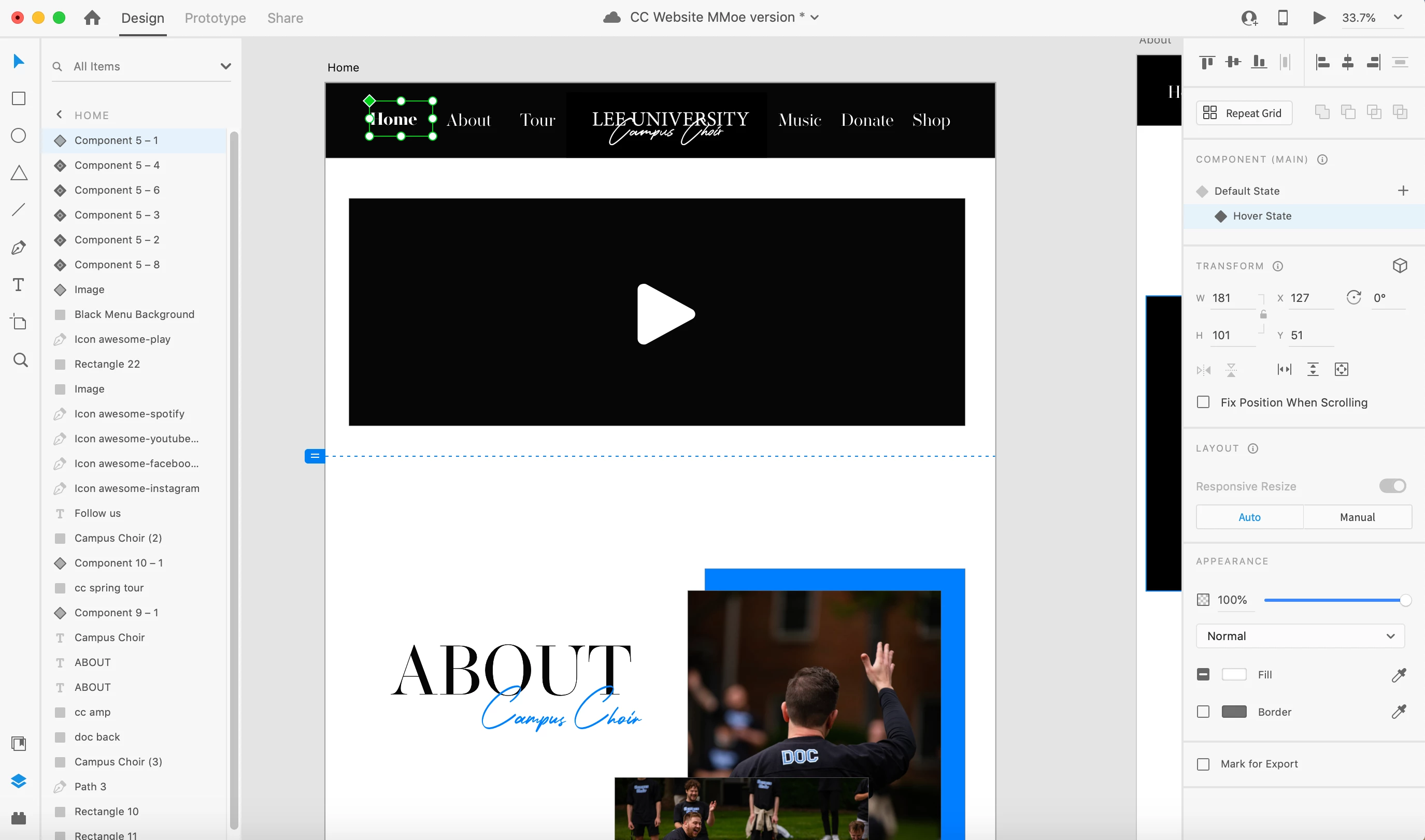
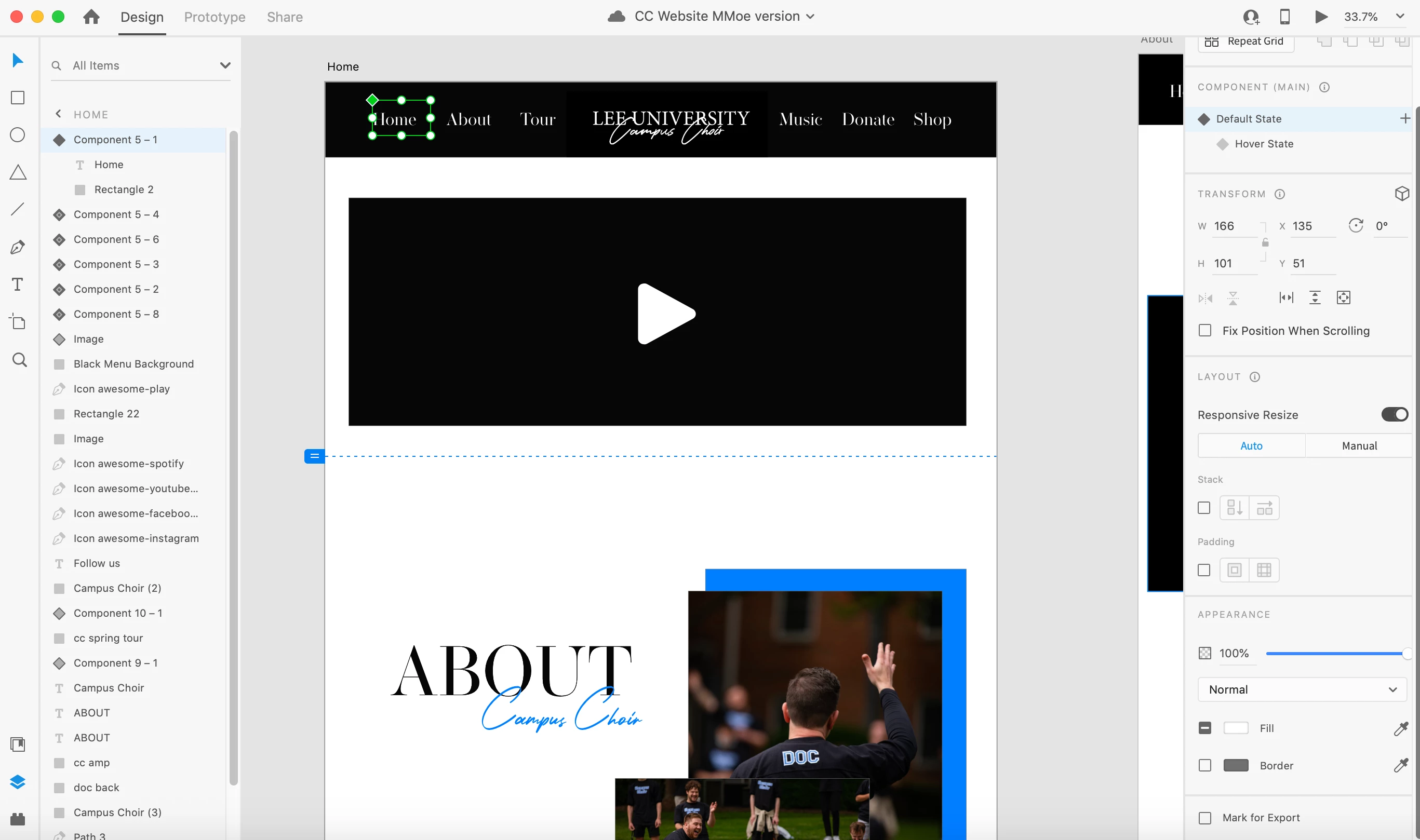
1. For the hover effect, for some reason there was no hover interaction, as I suspected. The "Hover State" is just like any other state, with the difference that it has a hover interaction applied by default to the default state, but you must have deleted it by accident for some reason.
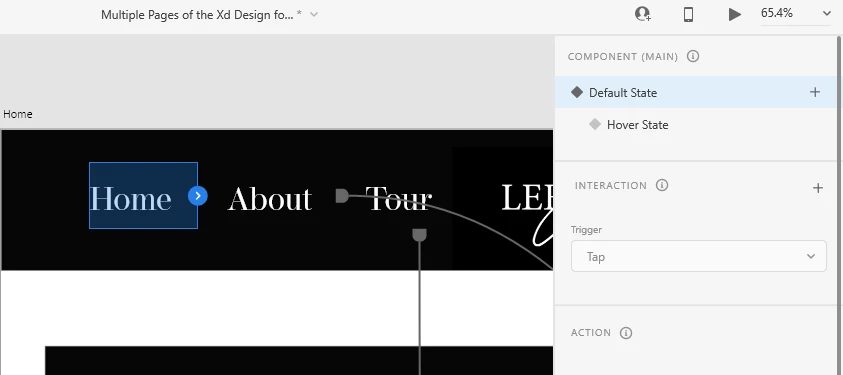
Instead, it should be like that:
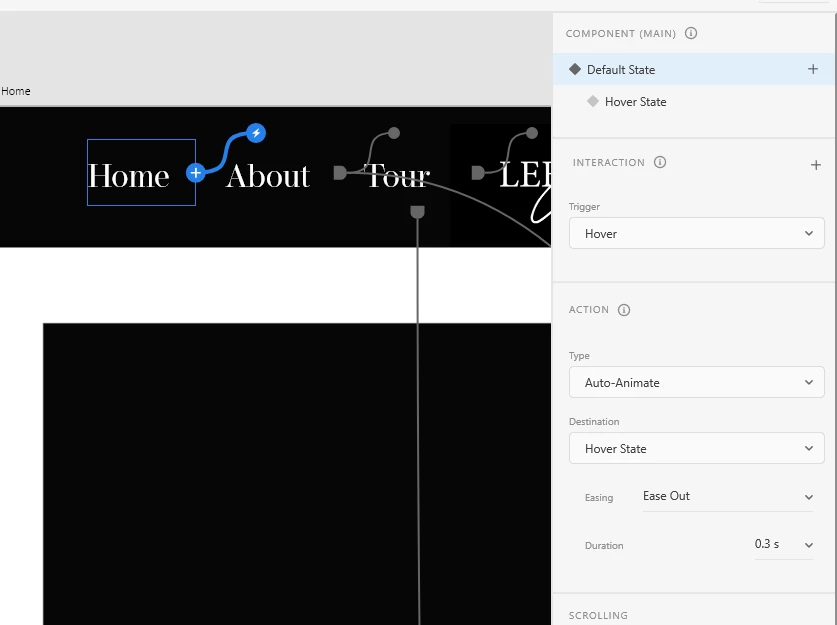
You can add it by either clicking on the blue arrow on the component, or on the + icon in the Interaction tab on the right, and set the interaction to hover. The destination should be the hover state.
For the transition to a different page from that same button, you can do 2 things:
- Add a second interaction with "Tap" to the default state, that will point to a different page.
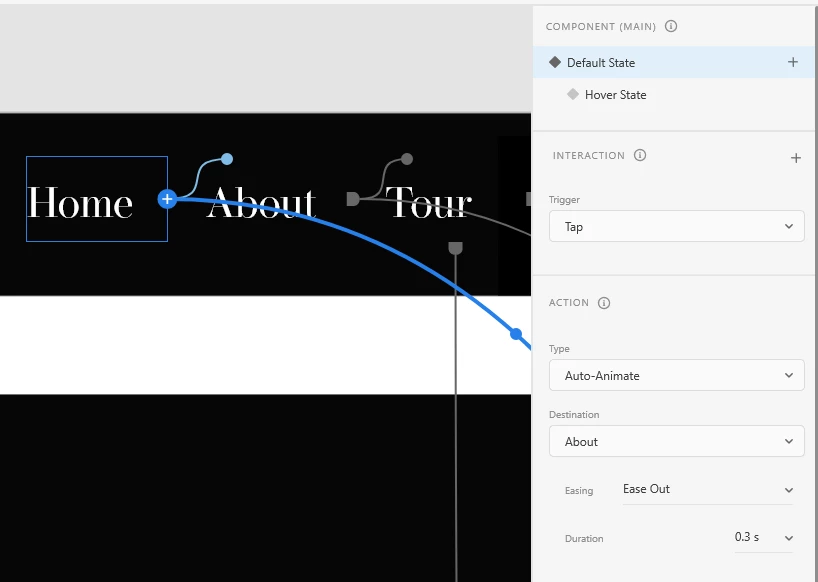
- Add the transition to the hover state.
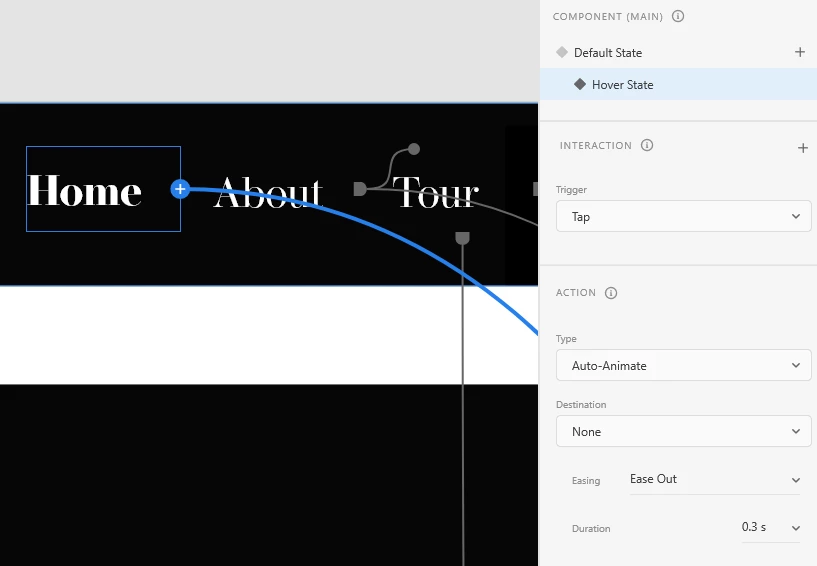
I also prefer to remove the animation on the hover state, unless necessary, since Xd waits for the small transition to finish before letting you click on the menu item, which feels disruptive. Instead of Auto-Animate I use Transition, and set the animation to None for hover states.
2. Setting up the menu: The proper way to prototype the menu is to make it a component on a separate artboard on its own, and create the links to all the pages. Then add it as a component to each page, so you won't have to redo the wiring for each page, since a menu item can't point to it's own page. This way you will see on each page only the link to itself is gone, while the rest are working fine.
Also, on each page, you switch the current page item to its hover (active state).
3. Menu item components: Instead of a pseudo rectangle behind the element to mark the clickable area, use padding on the component. I also prefer to center the text and use auto-width for the text elements, which avoids some weird displacement happening between states and different text.
4. Viewport height: I noticed you have different viewport heights on the lower pages, which creates some weird re-framing in the prototype, you should aim to make them all the same.
I've fixed all these for you, so you can see how I would set it up. Here's the file.




 AdChoices