
Participant
July 14, 2022
Answered

XD link display is too small in Chrome

  • July 14, 2022
  • 1 reply
  • 577 views

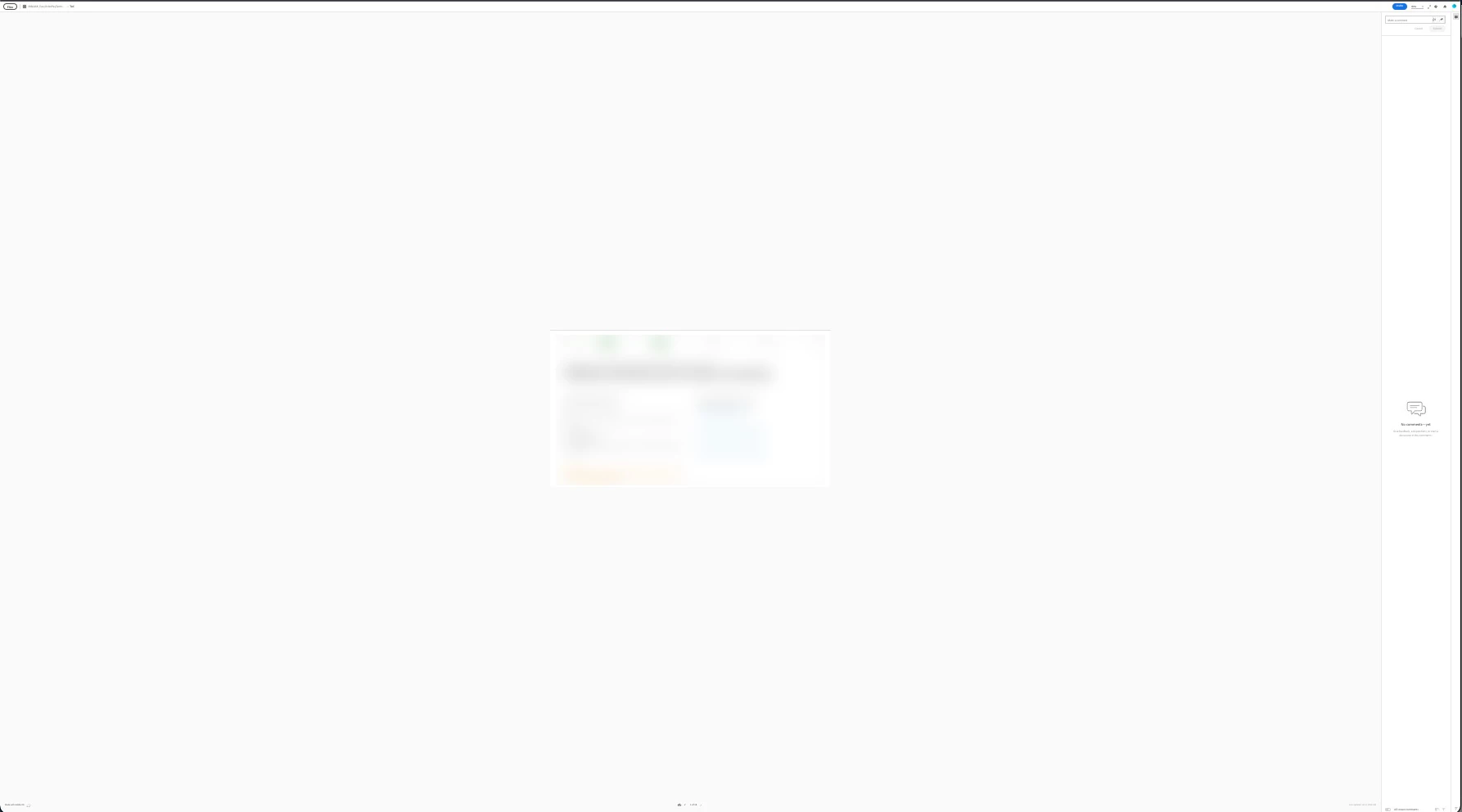
All was fine yesterday, this morning when I opened a link to add comments the comments section is tiny, and the prototype is zoomed out. I did not change my Chrome settings, yes hardware acceleration is on; yes I cleared my cache; and Chrome is up-to-date. Not happening in Firefox.
    This topic has been closed for replies.
    Correct answer AkinGn

    Glad you're able to fix it! Usually regular text looks too small for me on laptop screen so I increase the text size on chrome using the settings by typing to browser address (actually I keep one settings tab open in order to be able to change font size back to medium as I want to see designs as they are since some sites can get affected by it, the ones that size the fonts with accessibility in mind by using proportional units)  chrome://settings/?search=appearance , there must be something changed there, maybe with some shortcuts (I guess cmd/ctrl-+ or something?). Happy creating! 

    1 reply

    Gwyn5CA5Author
    Participant
    July 14, 2022

    Never mind I fixed it. I have no idea how the setting was changed but it's fixed.

    AkinGn
    Community Expert
    AkinGnCommunity ExpertCorrect answer
    Community Expert
    July 15, 2022

    Glad you're able to fix it! Usually regular text looks too small for me on laptop screen so I increase the text size on chrome using the settings by typing to browser address (actually I keep one settings tab open in order to be able to change font size back to medium as I want to see designs as they are since some sites can get affected by it, the ones that size the fonts with accessibility in mind by using proportional units)  chrome://settings/?search=appearance , there must be something changed there, maybe with some shortcuts (I guess cmd/ctrl-+ or something?). Happy creating!