
Participating Frequently
June 29, 2022
Question

XD open without artboard

  • June 29, 2022
  • 1 reply
  • 1440 views

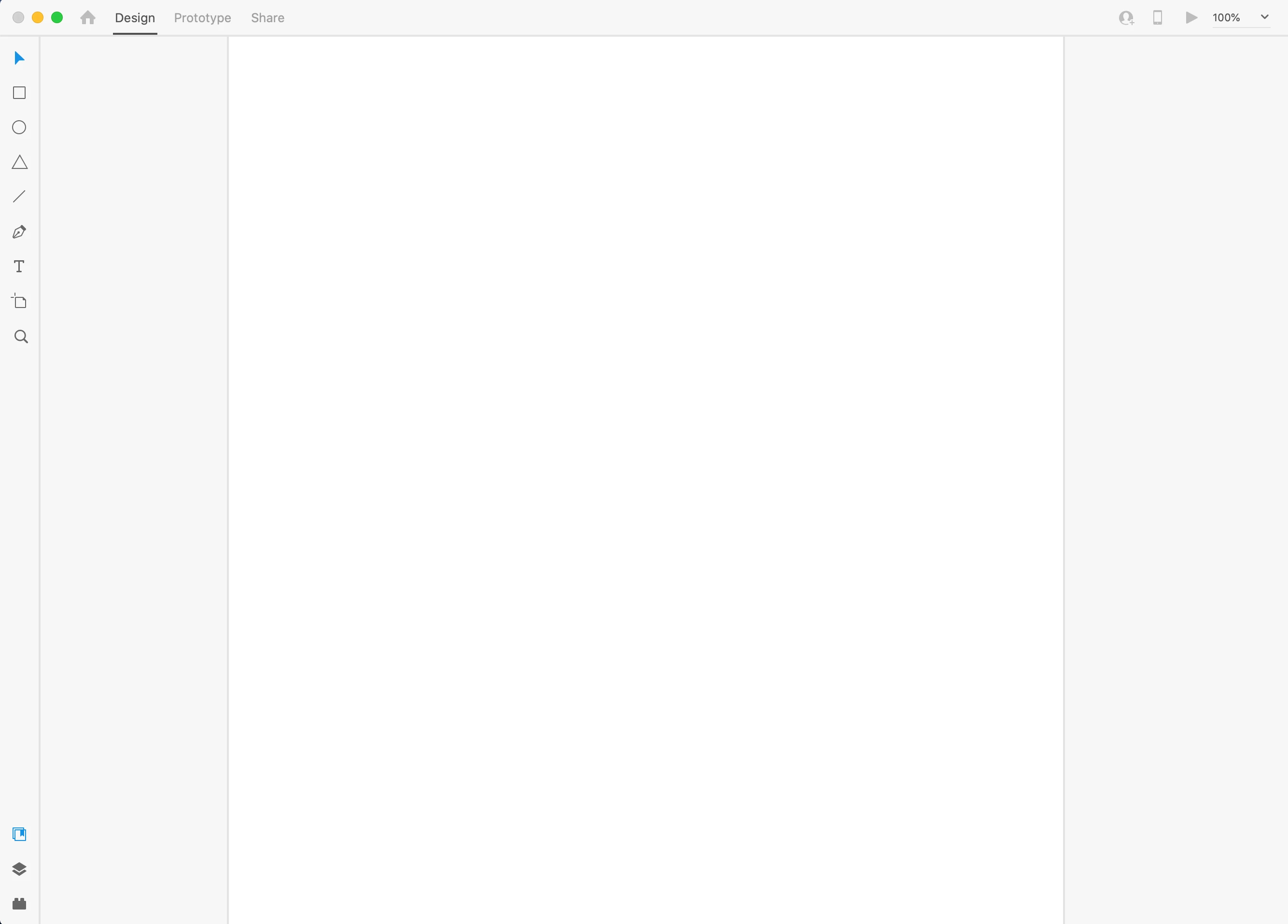
When I chose an artboard preset or open an Xd file I am getting this static display and am not able to use anything.  The art board doesn't show up or anything. I have quit and reset my computer, uninstalled it and cleared it completly with the clearer, and can't find any remedy online. What gives?


<Title renamed by moderator>

This topic has been closed for replies.

1 reply

HARSHIKA_VERMA
Community Manager
Community Manager
June 29, 2022

Hi @marshallorion,

We are sorry to hear you're having trouble using XD. Could you please try the below steps?

  • Logout of XD and Creative Cloud desktop app
  • Close all the XD and Creative Cloud processes from the task manager/activity monitor
  • Restart the machine
  • Launch XD from the Creative Cloud desktop 


If that doesn't help, please share the screenshot of your " About XD" info from the " Help" menu.


We will try our best to help.


Thanks,

Harshika

Participating Frequently
June 29, 2022

That did not work.

Everything is still greyed out and I can't click on anything on the tool bar. The close button doesn't even work at the top right corner; I have to open up the "Force Quit" application to close it.

The About XD info is attached below.

HARSHIKA_VERMA
Community Manager
Community Manager
June 29, 2022

Thanks for checking. Would you mind trying the steps suggested in this article and let us know if that helps? If that doesn't help, please generate logs and upload them to a shared location such as CC or Dropbox and share the URL with me over a private message so that we can escalate the issue for investigation.


We will try our best to help.


Thanks,

Harshika