Answered
XD prototype doesn't work
Hi there,
Hopefully one of you guys can help me here...
I'm doing a prototype in XD but the areas is the grey so no options to use it.
I just updated XD - could that be the reason?
- Anja

Hi there,
Hopefully one of you guys can help me here...
I'm doing a prototype in XD but the areas is the grey so no options to use it.
I just updated XD - could that be the reason?
- Anja
Hi,
Sorry to hear that, Can you share share a screenshot of your design in prototype mode and OS version.
Please can you check whether you are able to click + icon near interaction by selecting any artboard or object. Please check below screenshot.
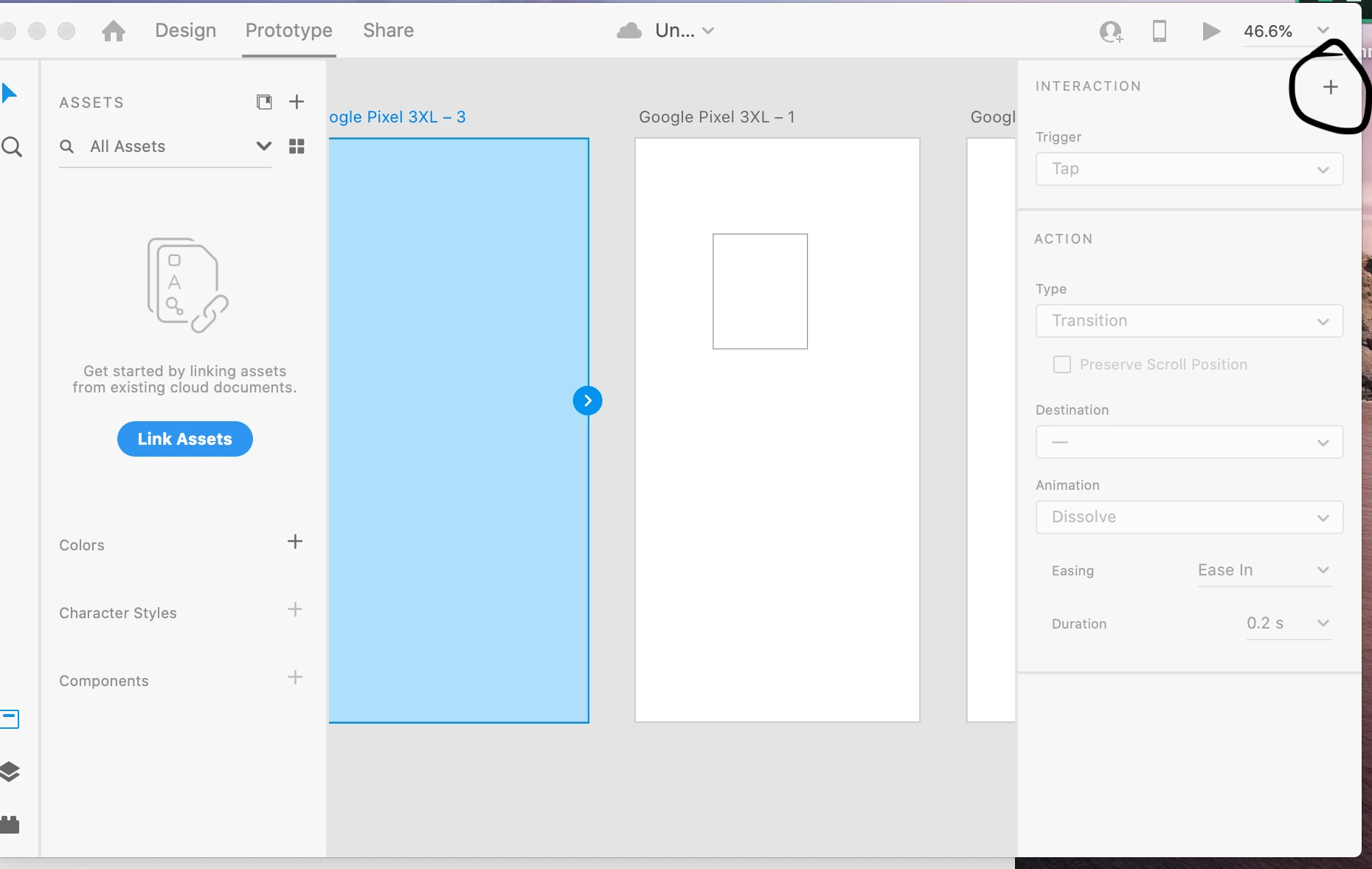
Please let me know if its help.
Thanks,
Vertika Gupta
Adobe XD
Already have an account? Login
Enter your E-mail address. We'll send you an e-mail with instructions to reset your password.


 AdChoices