
Participant
January 29, 2020
Answered

XD Prototype image is not showing in prototype link.

  • January 29, 2020
  • 3 replies
  • 9753 views

I have an problem with XD image not showing in prototype, its showing in grid view but when i open to a page image is not showing here are few images please check them


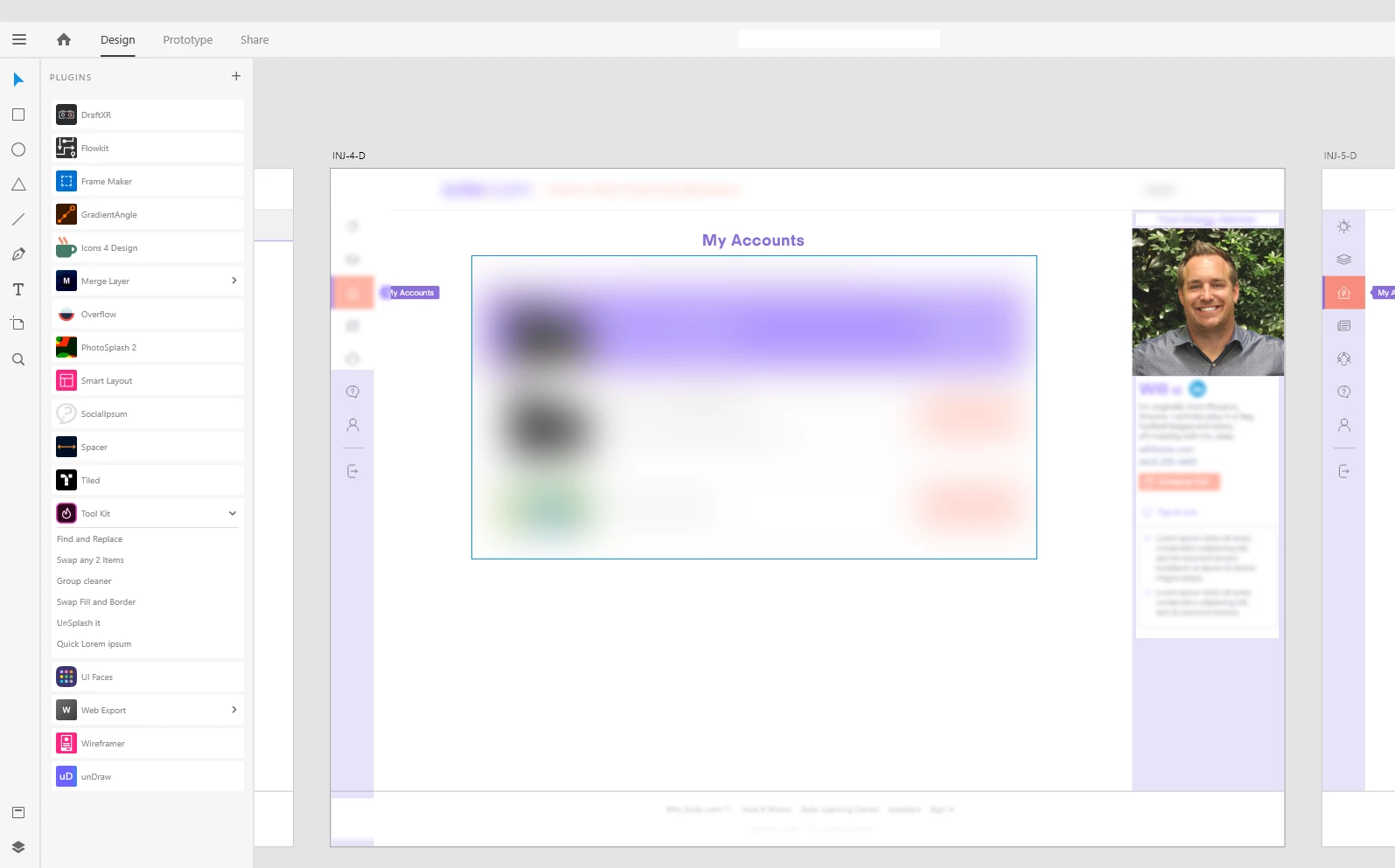
Adobe XD Working File
 

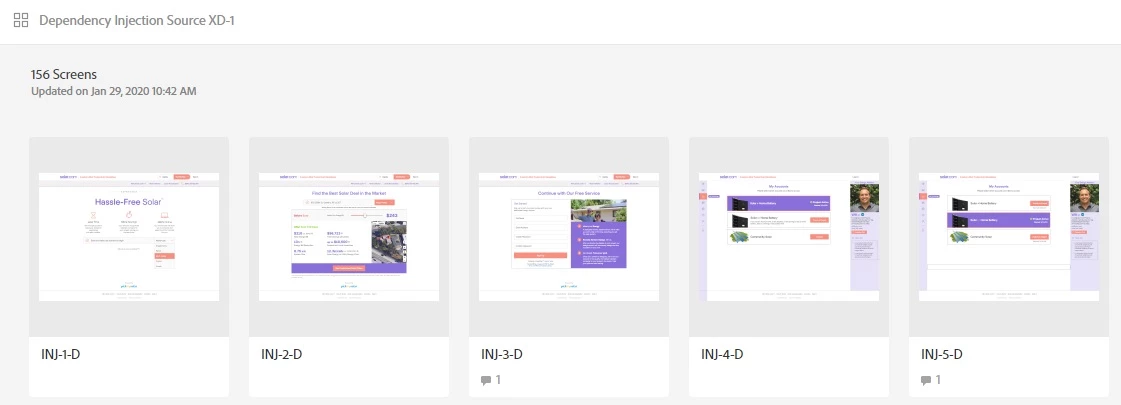
Prototype Grid View Image is showing


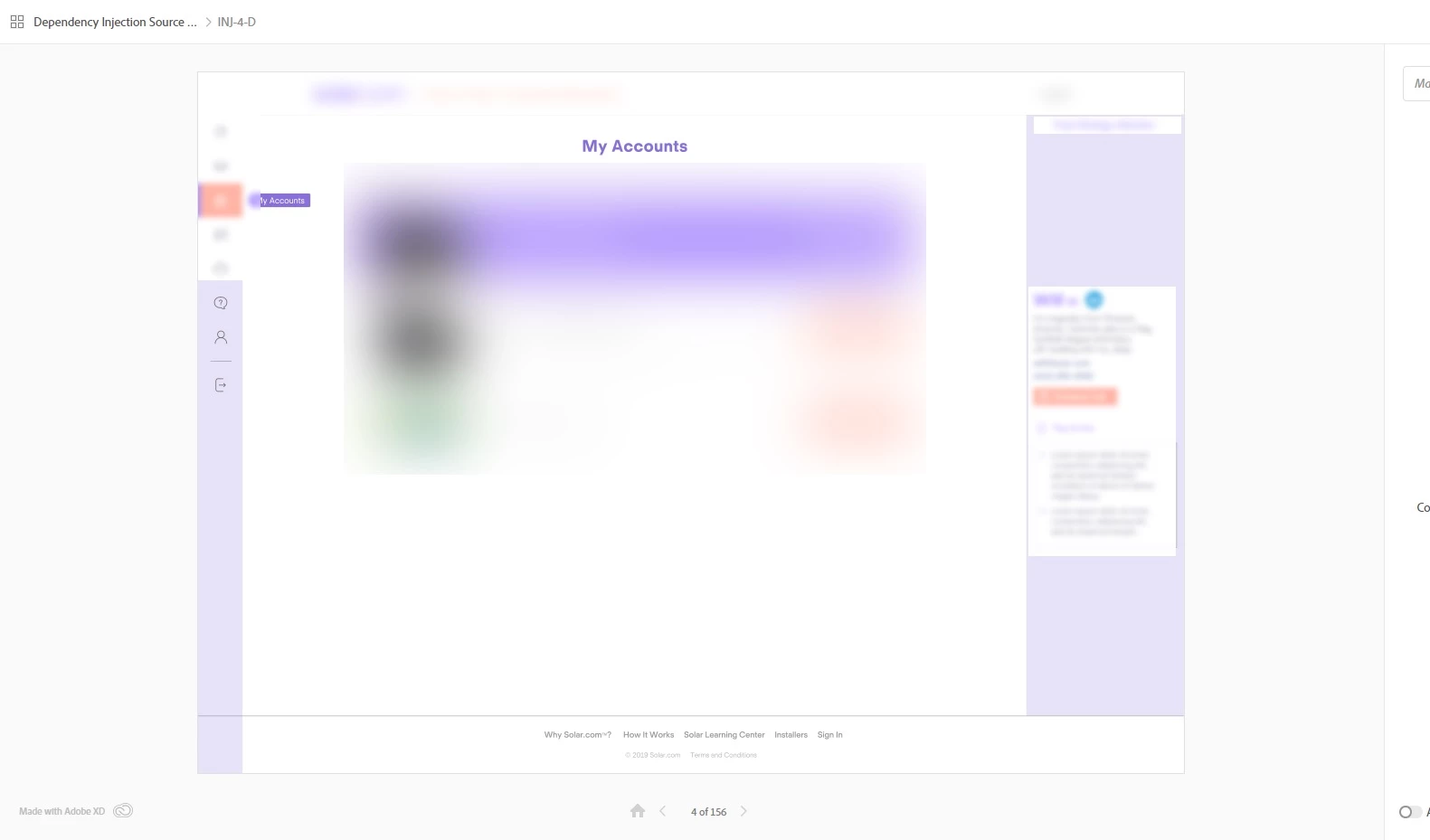
Full Prototype View Image is not showing
 

<The Title was renamed by moderator>
This topic has been closed for replies.
Correct answer Ash Yao

Hi @Ash Yao,


I am unable to access the link you shared. Could you please share the link and file with me over a private message so that I can look into the issue? 


I will try my best to help.


Thanks,

Harshika


Harshika helped me find the issue.

RESOLUTION

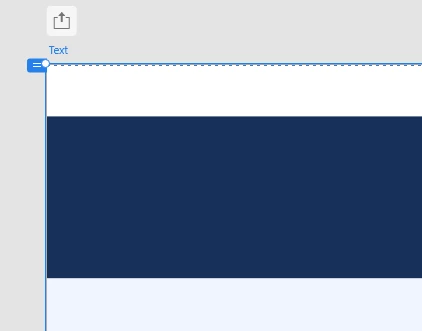
  1. Check the artboard in question that has the issue of showing only a line.
  2. Go into Prototype tab, then in the top left corner, the view port height was not set up correctly. (See pic attached)
  3. Drag the view port down to the bottom of the artboard, then the preview displayed correctly.


This really helped!!

3 replies

Participant
September 16, 2022

I faced the same issue. Instead of creating a new link, I opened the image in photoshop and saved it for web as png and included this image. Now image is visible in the link.

Participant
April 8, 2021

Hi,

I had this problem and solved it by deleting the link and creating a new link on the "share" tab of Adobe XD. 

1- go to share tab on Adobe XD

2- click the dropdown menu "link" then click on "manage links..."

3- click the "..." on your bugged prototype

4- click delete permanantly

now the problem should be fixed if you share your prototype with a new link.


have a nice day.

@Malin S. @paulopinto 

Participant
April 8, 2021

Thanks for the tip @kabal however that solution will not work for me because my link contains about 20 comments which I don't want to loose.

HARSHIKA_VERMA
Community Manager
Community Manager
January 29, 2020

Hi Vijay,


We are sorry to hear you are having trouble viewing you design images in XD. Would you mind sharing the OS and XD version of your machine? Is it happening with all the files or with this specific file? We would request you to please share the prototype link with us so that we can check at our end.


We will try our best to help.


Thanks,

Harshika

Participant
March 3, 2021

Hi!


I'm having the exact same problem as Vijay. Some images are visible in Adobe XD but not in the browser when I have genereted a shared link. Other XD-files are working fine, I've only come across this problem in this specific file.


I am using MacOS Big Sur (11.2.2) and XD version 37.1.32.2, Creative Cloud Sync 4.7.0.1 and here is the prototype link: https://xd.adobe.com/view/51dd1e0d-4ba0-4039-8218-700dd7c77f7e-048e/ 


Thanks for your help,

Malin