
Participant
July 21, 2020
Answered

XD stuck on loading cloud file. Tried opening file once exported as local file, get error 86

  • July 21, 2020
  • 2 replies
  • 1916 views

I have a file saved on the creative cloud. A few days ago, I experienced zero issue opening/saving the file. I haven't opened the file till today.


The loading bar would progress quite quickly...to a certain point. Even after 10 minutes, the loading bar didn't change.
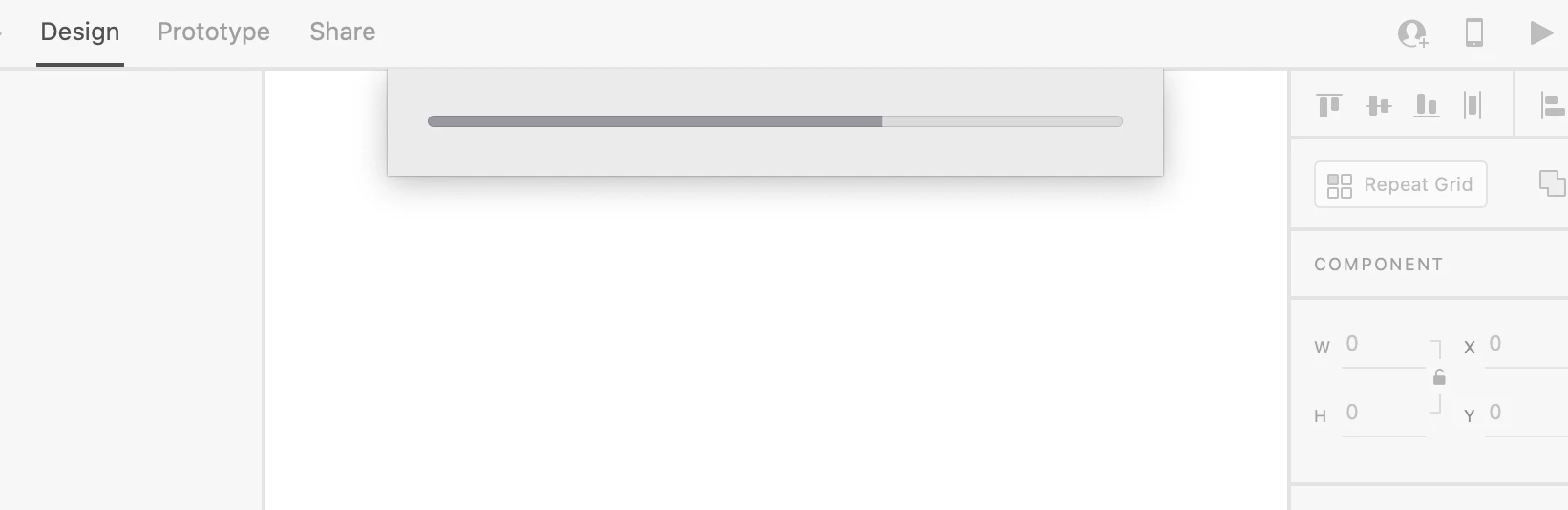


I thought maybe I needed to update my OS and XD. Did that. Currently on XD v31.0.12.23, and macOS Catalina v10.15.6. Restarted my laptop. Loading bar would still get stuck.


Reinstalled XD. Same ending. I don't know if it's considered crashing on my mac, since my device never indicated that the XD was not responding when I right click on the dock icon.


I then exported the file as a local file via Creative Cloud > Your Work, and tried opening the file from there. Loading bar didn't get stuck, except I got the error 86 message that said "This is not a valid XD file."


As I don't have any other devices to test whether it's just my laptop or the file, I then tried duplicating the local file and gave the new file a different name. Same error 86 message.


This is quite frustrating. It just seem the software is a bit temperamental - one day everything works beautifully, and then another day I can't even open the file.


Can an Adobe team member assist please?

This topic has been closed for replies.
Correct answer Rishabh_Tiwari

Hi there,


Sorry to hear about the trouble. Could you please check if you can see a copy of the file here: https://assets.adobe.com/cloud-documents


If yes, please try opening the file from there. If you don't see the file there, will it be possible for you to share the file saved locally on which you are getting error 86? We will need to escalate this further to troubleshoot this. To share the file, you can add it to cloud storage and share the link either here or you can send a DM to me.


Note: While sending a DM, please add this discussion link in the subject.


Regards

Rishabh

2 replies

Participant
March 20, 2021

I got this problem from opening a cloud document. Had to move the document into a folder inside the cloud to be able to open it inside XD.

Participant
March 24, 2022

Genius!

Rishabh_Tiwari
Community Manager
Rishabh_TiwariCommunity ManagerCorrect answer
Community Manager
July 21, 2020

Hi there,


Sorry to hear about the trouble. Could you please check if you can see a copy of the file here: https://assets.adobe.com/cloud-documents


If yes, please try opening the file from there. If you don't see the file there, will it be possible for you to share the file saved locally on which you are getting error 86? We will need to escalate this further to troubleshoot this. To share the file, you can add it to cloud storage and share the link either here or you can send a DM to me.


Note: While sending a DM, please add this discussion link in the subject.


Regards

Rishabh