

Participant
February 11, 2021
Answered

XD : Unable to export asset

  • February 11, 2021
  • 1 reply
  • 6015 views

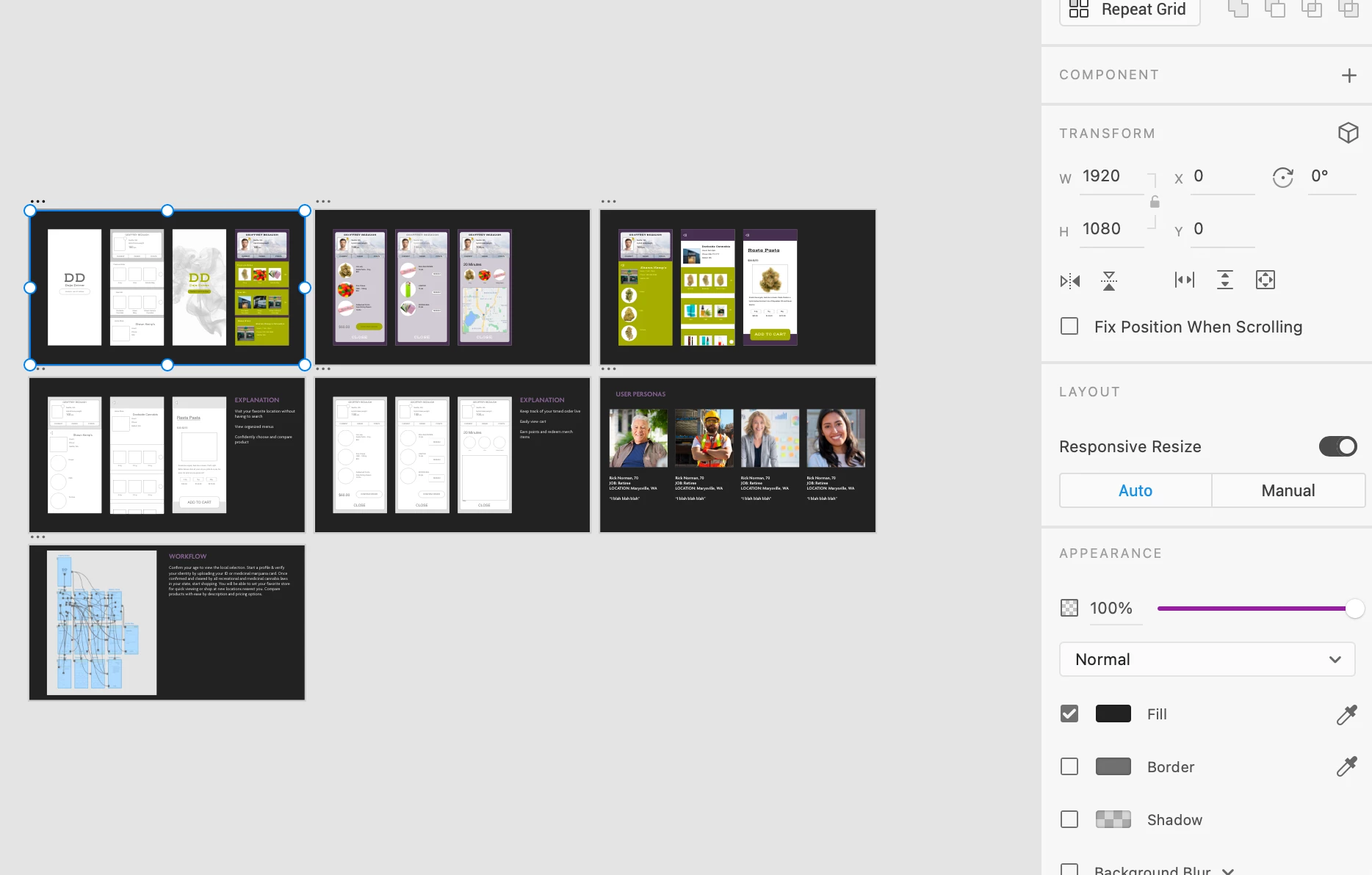
I dont know why my artboards won't export at all, it just says error and says it could possibly be the size that is the problem but... I used 1920 x1080 which is a template option


{Title renamed by MOD}

This topic has been closed for replies.
Correct answer Rishabh_Tiwari

Hi Keanna,


Sorry to hear about the trouble. Your export may not have completed due to one of the following reasons:


1. Your asset was too large. The size limit for exporting assets from XD is 16,000 x 16,000 pixels.

2. You may be exporting to a read-only or a locked directory.

3. One of the assets you may be exporting is under 1 x 1 pixel large, or an invalid object. For example, a path with only one point, or a text object with no text.


If that's not the case, please try exporting to a different location and let us know if that helps or if you need any further assistance.


Regards

Rishabh

1 reply

Rishabh_Tiwari
Community Manager
Rishabh_TiwariCommunity ManagerCorrect answer
Community Manager
February 11, 2021

Hi Keanna,


Sorry to hear about the trouble. Your export may not have completed due to one of the following reasons:


1. Your asset was too large. The size limit for exporting assets from XD is 16,000 x 16,000 pixels.

2. You may be exporting to a read-only or a locked directory.

3. One of the assets you may be exporting is under 1 x 1 pixel large, or an invalid object. For example, a path with only one point, or a text object with no text.


If that's not the case, please try exporting to a different location and let us know if that helps or if you need any further assistance.


Regards

Rishabh

Participant
September 23, 2021

I'm adding to this thread as I had the same issue and found a solution.


In my case no files would export and xd would either crash or say that there was an error exporting. I found that the folder I was trying to export to was marked as read only in windows. I tried to unmark it as read only but it kept resetting back no matter how many times I tried.


It was the Ransomware protection feature that was protecting my folders, meaning that xd couldn't write to a read only folder. To fix this you either have to turn off Ransomware protection in Windows (or your anti-virus software) or all xd as an allowed program so that it can write to protected folders.


I hope this helps someone as it was a very frustrating problem!

Participant
September 23, 2021

*add xd as an allowed program
