Participant
October 11, 2017
Answered

XD will not launch after updating.

  • October 11, 2017
  • 1 reply
  • 352 views

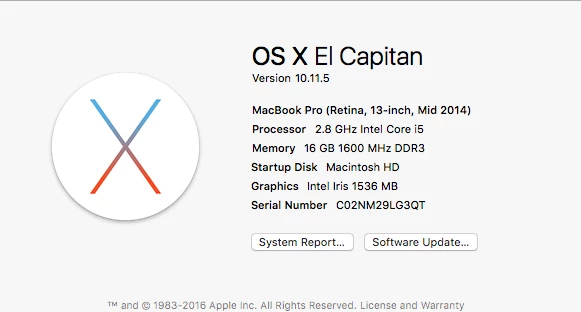
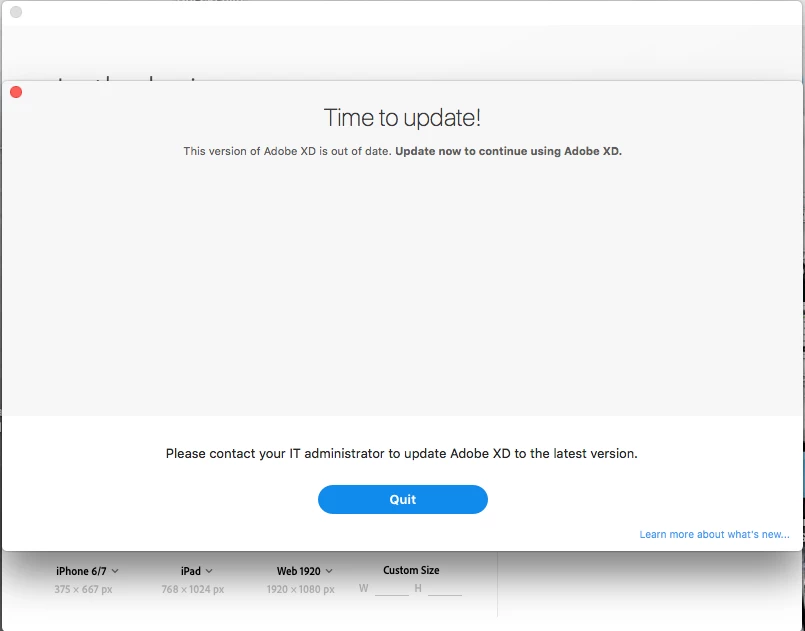
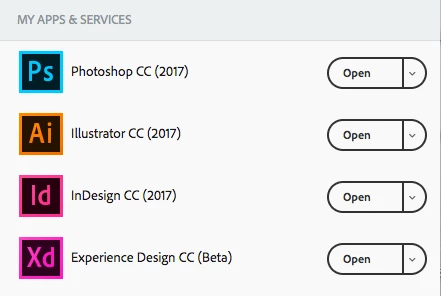
I updated my Adobe XD last evening and now I am unable to launch it. I get a blank window telling me to update which I've already done. There are no other options within this window other that to "Quit". What is also odd is that in the apps under my Creative Cloud it reads "Open" for XD. Normally it would say "Update" if it needed to be updated. See my screen shots.
This topic has been closed for replies.
Correct answer 97Converse

I wasn't aware admins would have control over what/when a user could update an application. Our IT Admin wasn't aware either but suggested that I uninstall XD and reinstall it thru the Creative Cloud panel and that worked. I am now able to run XD.

1 reply

elainecc
Participating Frequently
October 11, 2017

It looks like you'll need to contact your IT Administrator to update the version of XD that is available in your Creative Cloud instance. Your IT admins have chosen to control what version is available to you, which is why it looks like you're up to date.

Hope that helps!

-Elaine

97ConverseAuthorCorrect answer
Participant
October 12, 2017

I wasn't aware admins would have control over what/when a user could update an application. Our IT Admin wasn't aware either but suggested that I uninstall XD and reinstall it thru the Creative Cloud panel and that worked. I am now able to run XD.