Hi,
It's hard to determine exactly what is causing that error without knowing what app is causing it. Since AIR is just a runtime, it by itself isn't the cause of the problem. I think I'd try a couple of things.
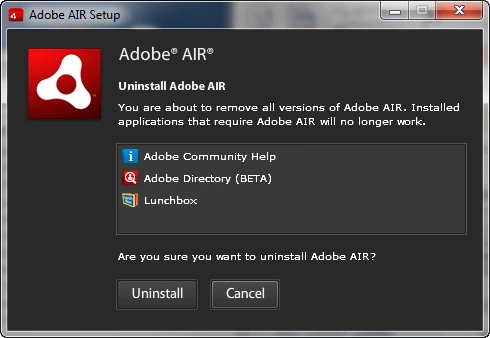
First, I'd initiate an uninstall of AIR via the uninstall programs control panel. The first thing you'll be presented with is a list of AIR applications that are installed. Here's what mine displays, note the 3 AIR applications I have installed on this system. Click cancel once you've written down the list of applications.
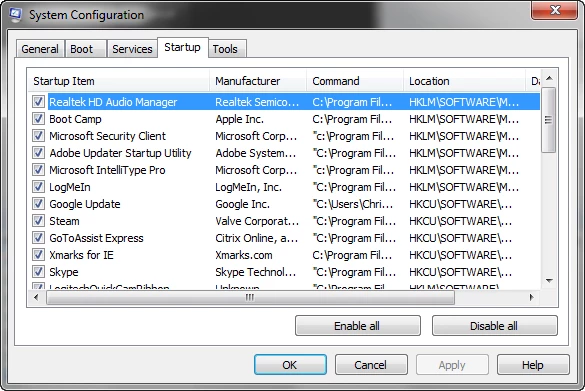
Next, launch msconfig and click the "startup" tab. Examine the list displayed against the list you wrote down earlier to determine if you have an AIR application launching at startup. If so, uncheck the app in msconfig and click apply. Reboot and see if the error still occurs. After resolving the error, I'd recommend uninstalling and reinstalling the offending application.
Hope this helps,
Chris




 AdChoices