
March 22, 2016
Question

Adobe Air - Sorry, an error has occured - Installing Problem

  • March 22, 2016
  • 2 replies
  • 5258 views

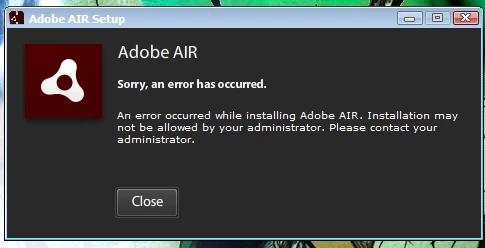
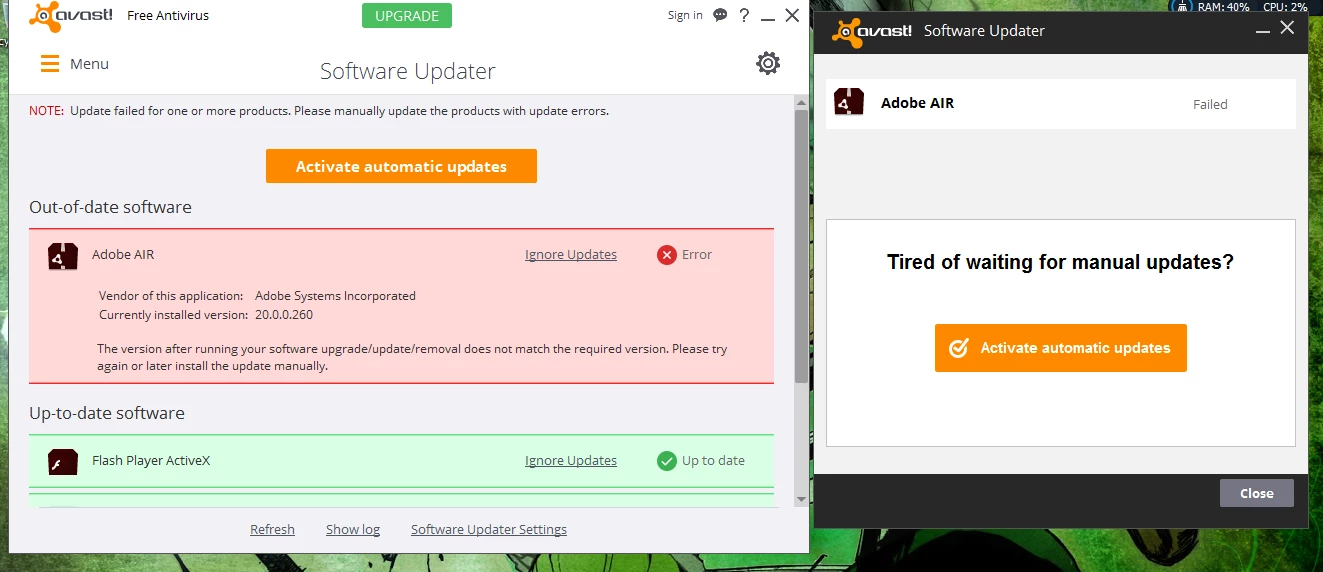
I just got this update today and when I update it through Avast Software Updated it fails, and when I install it manually, it tells me installation may not be allowed by my administrator. Why is this... When I "AM" the only user and administrator on this computer. Thanks. Here are some screenshots of what I am talking about.
This topic has been closed for replies.

2 replies

ericd4029456
Participating Frequently
April 8, 2018

I finally found something that worked for me (Windows 10).

- After downloading the Adobe Air .exe file, go to its location (usually in your Downloads folder) and right click on it.  Rather than clicking on "Run as Administrator" (which did not work for me), click on "Properties".

- Then go to the "Compatibility" tab.

- At the bottom of the Compatibility tab place a check beside "Run this program as an Administrator".

- Hit the "Apply" button and try running your Adobe Air install again.

Note: After doing this, I had to do the same steps for the program that I was initially trying to install that required Adobe Air as a pre-requisite.

thatsmauri
Community Expert
Community Expert
March 22, 2016

Hi marimozoro473,

please remove any older versions of AIR first by following this guide:
» Why installing Adobe AIR fails on Win 7 64-bit?

Next, download AIR from the official Adobe website and run the Installer as an Administrator:

» Adobe AIR | Deploy applications

Cheers,
Maurice

March 23, 2016

Hi thanks for the advice, I followed 99% of your directions, The first thing I have to delete I could not see in common files, so I don't know if its already gone or hidden in a different place so I still got the same error :/ got any advice here?