
Inspiring
June 3, 2015
Answered

Android fullscreen disabled when intent-filter added

  • June 3, 2015
  • 1 reply
  • 471 views

Hi, I want to launch my Android Air app whenever I it receives a custom url scheme.

In order to do that, I add the next text to the manifest

<android>
  <manifestAdditions>
   <![CDATA[

  <manifest android:installLocation="auto">

  <uses-permission android:name="android.permission.INTERNET"/>

  <application android:enabled="true">

       <activity android:name=".AppEntry">

            <intent-filter>

                 <action android:name="android.intent.action.VIEW" />

                 <category android:name="android.intent.category.DEFAULT" />

                 <category android:name="android.intent.category.BROWSABLE"/>

                 <data android:scheme="testScheme"/>

             </intent-filter>

       </activity>

  </application>


  </manifest>

  ]]>

   </manifestAdditions>
</android>


It works fine (testScheme://anything opens the app) BUT the autoOrients and fullScreen tags are ignored, I'm seeing the top bar of the application.
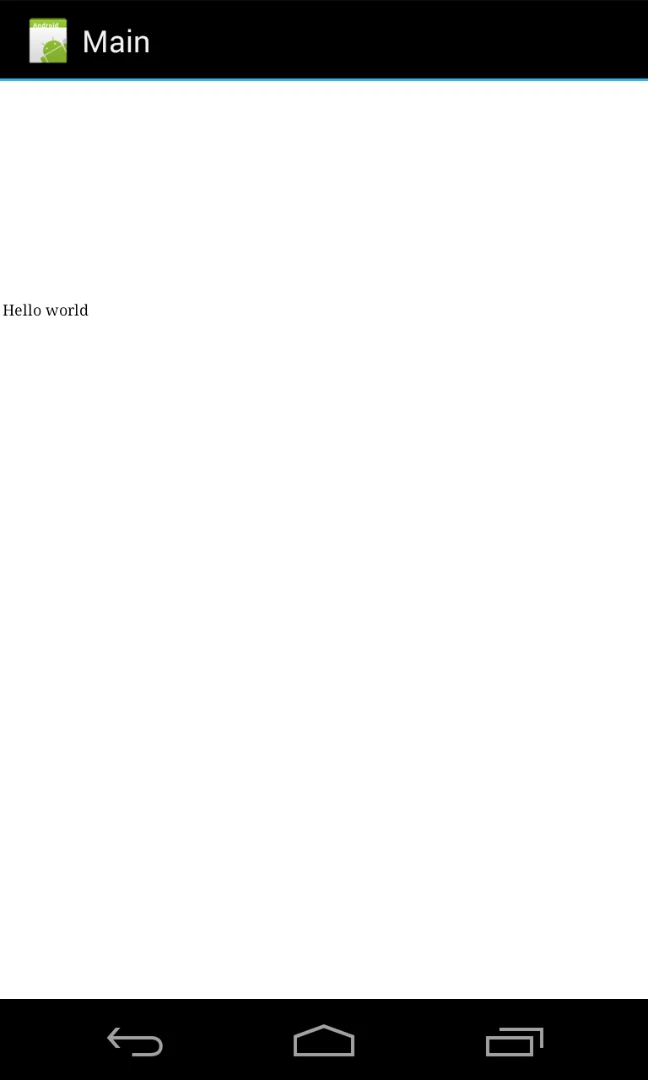


As you see, the app is a basic one. Just adding the intent-filter breaks everything.


Do you know where can be the problem? should I report a bug?


thanks!

This topic has been closed for replies.
Correct answer janoh10357173

Ok, solved it

The problem appeared because .AppEntry should not be called directly.

This solved the issue

<application android:enabled="true">

     <activity>

            <intent-filter>

                 <action android:name="android.intent.action.MAIN"/>

                 <category android:name="android.intent.category.LAUNCHER"/>

            </intent-filter>

            <intent-filter>

                 <action android:name="android.intent.action.VIEW" />

                 <category android:name="android.intent.category.DEFAULT" />

                 <category android:name="android.intent.category.BROWSABLE"/>

                 <data android:scheme="testScheme"/>

            </intent-filter>

     </activity>

  </application>

1 reply

janoh10357173AuthorCorrect answer
Inspiring
June 3, 2015

Ok, solved it

The problem appeared because .AppEntry should not be called directly.

This solved the issue

<application android:enabled="true">

     <activity>

            <intent-filter>

                 <action android:name="android.intent.action.MAIN"/>

                 <category android:name="android.intent.category.LAUNCHER"/>

            </intent-filter>

            <intent-filter>

                 <action android:name="android.intent.action.VIEW" />

                 <category android:name="android.intent.category.DEFAULT" />

                 <category android:name="android.intent.category.BROWSABLE"/>

                 <data android:scheme="testScheme"/>

            </intent-filter>

     </activity>

  </application>