


February 27, 2021
Question

Can’t figure out how to install Adobe Air

  • February 27, 2021
  • 2 replies
  • 54633 views

This rabbit hole is getting discouraging. I have downloaded  it ( erased and retried several times now actually)


I end up with a AIRSDK_Windows file in my downloads. Upon opening that I see the following 
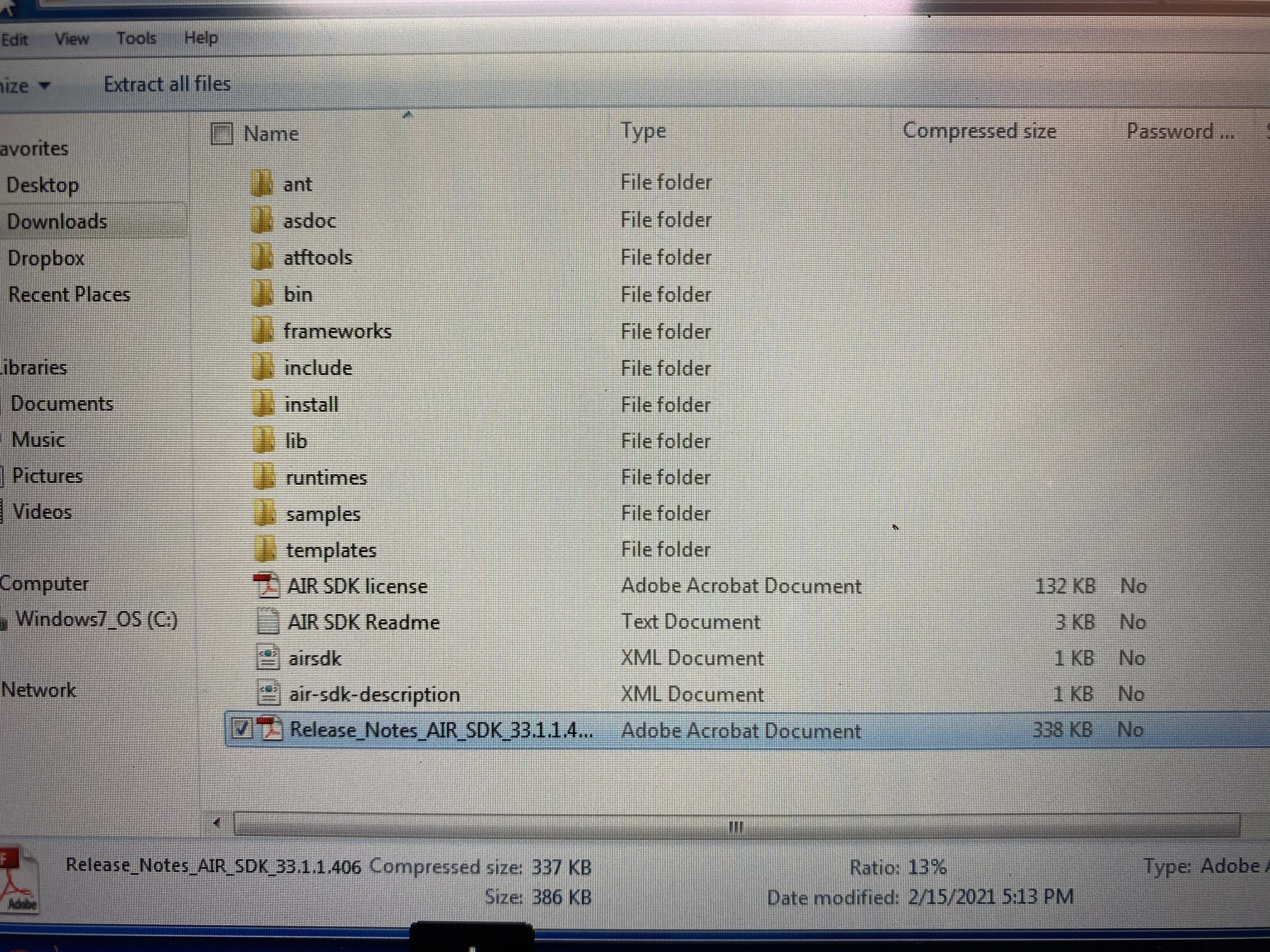
 From there I can click around but have not found anything that will install it for me. Upon a hint from one video I looked at, I did open the 'bin' folder and then there are a couple 'adl' applications in there - tried those but they did not seem to do anything either. I assume there's something in my computer that needs updating to make this work. I am not very computer savvy. I am lost. Ha ha. Any help would be much appreciated! 

    2 replies

    Participant
    February 27, 2021

    I was having the same problem, but I finally found where to download Adobe AIR!

    https://airsdk.harman.com/runtime
    Click on "Adobe AIR for Windows"
    Go to where it downloaded and run it to install. 
    Hope this helps!

    February 27, 2021

    Thank you kindly for the reply. That is where I downloaded it from. As far as I know the download is fine but I just can't figure out how to make it go. As in- install

    Participant
    February 27, 2021

    When you go to where it is after downloading, it should be called 'AdobeAIR.exe'
    Double left click on it or right click and select Open. 

    After that, a window will pop up saying Do you want to run this file? Click yes and the installation should start. It will tell you when it's finished. 

    February 27, 2021

    I am running Windows 7