
Can't reinstall or update app with cert problem
I have made small changes in my Desktop App, Flex+Air and now I can't install this app with same app id, like com.adobe.myapp/ After compile project I recive every time error on install my app.
"
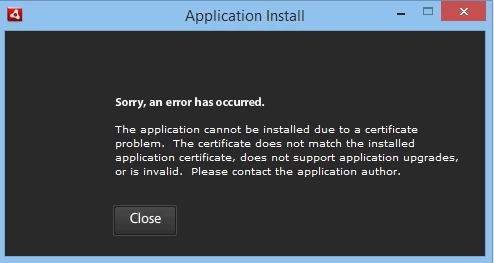
Sorry, an error has occured
The application cannot be installed due to a certificate problem. The certificate does not match the installed application certificate, does not support application upgrades, or is invalid. Please contact the application author.
"
if app-id changed I recive new error that: App can't be installed in same folder, and I can compile and istall only if I change App name and App Id< but in this case my app will lost all settings and DB files.
As I see, now Adobe AIR 4.0 made limits for counts of instalations. Why? Now I need to write to all manuals how to uninstall and move all files and settings for each users? Why I can't more update and install my app.


 AdChoices