mcanberk
Participant
May 30, 2014
Question

iOS Application Loader Error itms-9000 and Missing recommended icon file

  • May 30, 2014
  • 2 replies
  • 2095 views

Hi friends.

I'm using Windows 7 Ultimate. and I have Mac os x Mountain Lion on VMware Application.
I'm using Air SDK 14.0.0.103 or Air SDK 13.0.0.111 or Air SDK 4.0.0.1390 on Flash CC & Flash CS6

I have tried this air sdk and flash program. When I compiler on windows with this sdk and flash program. iPa file created on windows.

After, when I upload my app to apple with application laoder, but on mountain lion in VMware..

Verifying assets to itunes... etc..
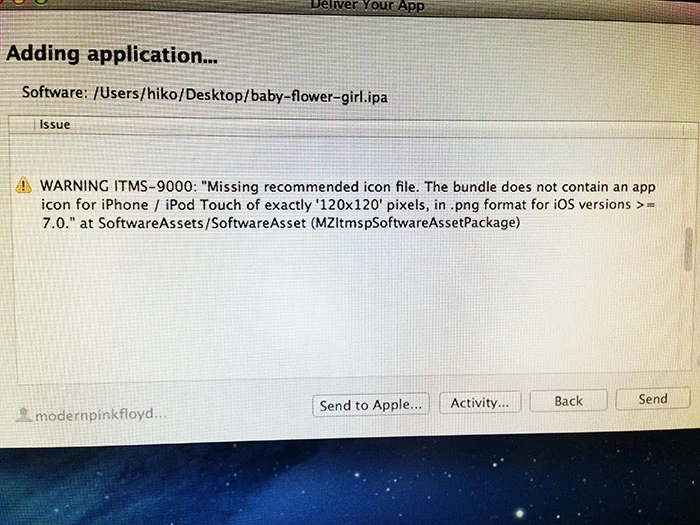
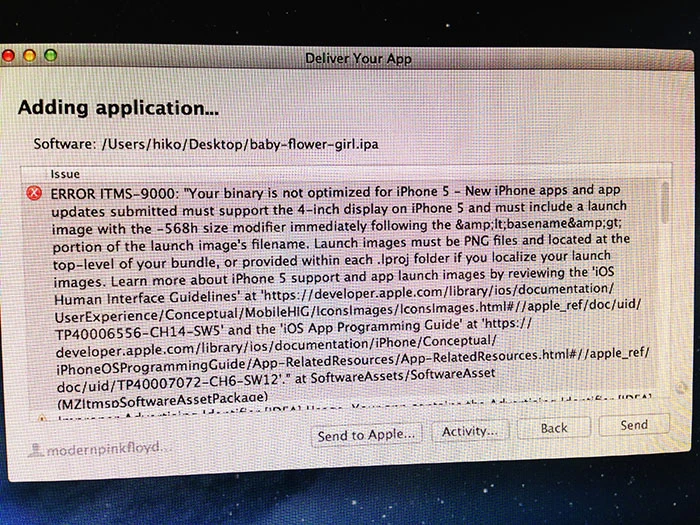
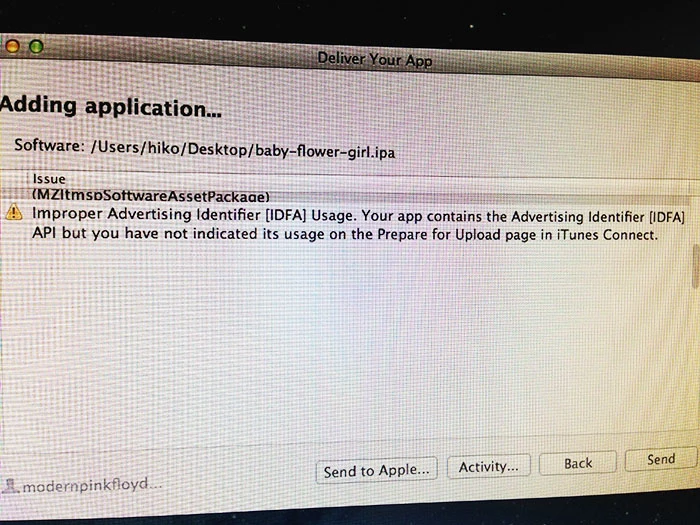
This errors.

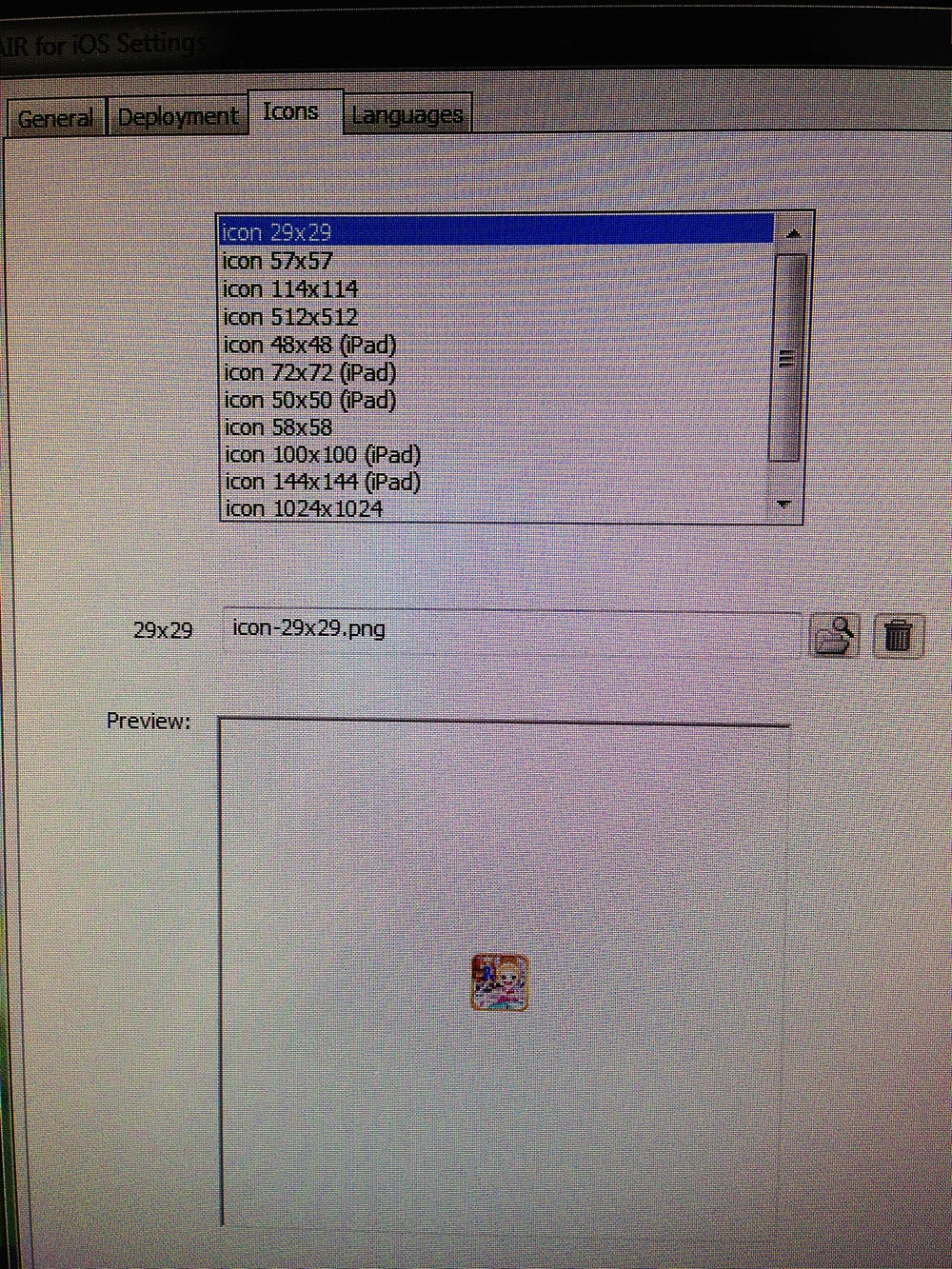
I have tried so much. But I cant solve this problem. Because I cant find other icon files? on this screenshots.
This topic has been closed for replies.

2 replies

MJD1981
Inspiring
May 31, 2014

With the advertising thing, you just have to tick "Yes" to IDFA and then every other box within that at the "ready to upload binary" part.

Glad you're getting coherent feedback on what is wrong. I've been stuck with "ERROR ITMS-9000: This bundle is invalid. The file is not a valid application bundle" for a week now.

SirRookie
Inspiring
September 26, 2014

Hi MJ

  I'm getting the Invalid bundle error since I tried yesterday to upload a new version. Just changed one picture. I' stuck as well.

Colin Holgate
Inspiring
May 30, 2014

That screen suggests that you haven't included a Default-568h@2x.png startup image.

mcanberk
mcanberkAuthor
Participant
May 30, 2014

Hi Colin.

Allright, How can I included to where? images folder? or swf's same folder or? Where's ? When I compiler ipa file? or iTunes Connect? Where I include this file? and which size? etc.
I'm working 2 days, not solve.

Colin Holgate
Inspiring
May 30, 2014

Do you have any splash screens at all? The -568h one would just be included in the same way you have added the other ones.