
sankar_g
Participant
June 21, 2020
Question

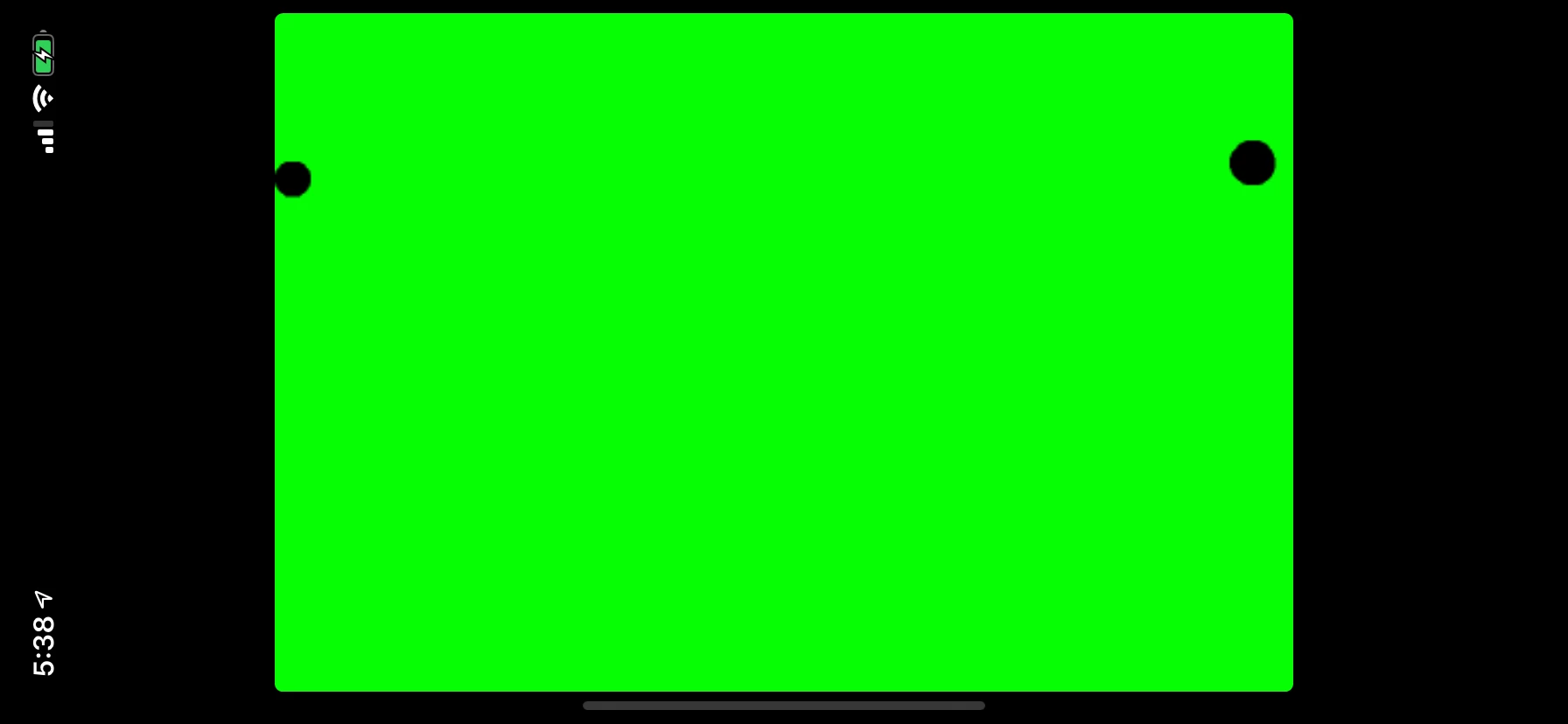
Iphone after adding the splash screen getting black Bars in Adobe Air?

  • June 21, 2020
  • 2 replies
  • 509 views

I am using Adobe Animate CC with Adobe Air SDK version 33.1.1.98 and i added the images what Adobe gave reference in there site

https://help.adobe.com/en_US/air/build/WSfffb011ac560372f-5d0f4f25128cc9cd0cb-7ffe.html#WS901d38e593cd1bac1e63e3d129907d2886-8000

I am using Iphone XR after adding below images with there resolutions

Default-896h@2x~iphone.png

Default-Landscape-896h@2x~iphone.png

i am getting black Borders in my application
This topic has been closed for replies.

2 replies

Lars Laborious
Legend
June 23, 2020

Also, you can ease up the process by using MyFlashLab's ANELAB software: https://www.youtube.com/watch?v=A-P7aJq0QZY 

Flipline
Inspiring
June 23, 2020

Adobe's documentation is a bit out-of-date, Apple requires all apps to include LaunchScreen Storyboards and icons provided in Assets.car now (both normally generated using Xcode on a Mac).  AIR unfortunately can't natively do this anymore, here are some tutorials on setting these up:


https://airnativeextensions.github.io/tutorials/ios-icons-assets-car

https://airnativeextensions.github.io/tutorials/ios-launchscreens


Once these are set up, it should work correctly without letterboxing the app.